 Download Online Help
 Print
|
|
|
|
|


Employee Sign-On / Sign-Off
This tool enables users to sign on and sign off when they arrive or leave their work station. This feature will only work for users who have a wall security password.
For more information about the Wall Security, please refer to the Wall Security section of the System Administration manual.
A screen will open that will prompt the user to enter their wall password. If the user does not have a wall password, please contact your system administrator for assistance.
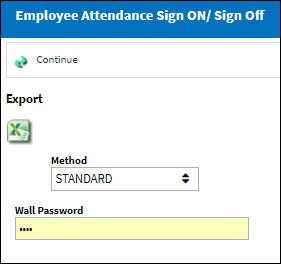
Enter the wall password and select the Continue  button.
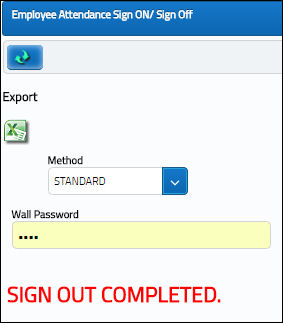
Note: Only the user logged into the system can sign on or off with his user login code. Other users who also want to sign on or off need to log in individually. To sign off again, repeat the above process and wait for the red background screen to flash.
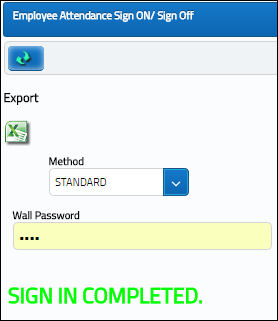
The system will display a message to notify the user of a successful sign-on/sign-off.
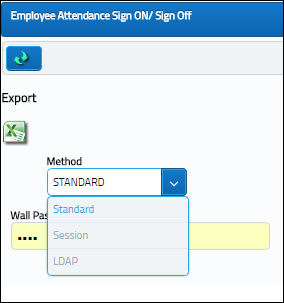
Users may also sign in using LDAP and Session options:
Download Online Help
Print
|
©1997-2018 Trax USA Corp. All rights reserved. This manual may not be copied, photocopied, reproduced, translated, or converted to any electronic or machine-readable form, in whole or in part, without prior written approval from Trax USA Corp. |
 |