 Download Online Help
 Print
|
|
|
|
|


W/O Audit
The Work Order Audit option is used to view/edit the status of Task Cards related to a specific Work Order. Refer to the below overview for the general step by step process of the Work Order Audit process. Refer to the provided links for detailed information on each window/tab.
W/O Audit Overview:
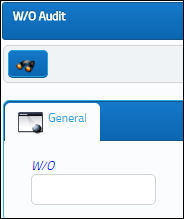
Select the W/O Audit window via Production/Update. Enter a W/O then select the Find  button.
Users are sent to the W/O Task Card audit window. This window resembles the W/O Task Card window accessed through the T/C Work  button. in this audit window however, notice the Audited checkbox and Audit Result field.
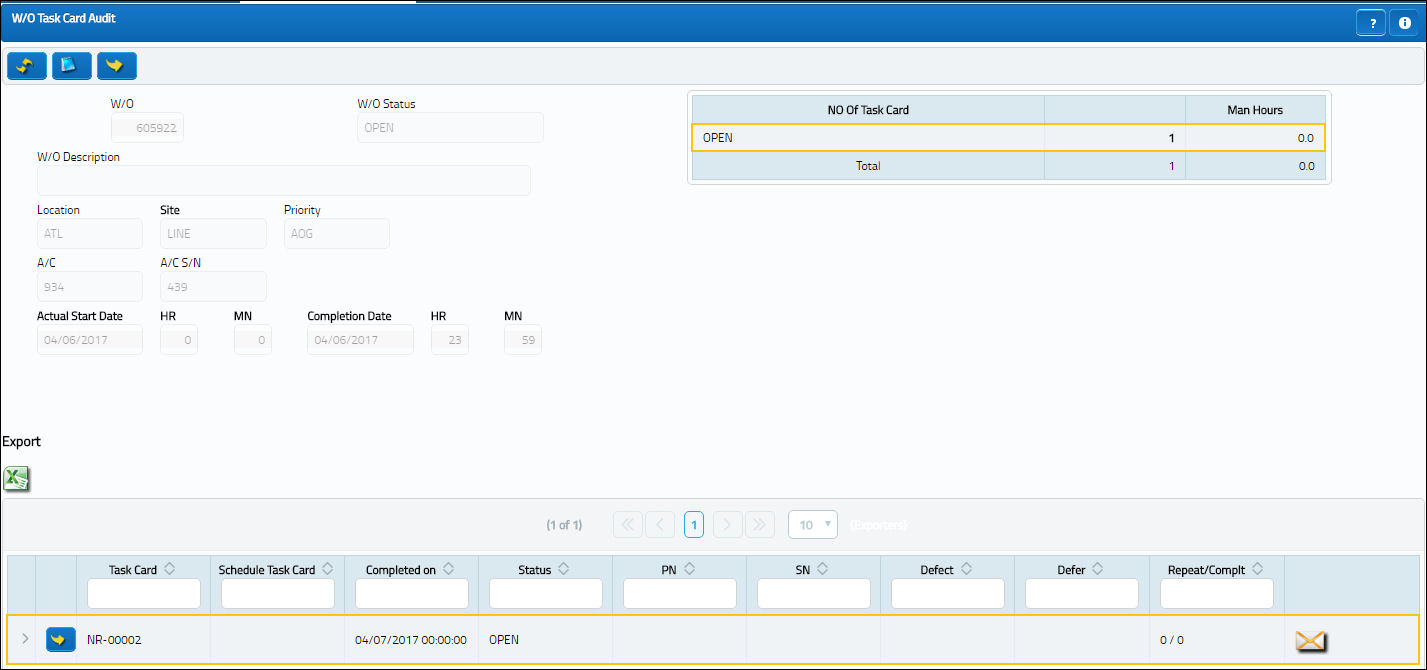
Select the Task Card by clicking the Select  button to enter the W/O Task Card window. Users can review the details of the work performed on the Task Card. Once it has been reviewed, click the Select button to proceed.
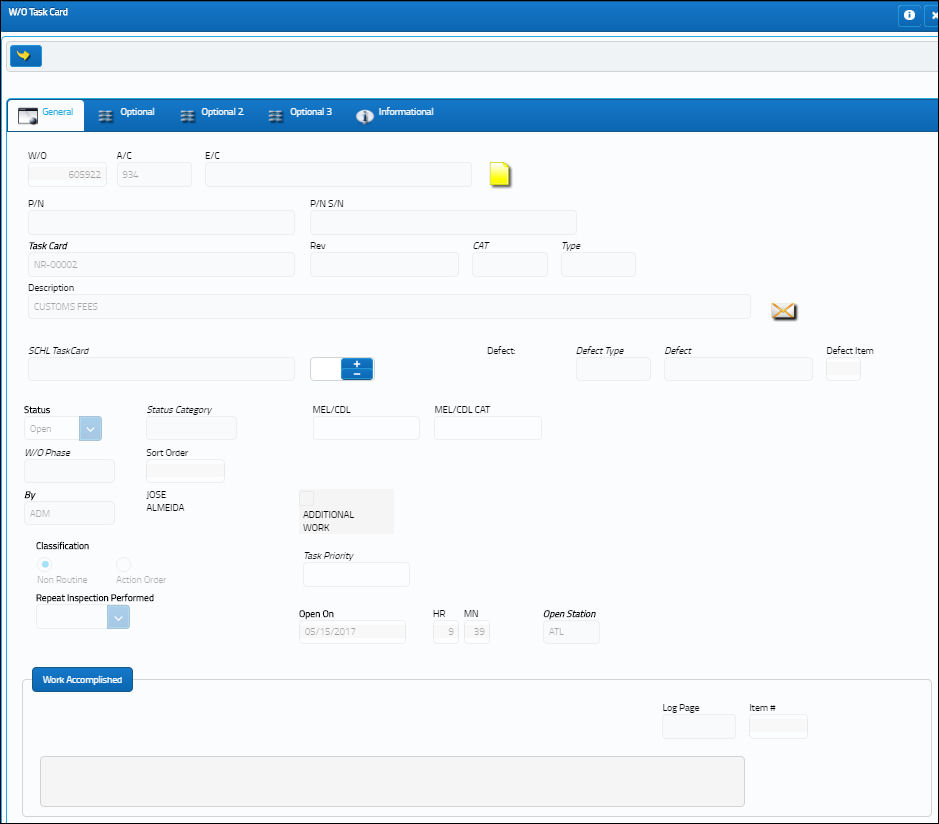
For more information, refer to the Work Order Audit Detail.
Additional Functionality:
Once all Task Cards are approved, users can proceed to close the W/O by selecting the Close W/O button. This button only appears once all Task Cards are approved.
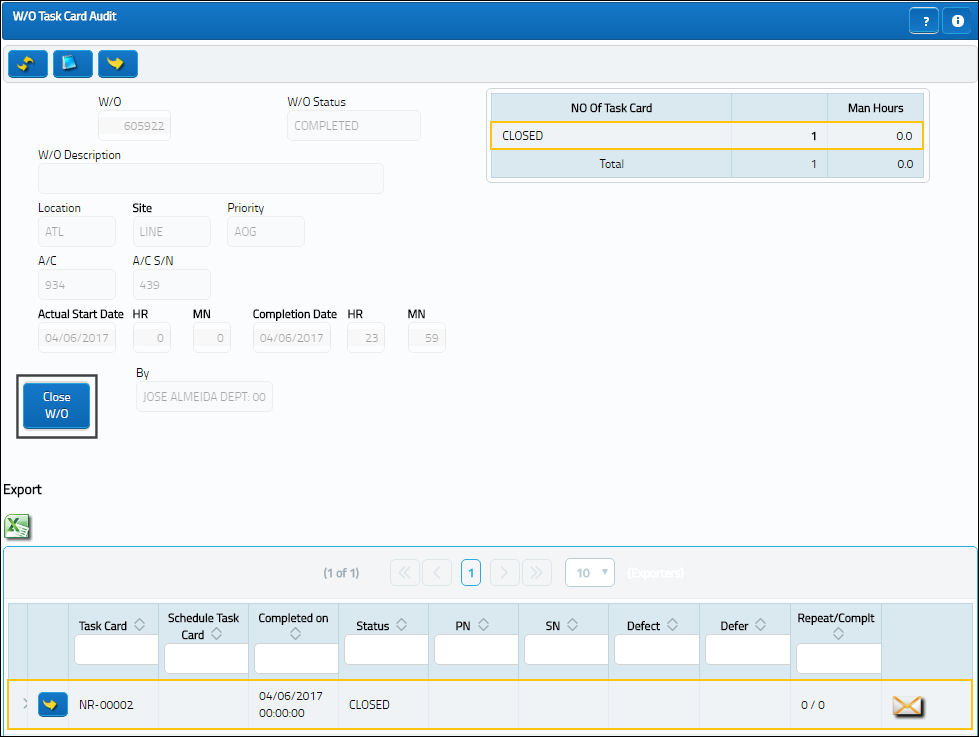
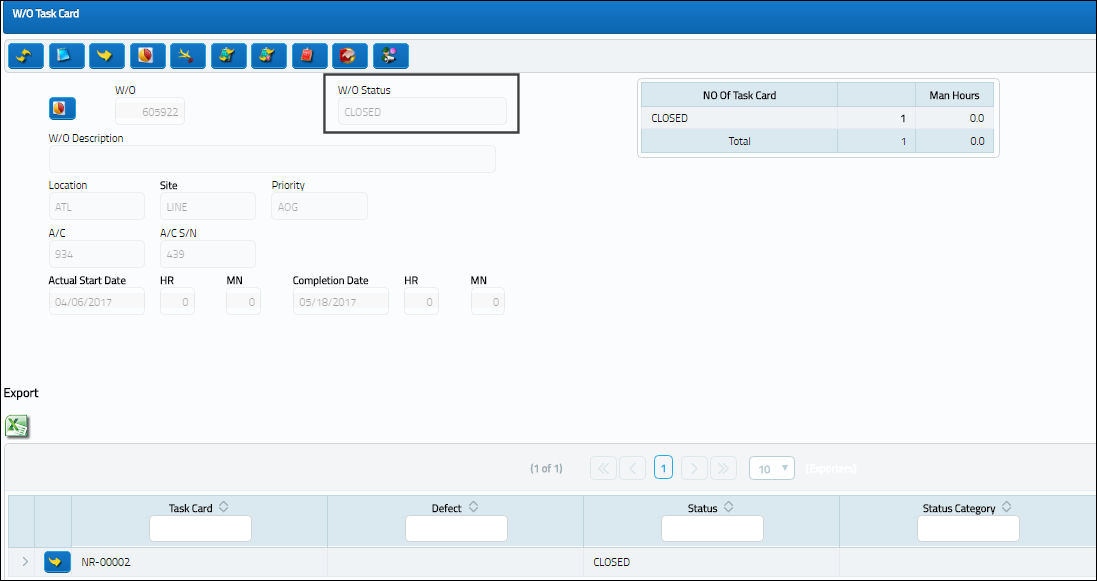
Once selected, notice the W/O Status has changed to 'CLOSED.'
Note: For more information on the Close W/O button refer to the Close W/O Button, via T/C Work Button in the Work Order section of the Production Training Manual.
Download Online Help
Print
|
©1997-2018 Trax USA Corp. All rights reserved. This manual may not be copied, photocopied, reproduced, translated, or converted to any electronic or machine-readable form, in whole or in part, without prior written approval from Trax USA Corp. |
 |