 Download Online Help
 Print
|
|
|
|
|


PNNOTSOFT - Recognize the P/N without the Software associated
Recognize the P/N without the Software associated
Affected Window: w_po_receiving_eu
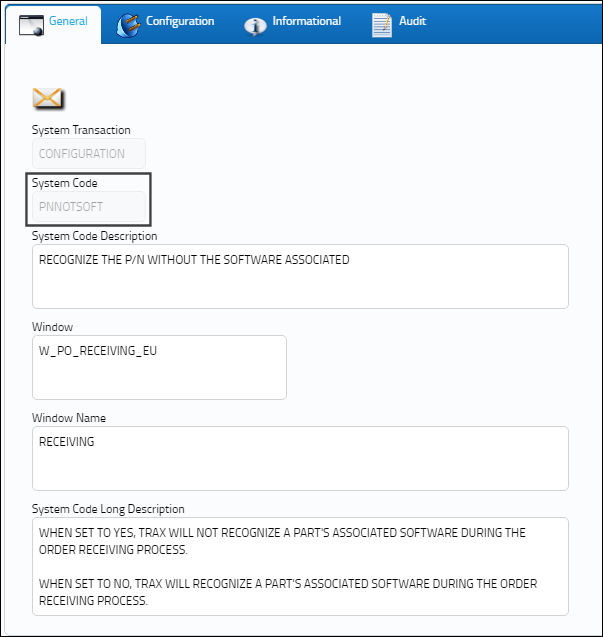
Switch Set to Yes:
When set to Yes, the system will not recognize a part's associated Software during the Order Receiving process.
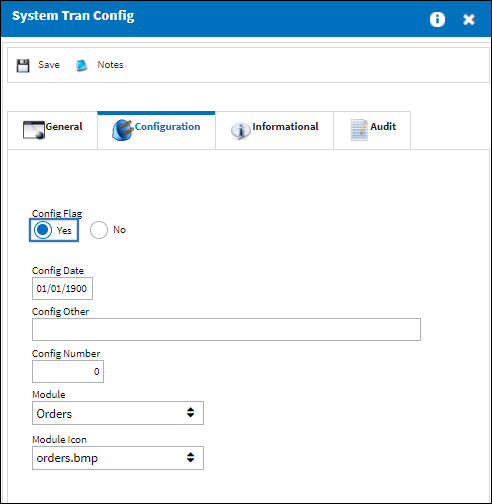
A Purchase Order is created for a part with associated Software.
From the Purchase Order Receiving window, the part is received and saved.
Once saved, the P/N Software Upload prompt does not appear.
From the Receiving Inspection window, notice that the P/N Software Upload  button is not available.
Switch Set to No:
When set to No, the system will recognize a part's associated Software during the Order Receiving process.
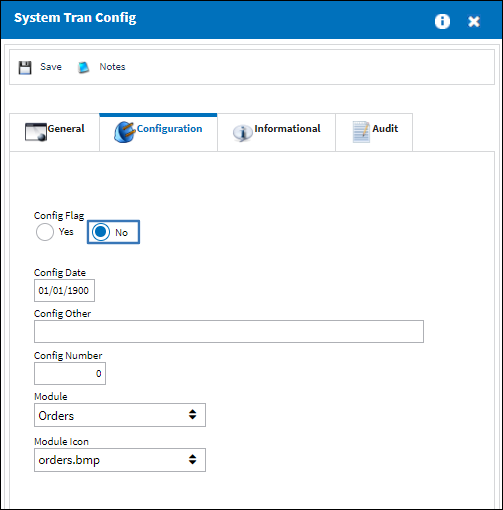
A Purchase Order is created for a part with associated Software.
From the Purchase Order Receiving window, once saved, the P/N Software Upload prompt appears automatically. Here users can select whether or not the part is to be received with the software.
From the Receiving Inspection window, once saved, the P/N Software Upload button is available. It can be selected if users want to choose whether or not the part is to be received with the software.
Download Online Help
Print
|
©1997-2018 Trax USA Corp. All rights reserved. This manual may not be copied, photocopied, reproduced, translated, or converted to any electronic or machine-readable form, in whole or in part, without prior written approval from Trax USA Corp. |
 |