 Download Online Help
 Print
|
|
|
|
|


POGLDFCL - Do Not Auto Populate Inventory G/L On A Purchase Order
Do Not Auto Populate Inventory G/L On A Purchase Order
Affected windows: w_sr_order_detail_eu, w_po_order_detail_eu
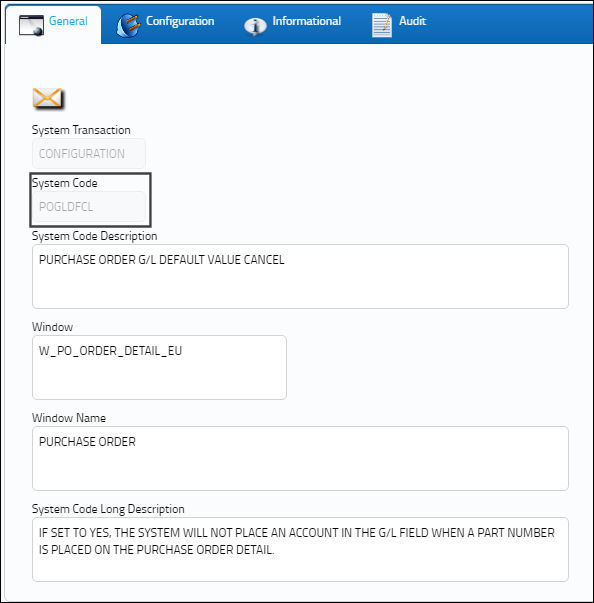
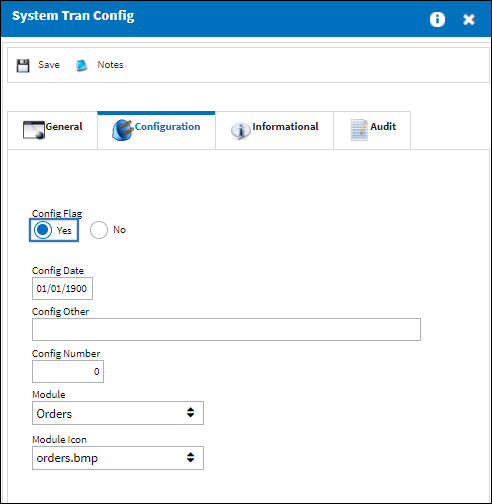
Switch set to Yes:
When set to Yes, when a Part Number is placed on a Purchase Order, the Inventory G/L associated to the P/N (via the P/N Master, Costing tab) will not auto populate in the Purchase Order Detail.
Note the Inventory G/L populated in the P/N Master, Costing tab.
The Part Number is place on a Purchase Order. Notice that the G/L field did not auto populate with the Inventory G/L that is associated to the P/N via the P/N Master, Costing tab.
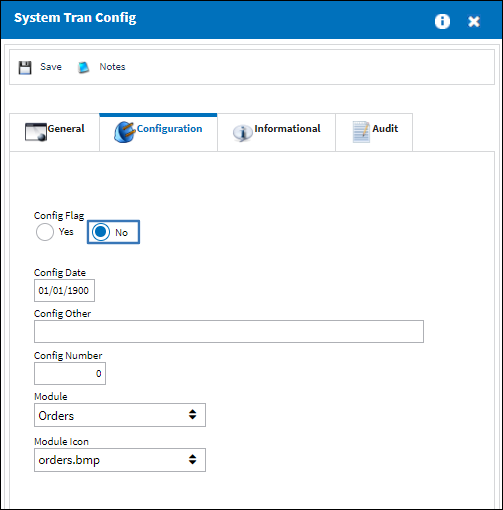
Switch set to No:
When set to No, when a Part Number is placed on a Purchase Order, the Inventory G/L associated to the P/N (via the P/N Master, Costing tab) will auto populate in the Purchase Order Detail.
The Part Number is place on a Purchase Order. The G/L field is auto populated with the Inventory G/L that is associated to the P/N via the P/N Master, Costing tab.
Download Online Help
Print
|
©1997-2018 Trax USA Corp. All rights reserved. This manual may not be copied, photocopied, reproduced, translated, or converted to any electronic or machine-readable form, in whole or in part, without prior written approval from Trax USA Corp. |
 |