
 Share
Share
 Print
Print
|
|
|
|
|



The New  button allows the user to create a new Work Order in a specified time range.
Select the New button to create a new Work Order.
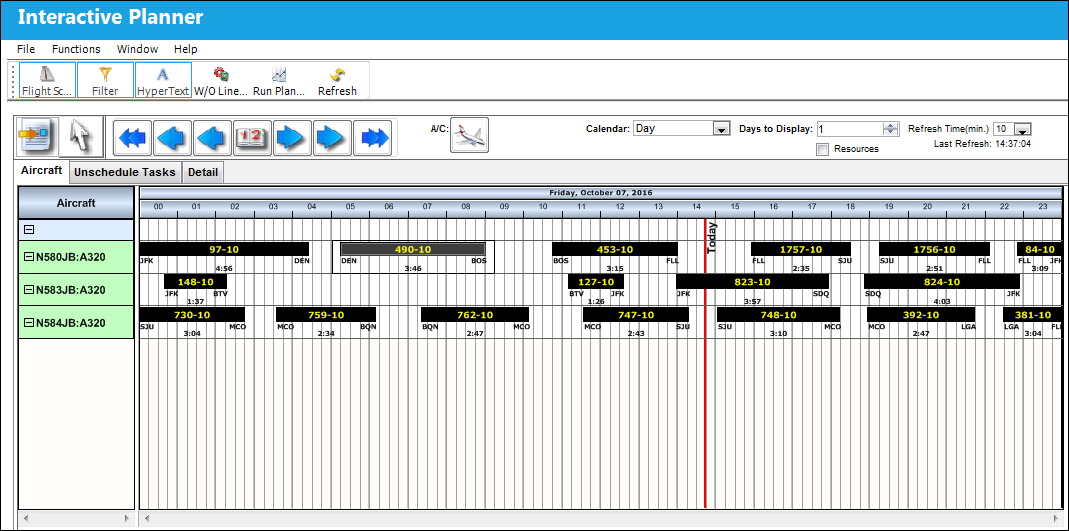
Once the New  button is selected, drag and drop the cursor on the desired time range.
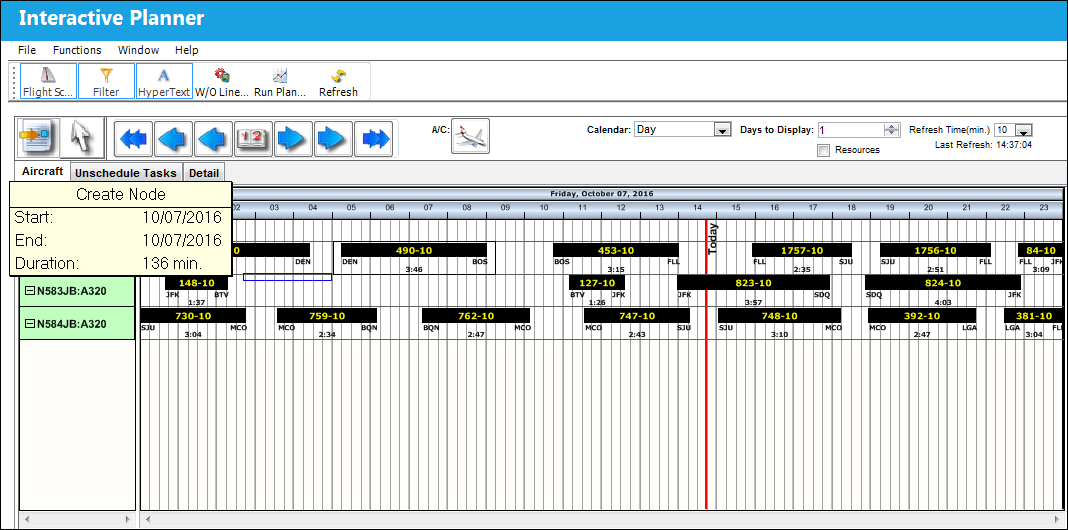
Once the cursor is released, the following Work Order window appears. Notice that some fields are already auto populated. Populate the mandatory and desired fields and save the new Work Order. Exit the Work Order window.
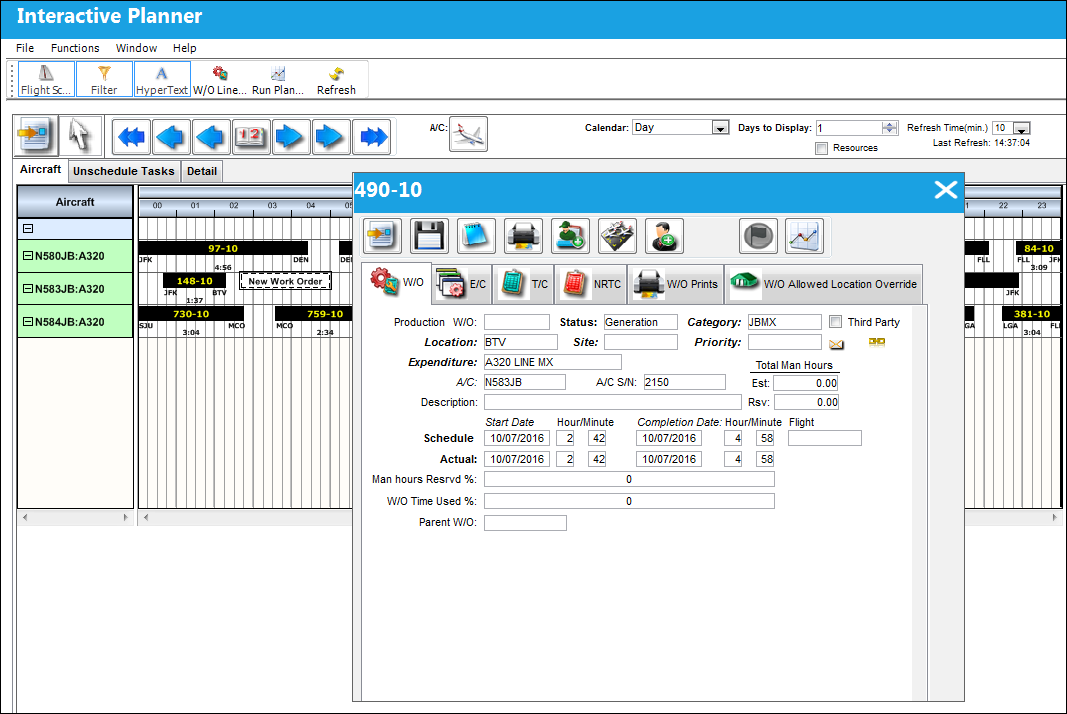
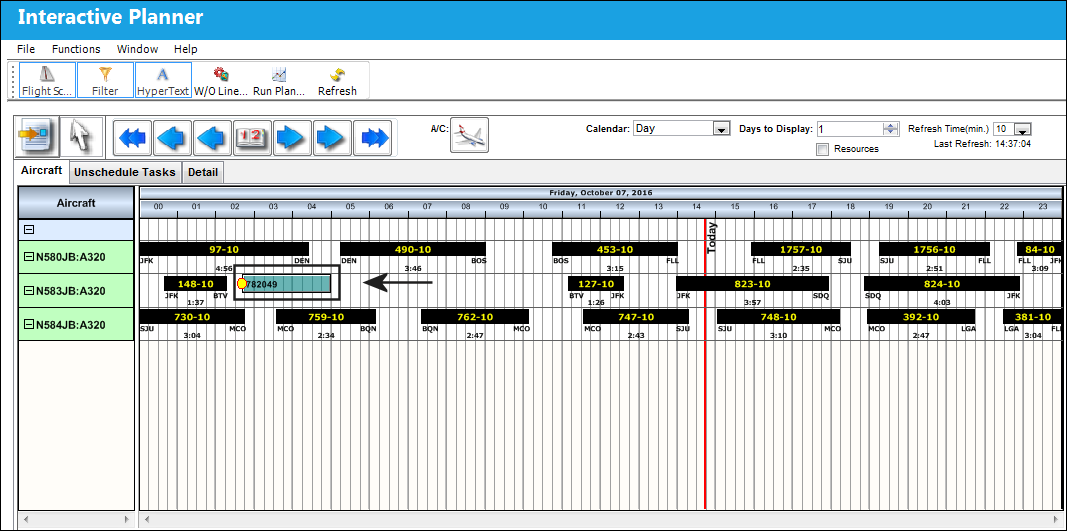
The new Work Order has been created with a unique Work Order number in the desired time frame and is visible in the Display By Area. The Work Order block can be moved to another location by dragging it and dropping it to the desired location.
Share
Print
|
©1997-2026 Trax USA Corp. All rights reserved. This manual may not be copied, photocopied, reproduced, translated, or converted to any electronic or machine-readable form, in whole or in part, without prior written approval from Trax USA Corp. |
 |