
 Share
Share
 Print
Print
|
|
|
|
|


To Do List Button, via Action Tab

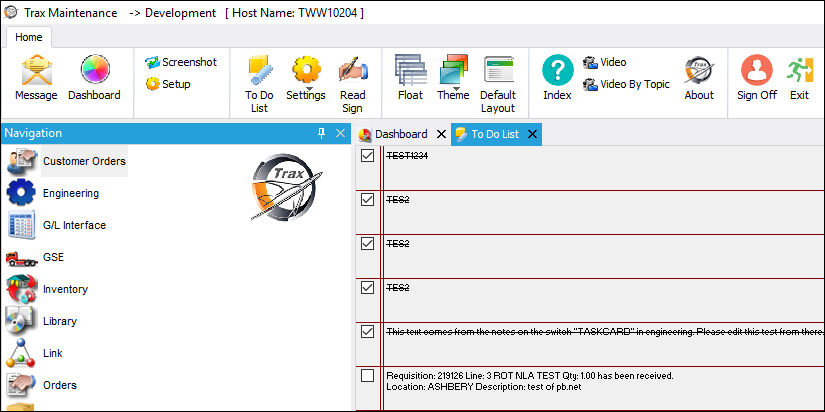
The To-Do List button allows the user to create a 'to-do list' where items can be flagged based upon priority. Each task will be listed in order of priority level (i.e. High, Mid, Low).
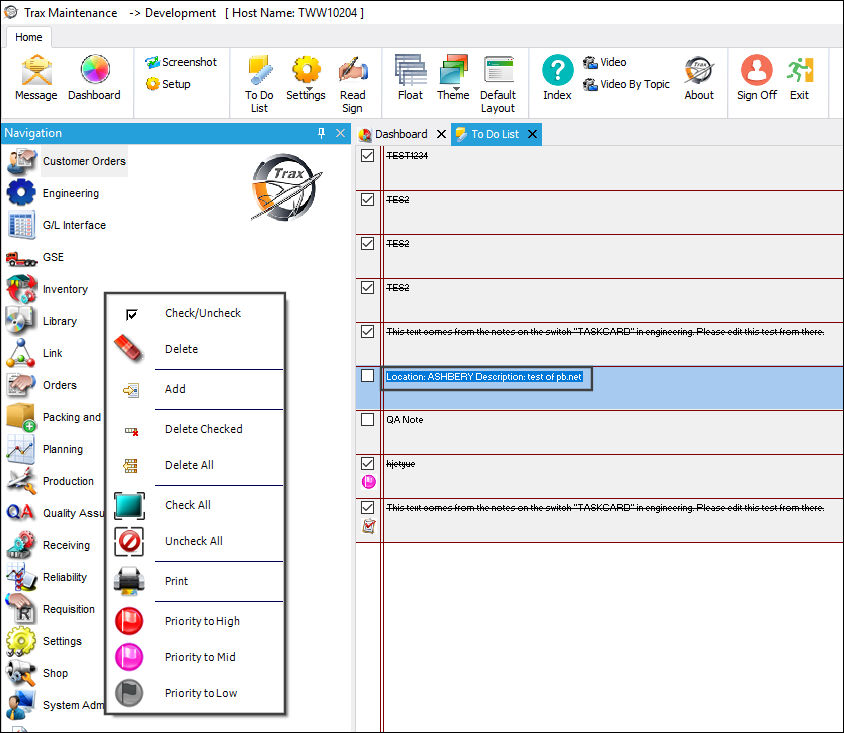
Right click into any of the tasks to access the following options.
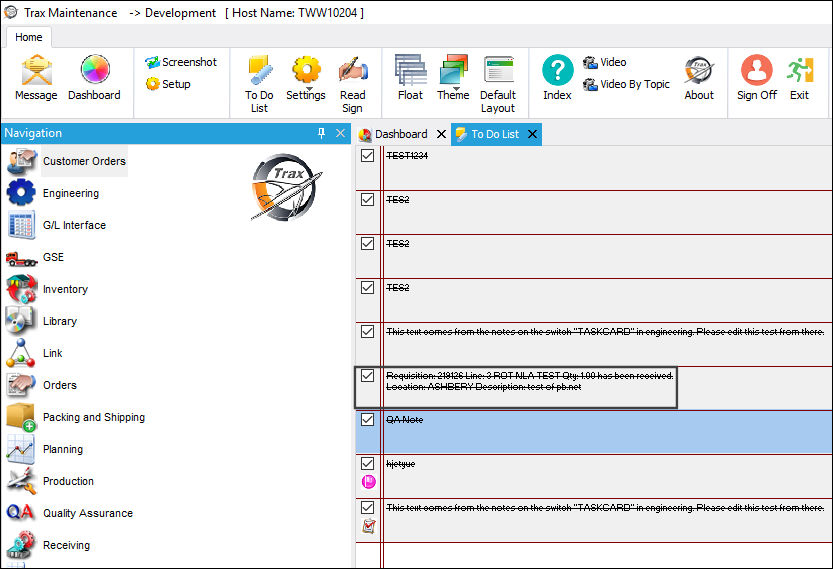
Once a task on the To Do List has been completed, the user can select the checkbox next to the task to indicate that it has been completed. The task will be crossed off to indicate that it has been completed.
Share
Print
|
©1997-2026 Trax USA Corp. All rights reserved. This manual may not be copied, photocopied, reproduced, translated, or converted to any electronic or machine-readable form, in whole or in part, without prior written approval from Trax USA Corp. |
 |