
 Share
Share
 Print
Print
|
|
|
|
|


Main Toolbar

The Main Toolbar offers additional options available in the TRAX system. This toolbar is universal and will be available as the user moves throughout the system. The new, simplistic design of the Toolbar was created to better facilitate the experience of the end-user as they choose default settings, access additional help features and much more. The user no longer has to select into various tabs to see what options are available. Each option for each tab is conveniently displayed in clean user-friendly format. The toolbar is available at all times, where ever the user is working in the application and holds all of the additional options available to the end-user.

The Toolbar is also collapsible and can be hidden from the workspace in order to maximize space.
Select the Pin  button.
Notice that the toolbar has been hidden from the workspace.
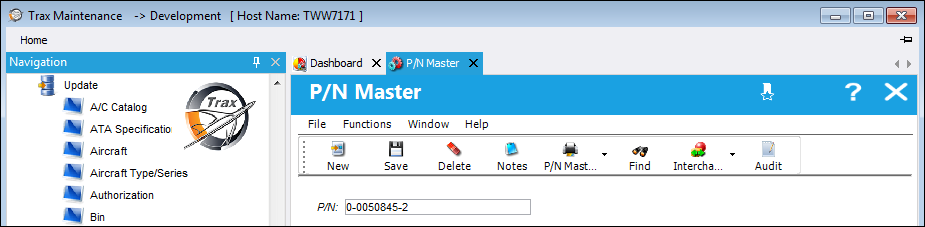
Select the Pin  button to pin the toolbar back to the workspace.
Refer to the following tabs for detailed information on the options available from the toolbar.
Share
Print
|
©1997-2026 Trax USA Corp. All rights reserved. This manual may not be copied, photocopied, reproduced, translated, or converted to any electronic or machine-readable form, in whole or in part, without prior written approval from Trax USA Corp. |
 |