
 Share
Share
 Print
Print
|
|
|
|
|


Theme Button, via Style Tab

The Theme button allows the user can change the color theme throughout the TRAX application to suit your personal needs.
There are four available theme colors to select from: Blue, Olive, Silver and Classic. The default TRAX Version 12.5 theme color is Blue.
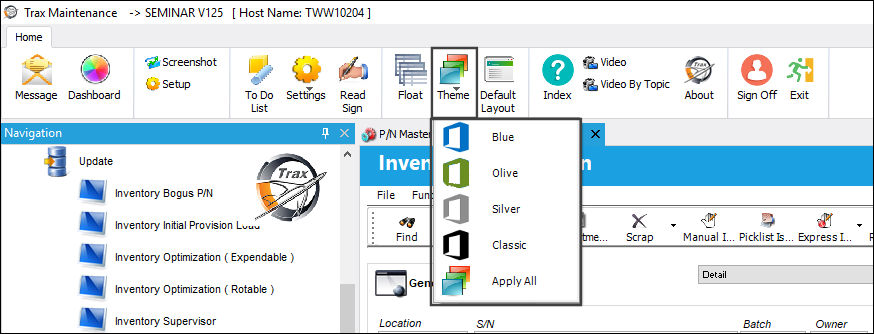
Note: The TRAX user login color may not be changed.
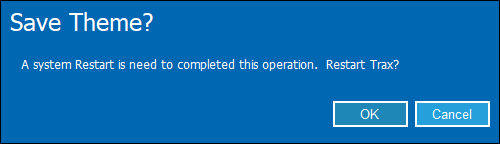
Once a new color is selected using any of the options listed below, a system restart is required.
Note: The system will prompt you twice, once in the current color theme and the second time in the chosen color theme.
Share
Print
|
©1997-2026 Trax USA Corp. All rights reserved. This manual may not be copied, photocopied, reproduced, translated, or converted to any electronic or machine-readable form, in whole or in part, without prior written approval from Trax USA Corp. |
 |