
 Share
Share
 Print
Print
|
|
|
|
|


Setup Button, via Print Tab

The Setup button allows users to change their printer preferences.
From the Print tab, select the Setup button. The Printer SetUp window will appear.
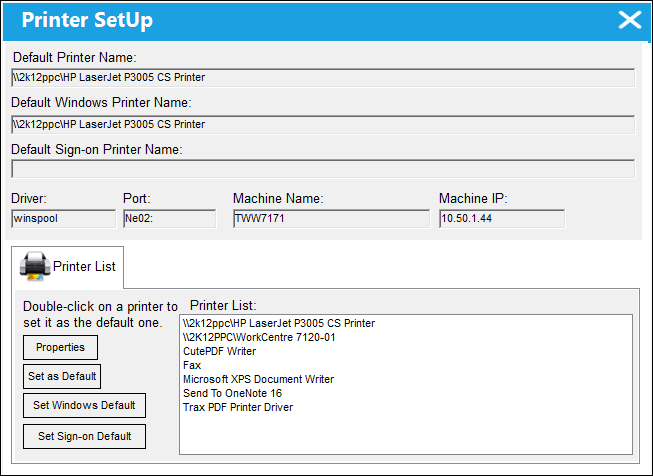
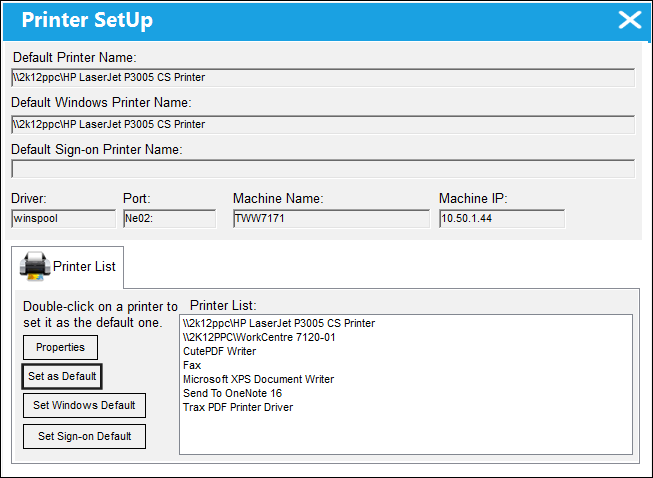
To set a printer as the default printer for TRAX print jobs, select it from the highlighted list of printers and use the 'Set as Default' option.
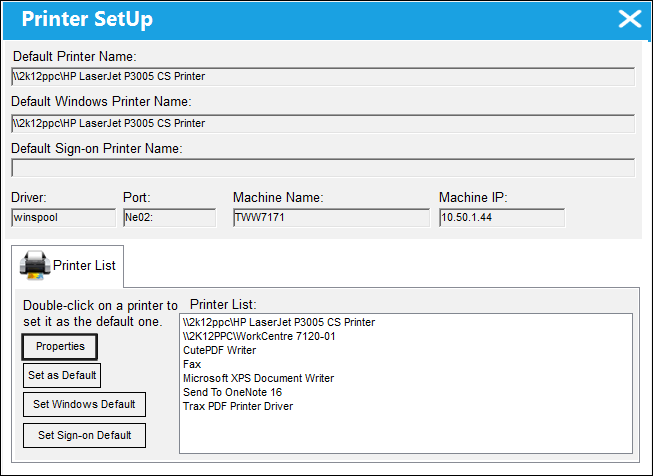
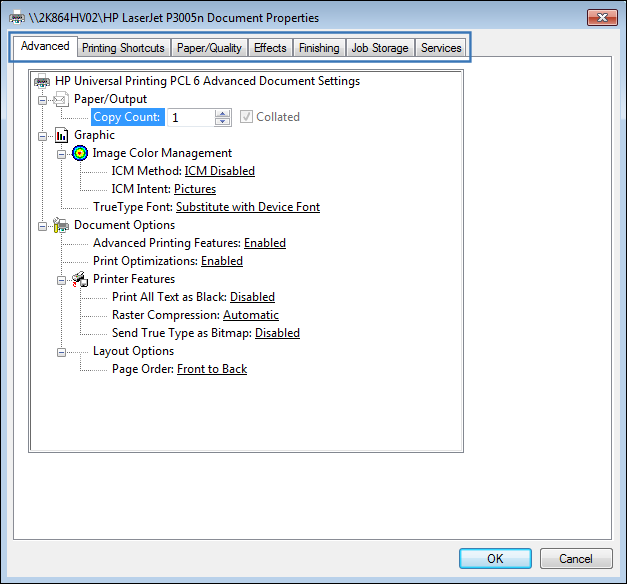
Select the Properties button for additional printer-related setup options.
The following additional setup options are available:
Share
Print
|
©1997-2026 Trax USA Corp. All rights reserved. This manual may not be copied, photocopied, reproduced, translated, or converted to any electronic or machine-readable form, in whole or in part, without prior written approval from Trax USA Corp. |
 |