
 Share
Share
 Print
Print
|
|
|
|
|


Configuration Selection
From the System Configuration Explorer window, once the Expand  button for any of the below modules is selected, all of the system transaction configuration switches for that module will appear.
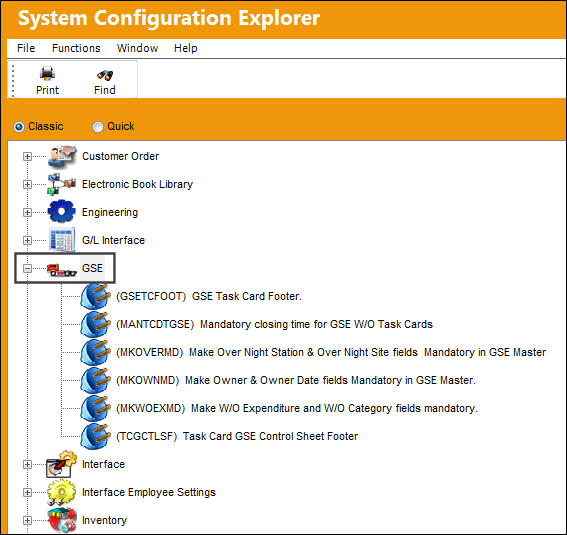
Right click on any of the below system transaction configuration switches to access the Context menu.
Select from either options:
- New Record
- Update Record
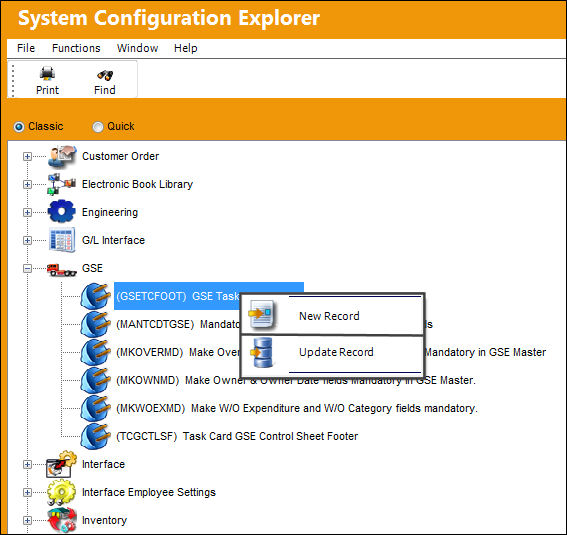
New Record:
The New Record option allows the user to create a new System Transaction Configuration switch.
New functional switches are only created by TRAX personnel.
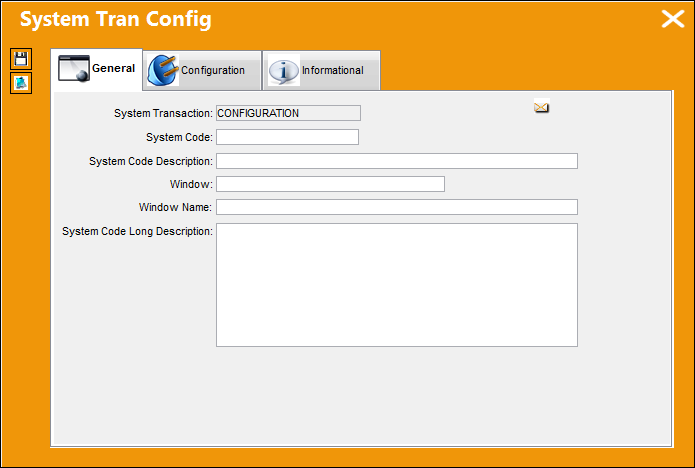
Update Record:
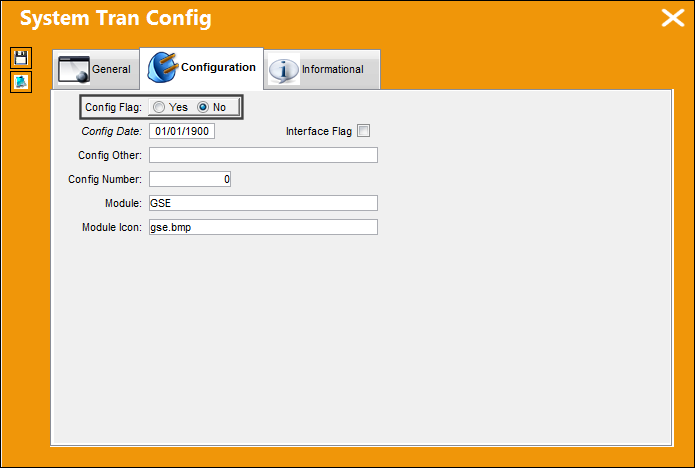
The Update Record option allows users to configure the Yes/No settings of switches depending on your companies business processes.
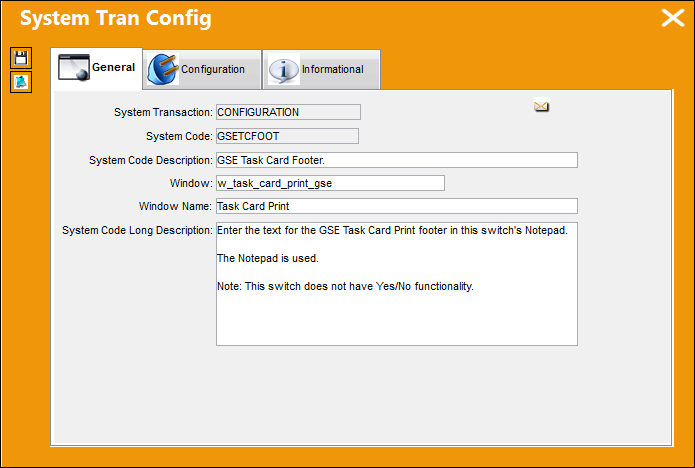
Yes/No configuration:
Share
Print
|
©1997-2026 Trax USA Corp. All rights reserved. This manual may not be copied, photocopied, reproduced, translated, or converted to any electronic or machine-readable form, in whole or in part, without prior written approval from Trax USA Corp. |
 |