
 Share
Share
 Print
Print
|
|
|
|
|


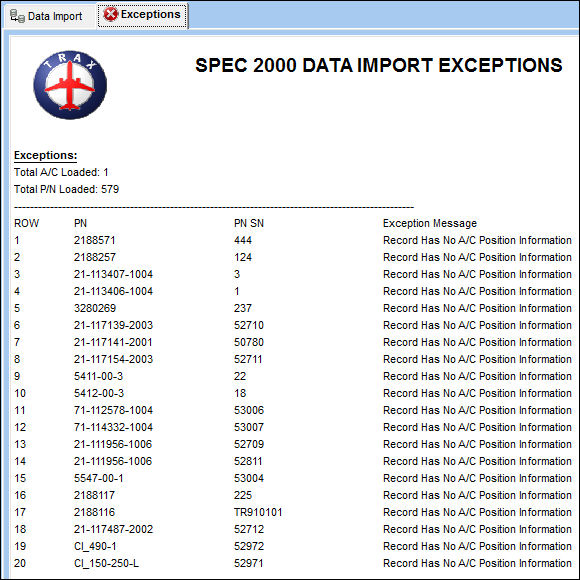
The Exceptions Report will list all the parts that were added to the TRAX system and include any exceptions (i.e errors, changes, or omissions) for each record. It is recommended that the user review and correct any exceptions in TRAX.
The Exceptions Report can be viewed in the Exception Tab . . .
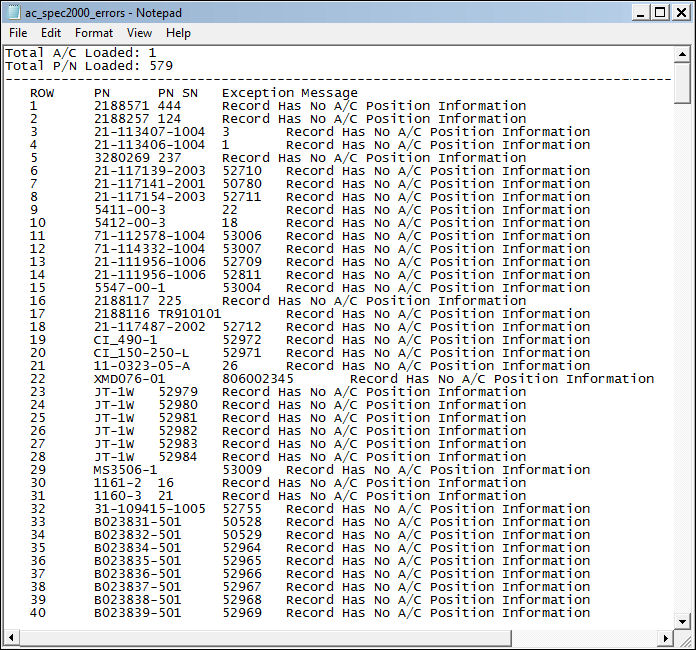
. . . or as .txt file in Note Pad. The .txt file can be Saved and printed.
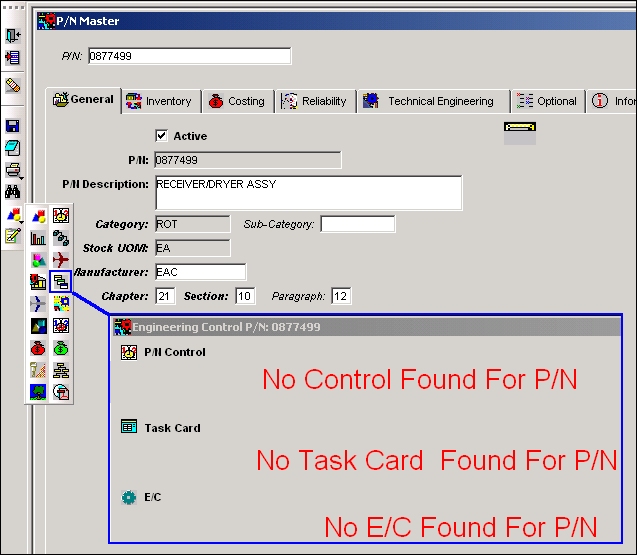
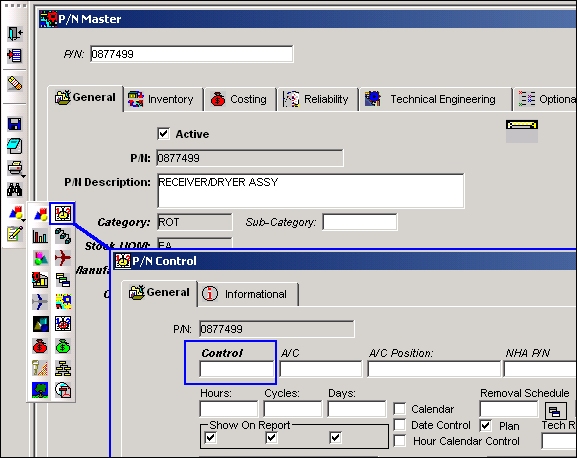
The new Part Numbers added to P/N Master will not have any P/N Controls or P/N ECs against them.
It is important that these mandatory controls are entered after the Manufacture Data Load Program is used to create new parts.
Share
Print
|
©1997-2026 Trax USA Corp. All rights reserved. This manual may not be copied, photocopied, reproduced, translated, or converted to any electronic or machine-readable form, in whole or in part, without prior written approval from Trax USA Corp. |
 |