
 Share
Share
 Print
Print
|
|
|
|
|


Adding a Contract to a Third Party Work Order
Adding a Customer Contract to a third party Work Order allows the user to attach contractual terms for a specific customer to a Work Order. (i.e. Labor Rate against the Work Order will come from the contract)
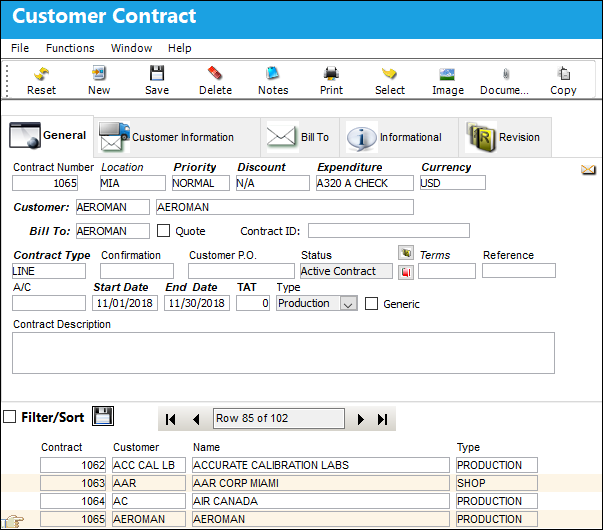
Find or create a Customer Contract. Be sure the Hand  pointer is pointing to the correct contract. (i.e. Contract 1065).
Create a Third Party Work Order, as seen below:
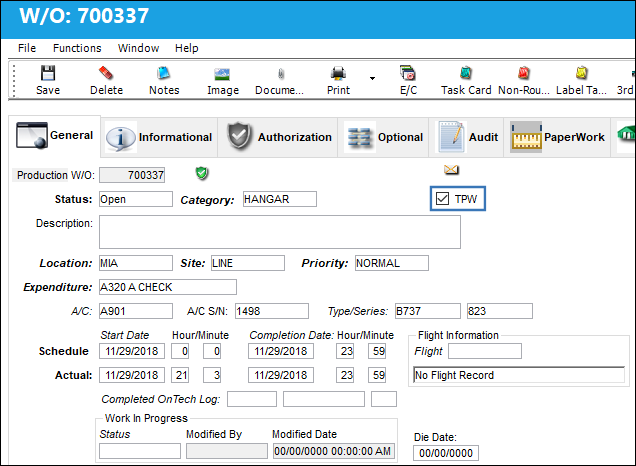
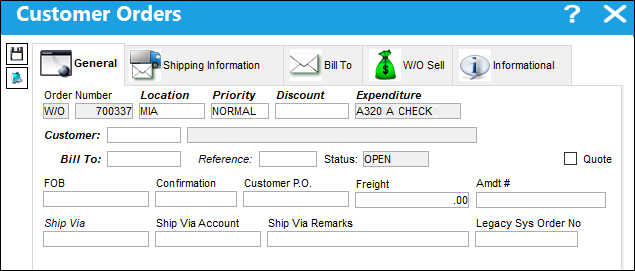
Select the Third Party  button. TRAX displays the Customer Orders window.
Select the W/O Sell Tab. Notice that the Contract Number field is mandatory.
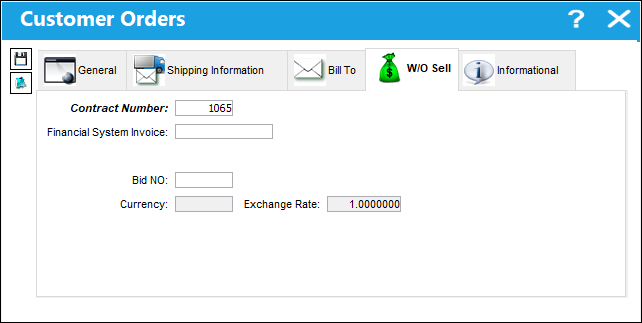
Enter the Customer Contract number by right-clicking in the Contract Number field to see all contracts for the customer specified on the Customer Order, General Tab. The following window will appear:
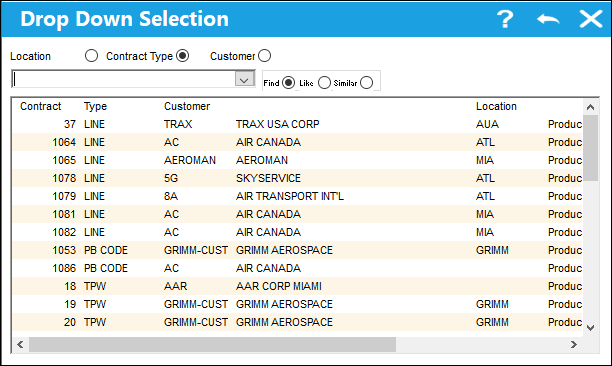
Select the Contract Number from the drop down Selection window to link the Work Order to the specific contracted terms.
Errors and Warnings:
If a Customer Order (SO) is associated to a Customer Contract with the Completion Date prior to the date of association, the user will receive the following warning:
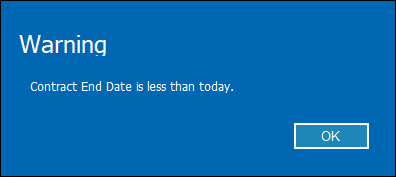
Select OK and continue with the save of the Customer Order (SO). The user has the option to correct the Completion Date at a later time.
If a Contract Number entered in the Contract Number field which does not exist in TRAX, the user will receive the following warning:
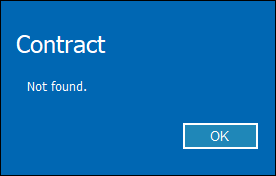
Select OK and enter an existing Contract Number.
Share
Print
|
©1997-2026 Trax USA Corp. All rights reserved. This manual may not be copied, photocopied, reproduced, translated, or converted to any electronic or machine-readable form, in whole or in part, without prior written approval from Trax USA Corp. |
 |