
 Share
Share
 Print
Print
|
|
|
|
|


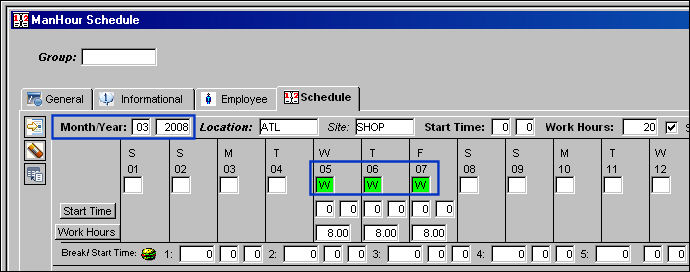
Create a group and create a schedule for this group.
For more information regarding creating groups and schedule, please refer to the Man Hours Schedule section of the Planning Manual.
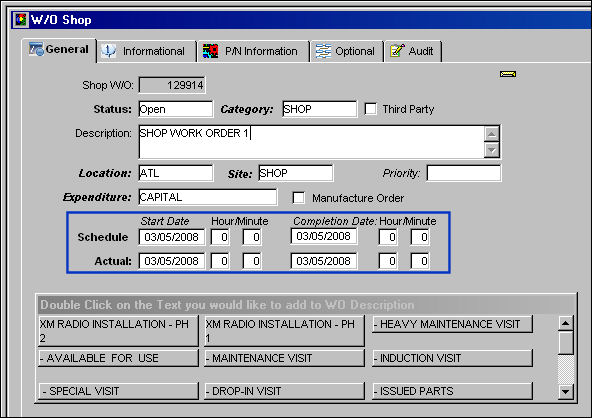
Create a Shop Work Order. Be sure that the start date is the same as the the schedule dates in the ManHour Schedule Window.
From the Shop Work Order, select the Task Card  button.
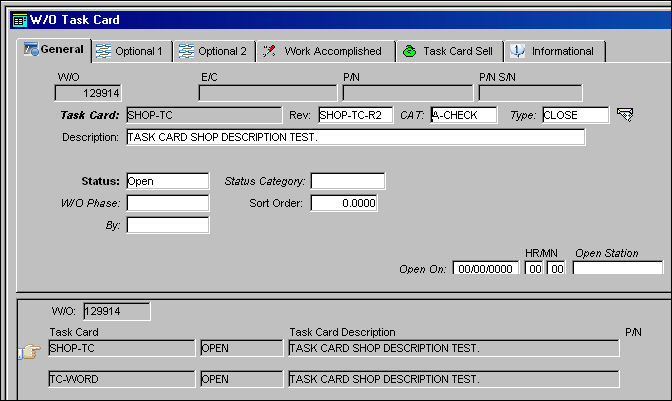
TRAX displays the W/O Task Card Window. Populate all mandatory fields and create a Task Card. Select the Save  button to save the Task Card. Select the Item
  button.
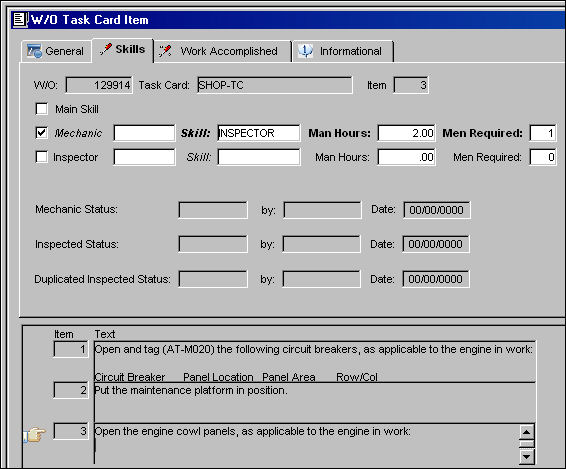
TRAX displays the W/O Task Card Item Window. The Manhours for the Skill are shown in this window. Return to the Shop Work Order and select the Labor Reservation  button.
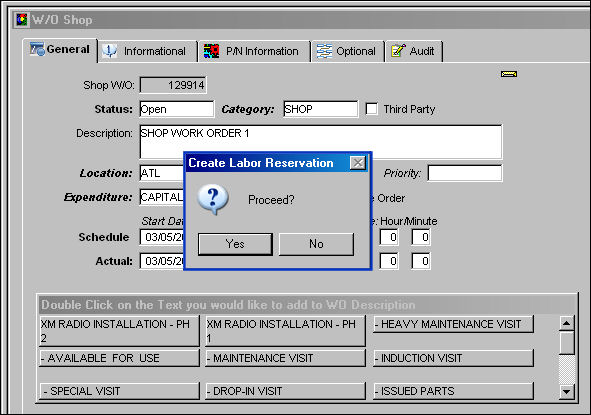
The Create Labor Reservation pop-up appears. Select Yes.
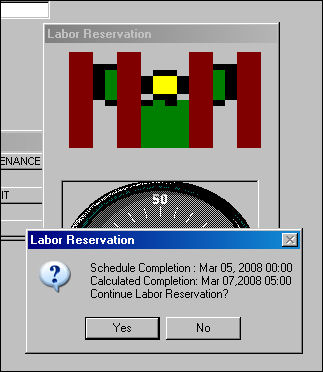
Select Yes to continue Labor Reservation.
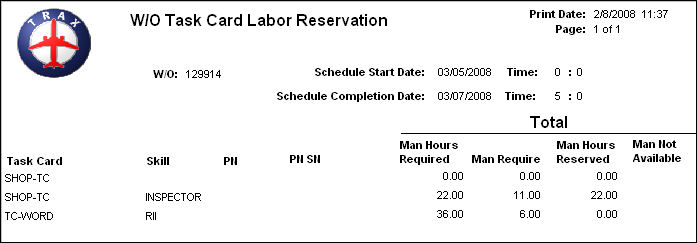
The W/O Task Card Labor Reservation is shown below. Return to Shop Work Order and find the Work Order. Select the Status  button.
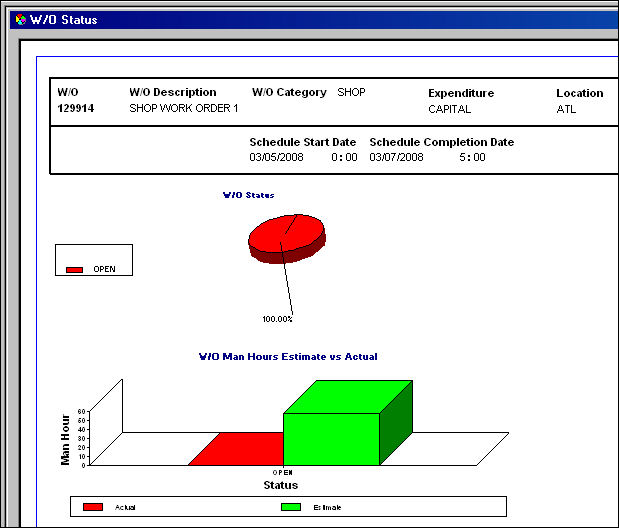
The status of the Work Order is shown below:
Share
Print
|
©1997-2026 Trax USA Corp. All rights reserved. This manual may not be copied, photocopied, reproduced, translated, or converted to any electronic or machine-readable form, in whole or in part, without prior written approval from Trax USA Corp. |
 |