
 Share
Share
 Print
Print
|
|
|
|
|


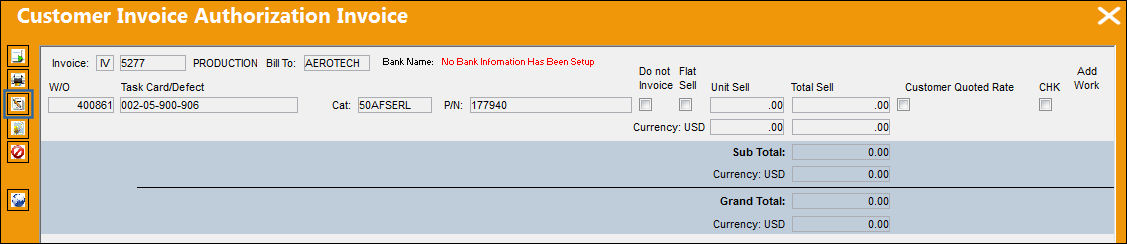
The Invoice Header  button allows the user to view and update certain information (bank and authorizer) against an invoice. Once this information is update and the Invoice Header is saved, the invoice will be removed from the Customer Invoice Authorization window.
From the Customer Invoice Authorization Invoice window, select the Invoice Header button.
In the Invoice Header window, the user is able to see the details of the invoice and input the bank information in the Bank field.
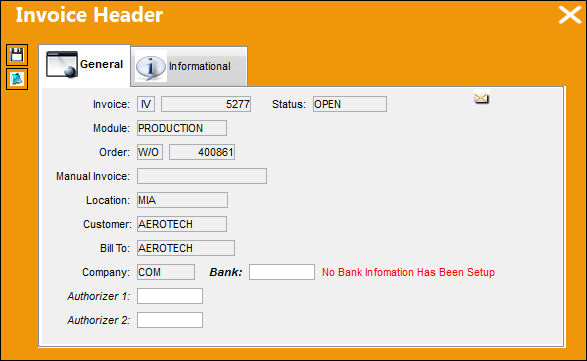
The following information/options are available in this window:
_____________________________________________________________________________________
Invoice
The Invoice reference.
Status
The status of the Invoice.
Module
The module type the invoice was created for.
Order
The type of order the invoice was created for.
Manual Invoice
Enter an invoice number that was created manually in the system. Manual Invoice Reference is created through the Manual Invoice field of the Manual Invoice Entry, which is available from the Post and Close Invoice  button, which appears when Switch
  WOMNLINVREF is set to Yes.
Location
The Location for maintenance events, inventory stores, orders, transactions, or training events.
Customer
The customer being invoiced for the work.
Bill To
The location that will receive the Order Invoice (Bill). This may be different from the Ship Location and may be pre-defined for each location. For additional information, please refer to the Location Master, General Tab section of the Settings Training Manual. The Bill To location may be changed for a particular order as required.
Company
The company the order is being created for.
Bank
The bank the customer invoice is linked to. The bank information is set up via the Bank  button. For additional information, refer to the Bank Button, via Company Profile of the Settings Training Manual.
Authorizer 1
The first user to authorize the invoice.
Authorizer 2
The second user to authorize the invoice.
_____________________________________________________________________________________
 The user can also choose to add an invoice description by selecting the Notes
  button.
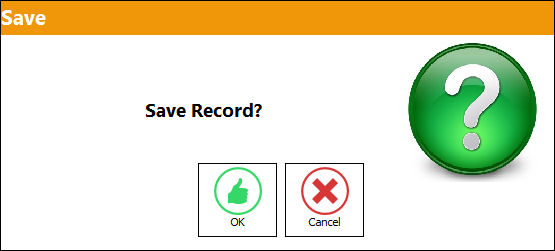
The Save prompt will appear.
Select OK to save the information at the Invoice Header level.
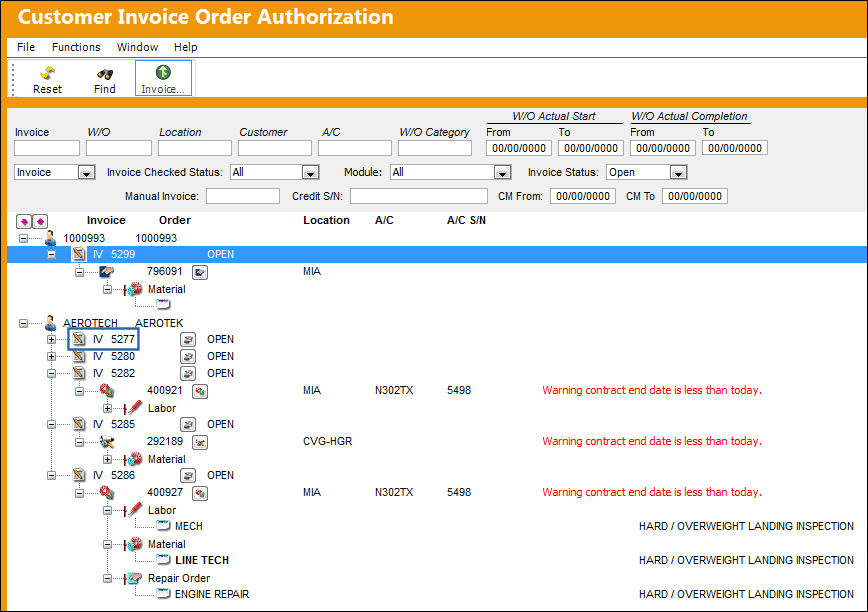
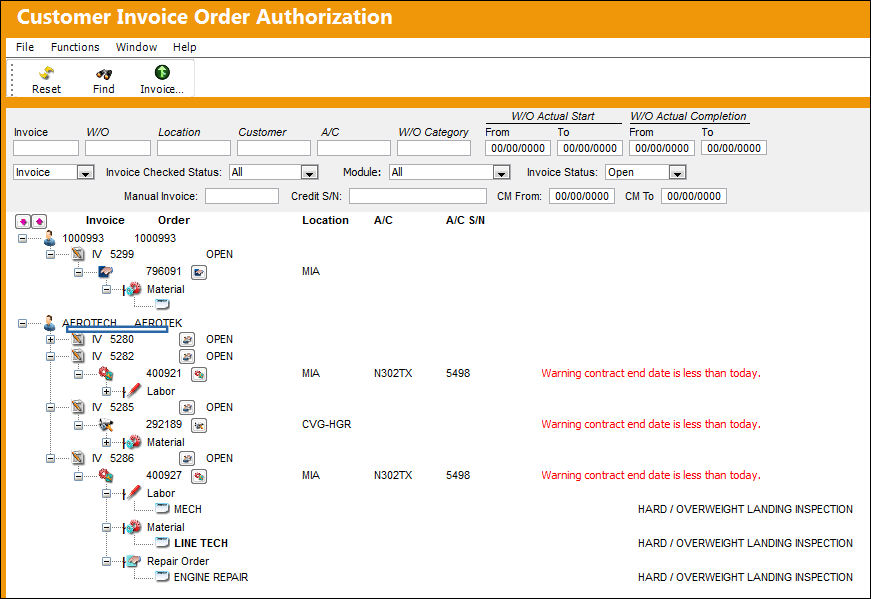
Once saved, the invoice will be removed from the Customer Invoice Authorization window:
 System Notification functionality is available for this window once an invoice is posted. This System Notification can be set up via the Settings/Update/System Notification/Customer Invoice Checked Notification.
Share
Print
|
©1997-2026 Trax USA Corp. All rights reserved. This manual may not be copied, photocopied, reproduced, translated, or converted to any electronic or machine-readable form, in whole or in part, without prior written approval from Trax USA Corp. |
 |