
 Share
Share
 Print
Print
|
|
|
|
|


From the Requisition window, select the Requisition De-Link  button.
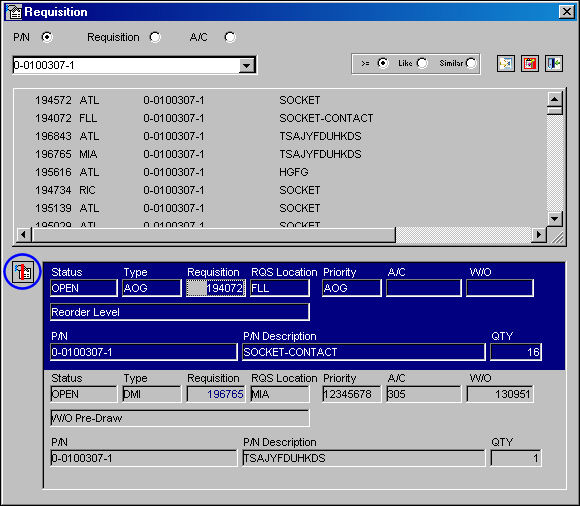
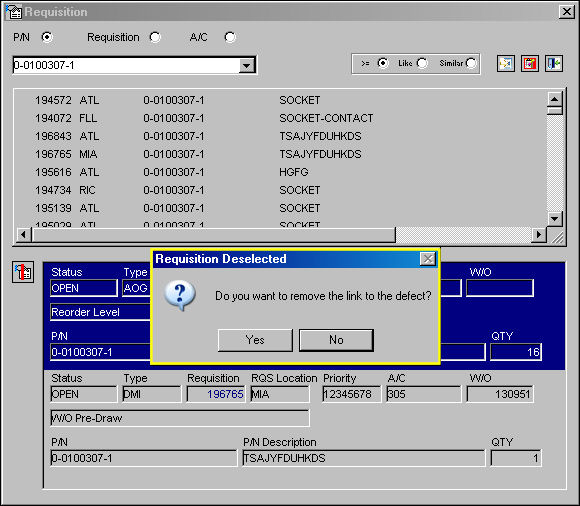
The Requisition Deselected pop-up will appear. Select 'Yes' to remove the link to the defect, or 'No' to cancel. In the following example, the user will select 'Yes.'
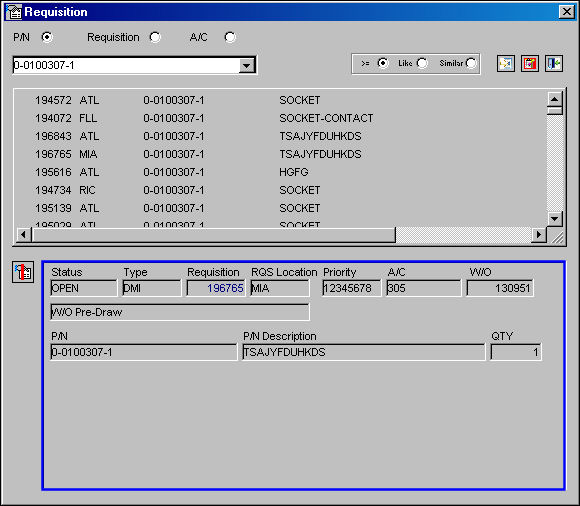
The selected requisition (highlighted in blue) has been removed and requisition 196765 has been moved up. The link has been removed from the defect.
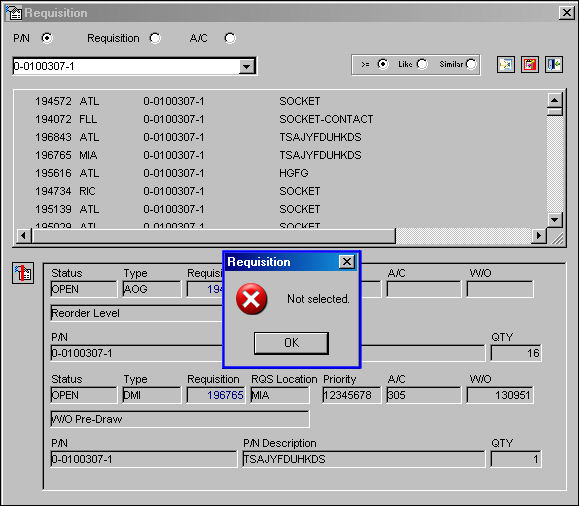
If a requisition is not selected (highlighted in blue) the following error message will appear:
Share
Print
|
©1997-2026 Trax USA Corp. All rights reserved. This manual may not be copied, photocopied, reproduced, translated, or converted to any electronic or machine-readable form, in whole or in part, without prior written approval from Trax USA Corp. |
 |