
 Share
Share
 Print
Print
|
|
|
|
|


From the Resource Area, select the Multi Sites  button.
All sites for the selected location appear:
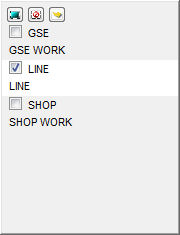
Click on the Select All  button to select all sites.
Click on the Deselect All  button to deselect all sites.
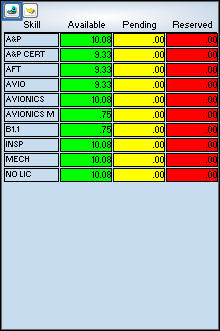
Click on the Select  button to view all available, pending, reserved skills for all selected sites.
Share
Print
|
©1997-2026 Trax USA Corp. All rights reserved. This manual may not be copied, photocopied, reproduced, translated, or converted to any electronic or machine-readable form, in whole or in part, without prior written approval from Trax USA Corp. |
 |