
 Share
Share
 Print
Print
|
|
|
|
|


From the Resource Area, select the Select Detail  button.
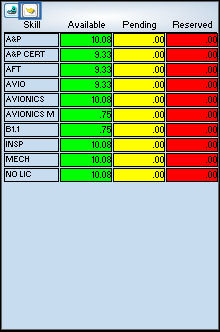
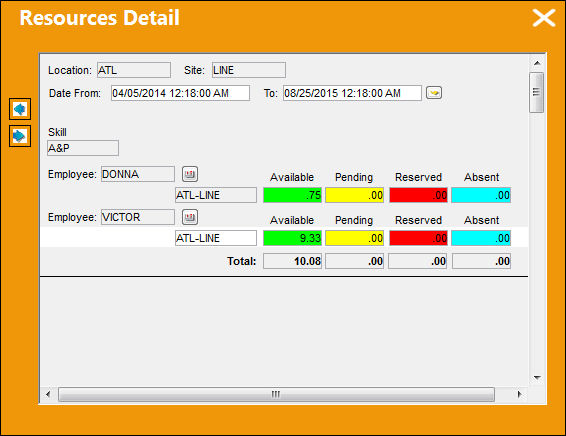
TRAX displays the Resources Detail window. This window displays all details pertaining to each Skill. Select the Detail Day Before  button to view the availability of the Skill for the day before:
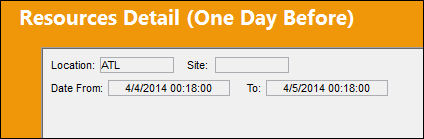
TRAX displays the Resources Detail (One Day Before) window:
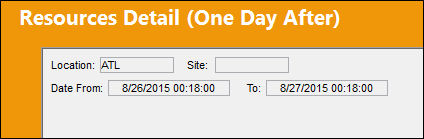
Select the Detail Day After  button to view the availability of the Skill for the next day.
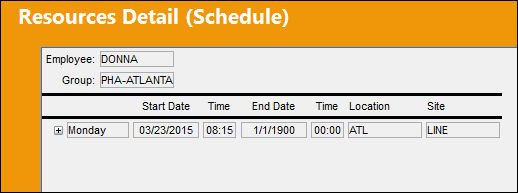
Select the Schedule  button to view the schedules for each of the employees selected:
Additional Functionality:
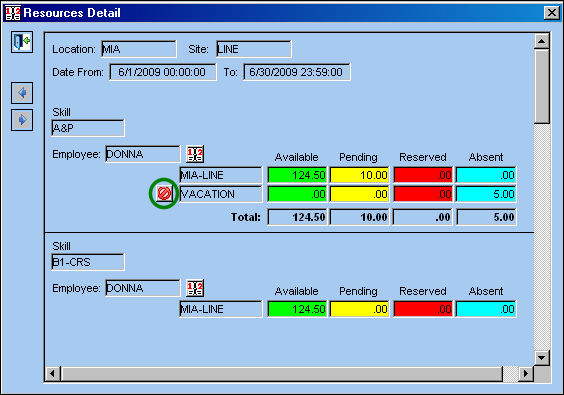
Select the Cancel  button.
The Send Mail pop up appears. Populate the information as shown below and select the Send Mail  button.
The Email information box appears:
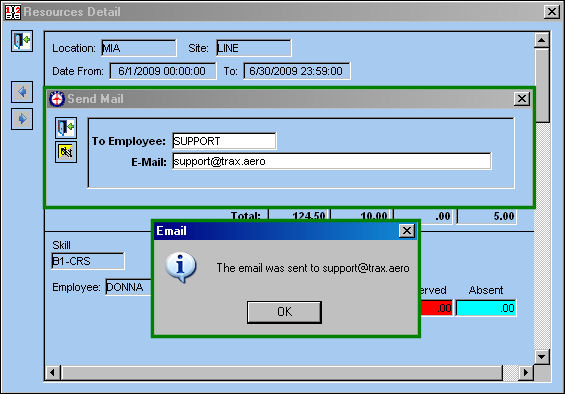
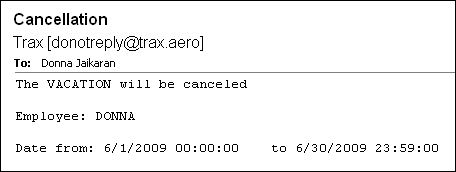
The email is sent to the appropriate email address.
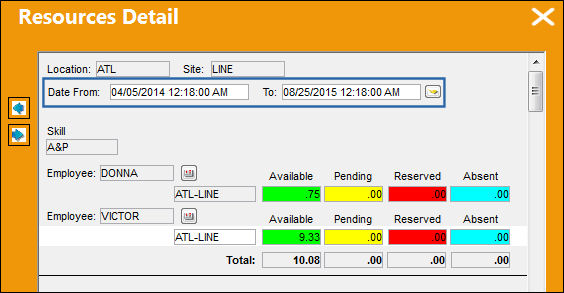
 Date From - To:
The user may filter Resources by date range using the Date From and To fields. This information is updated at the detail and summary level.
Share
Print
|
©1997-2026 Trax USA Corp. All rights reserved. This manual may not be copied, photocopied, reproduced, translated, or converted to any electronic or machine-readable form, in whole or in part, without prior written approval from Trax USA Corp. |
 |