
 Share
Share
 Print
Print
|
|
|
|
|


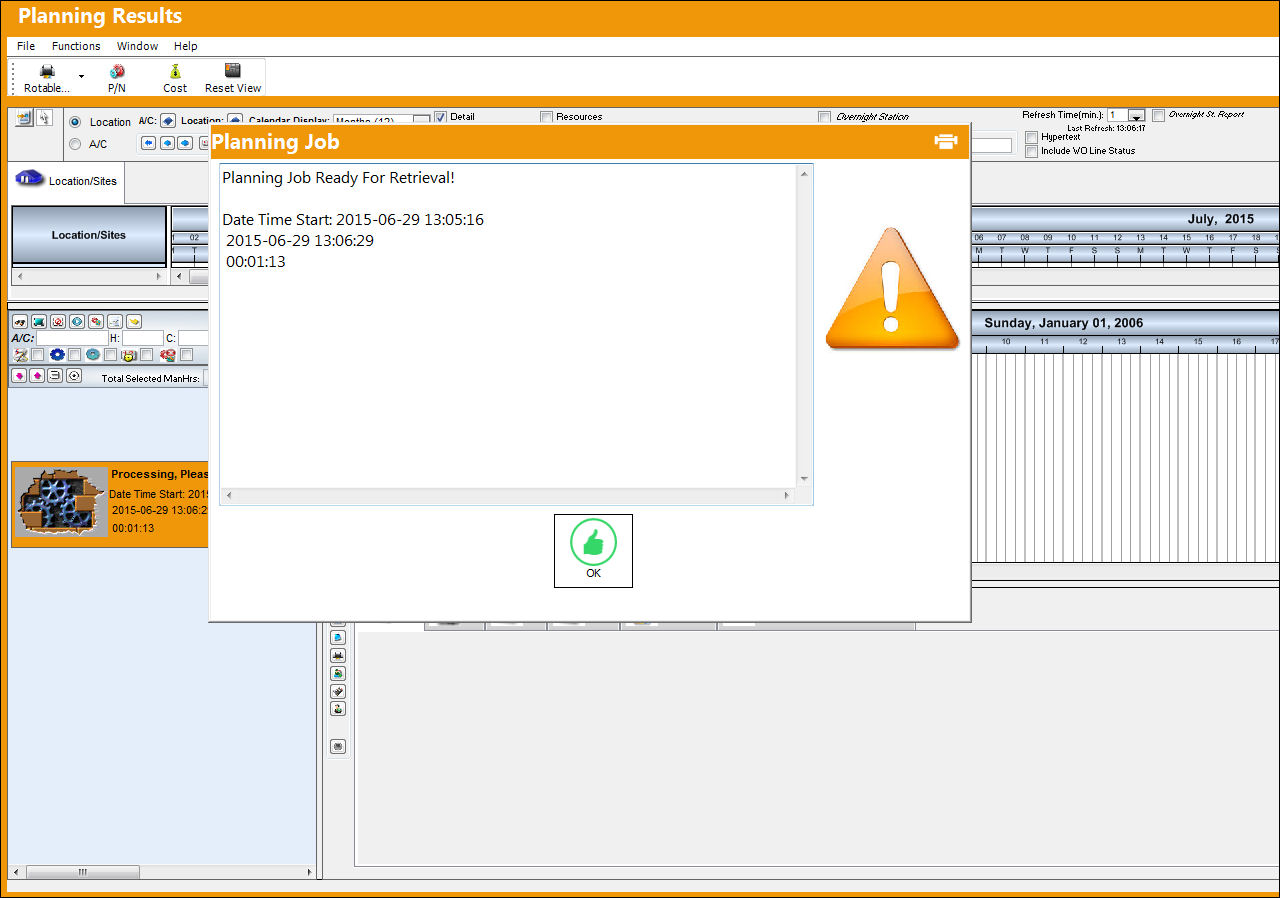
Upon entering the search criteria for the Interactive Planner, TRAX displays the Planning Window. The system displays a 'Processing, Please Wait' box, informing the user that the Interactive Planner View is processing the data records.
The results of the Interactive Planner View are displayed, as follows:
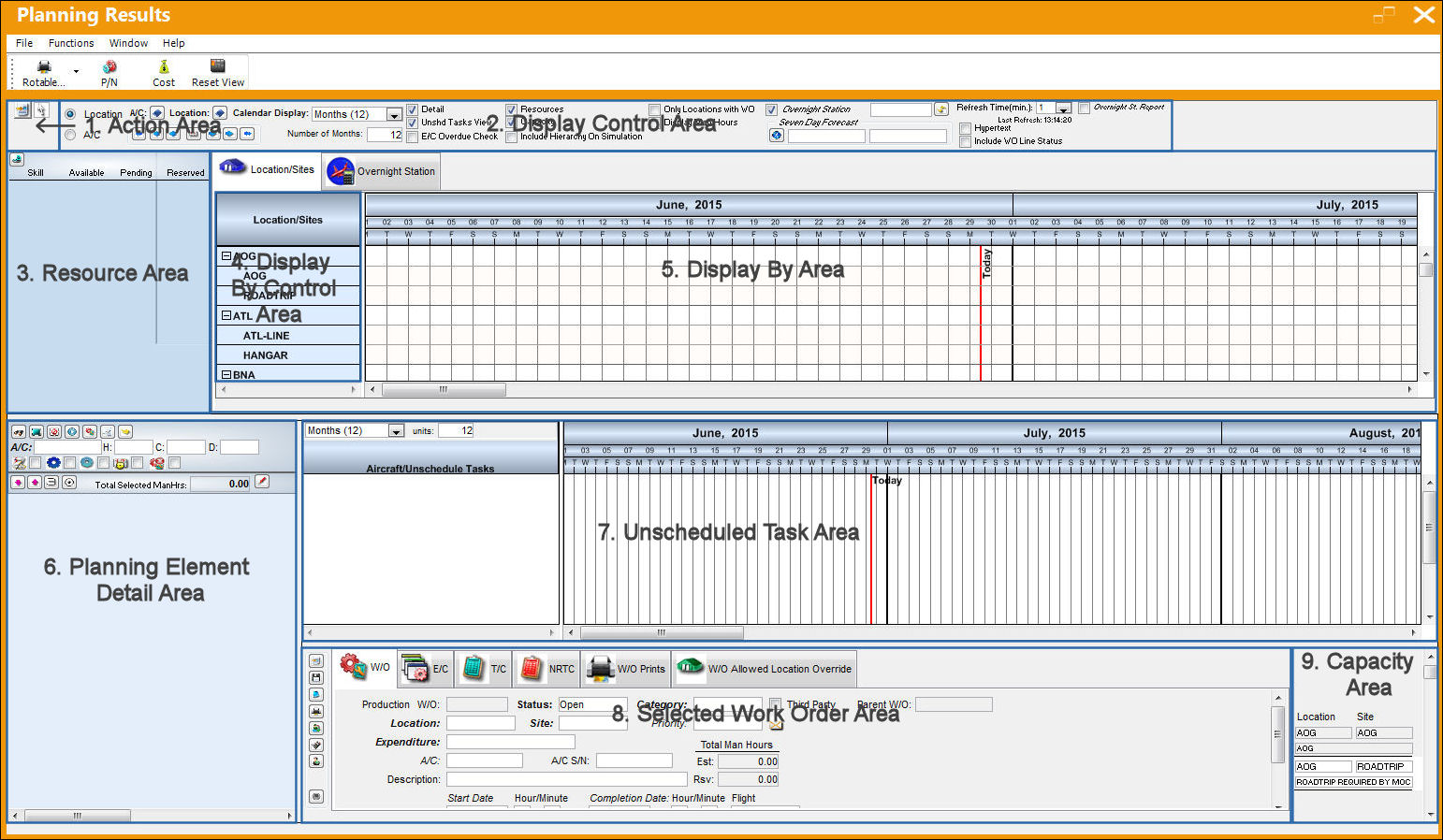
There are nine major sections of the Interactive Planner View, as displayed above:
- Action Area
- Display Control Area
- Resource Area
- Display By Control Area
- Display By Area
- Planning Element Detail Area
- Unscheduled Task Area
- Selected Work Order Area
- Capacity Area
Share
Print
|
©1997-2026 Trax USA Corp. All rights reserved. This manual may not be copied, photocopied, reproduced, translated, or converted to any electronic or machine-readable form, in whole or in part, without prior written approval from Trax USA Corp. |
 |