
 Share
Share
 Print
Print
|
|
|
|
|


Once all the steps have been performed to set up the self assignment schedule and it has been generated, the user may now now view the Self Assignment Schedule:
Go to Planning/Update/Employee Self Assignment.
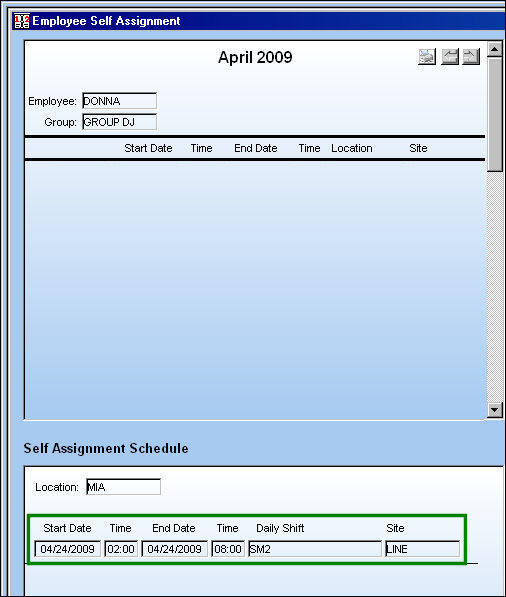
The Self Assignment Schedule appears as shown below and the employee can assign this work to themselves if desired.
For information regarding how to self assign work, refer to Select Self Assignment via Self Assignment Schedule which can be found in the Planning Training manual.
Please note the Switch  SELFSCHLM. Depending on the setting of the Config. field, the Self Assignment Schedule may not appear in the Employee Self Assignment window.
Share
Print
|
©1997-2026 Trax USA Corp. All rights reserved. This manual may not be copied, photocopied, reproduced, translated, or converted to any electronic or machine-readable form, in whole or in part, without prior written approval from Trax USA Corp. |
 |