
 Share
Share
 Print
Print
|
|
|
|
|


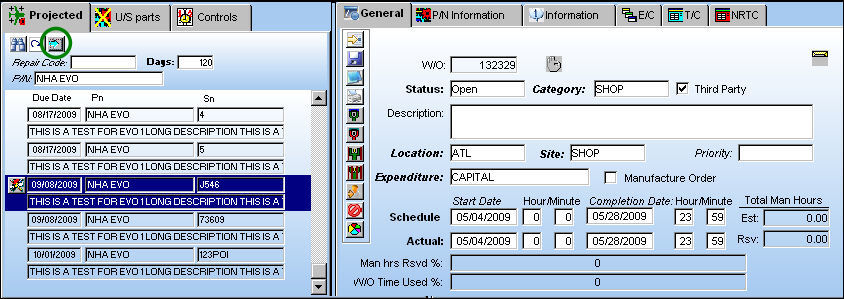
Select the Add Tasks  button to add a selected item (highlighted in blue) to a Work Order:
The Save prompt will appear. Select 'OK.'
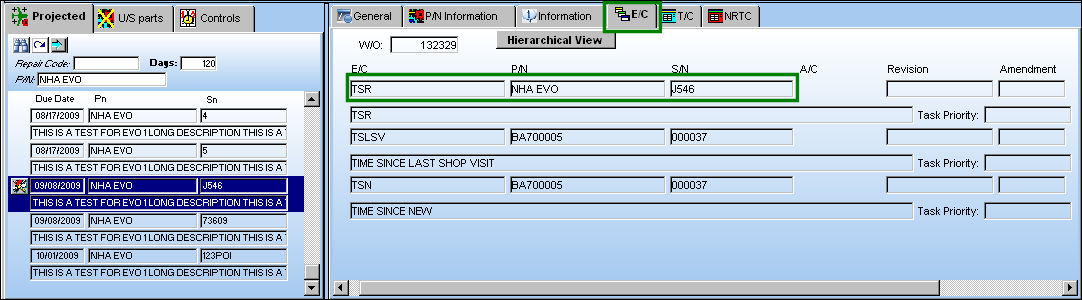
Go to the E/C tab to verify that the item has been added to the Work Order:
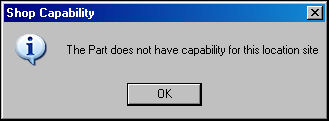
If the part does not have capability for this location site, the following information box will appear:
Share
Print
|
©1997-2026 Trax USA Corp. All rights reserved. This manual may not be copied, photocopied, reproduced, translated, or converted to any electronic or machine-readable form, in whole or in part, without prior written approval from Trax USA Corp. |
 |