
 Share
Share
 Print
Print
|
|
|
|
|


The Location Change  button can be used to change the name of a location to another name. Once saved, this change takes place globally throughout the system.
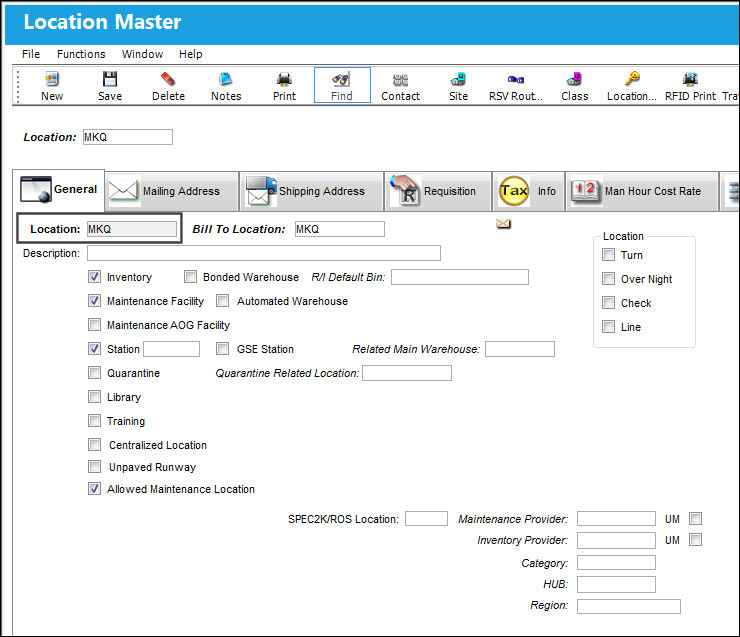
From the Location Master, select the name of a location to be changed. Select the Location Change button
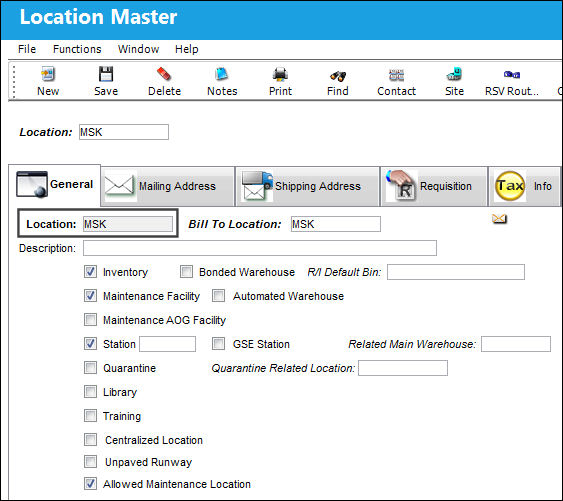
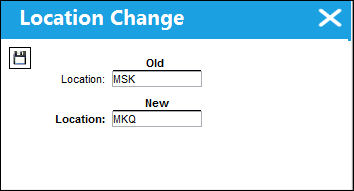
The Location Change window appears. Enter the new name of the location and select the Save  button.
The saving process may take some time as TRAX is saving this change across the entire system.
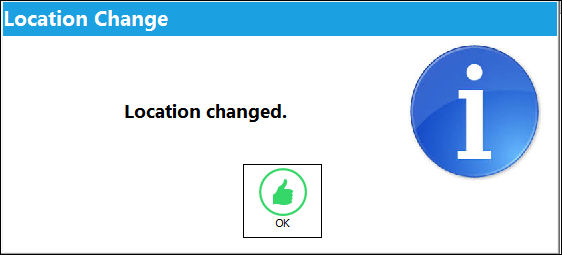
Once the save has been complete, the following information box appears letting the user know that the name of the location has been changed.
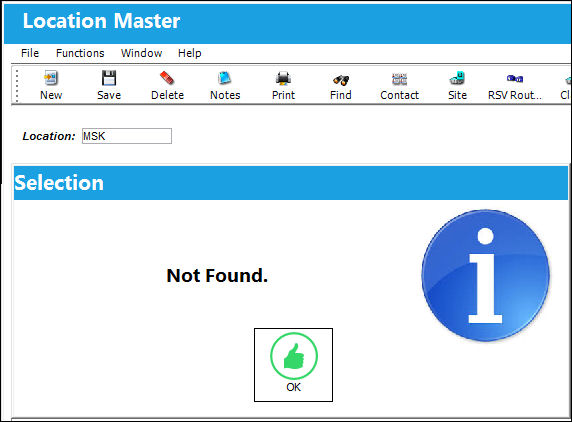
The following location does not exist anymore:
The new location has taken effect and has been applied to existing data.
Share
Print
|
©1997-2026 Trax USA Corp. All rights reserved. This manual may not be copied, photocopied, reproduced, translated, or converted to any electronic or machine-readable form, in whole or in part, without prior written approval from Trax USA Corp. |
 |