
 Share
Share
 Print
Print
|
|
|
|
|


Task Card Discrepancy Authorization Explorer
The Task Card Discrepancy Authorization Explorer allows specific users to review, reserve, accept, and/or reject Task Card Discrepancies that have been released for authorization. The authorization process can be as simple as a one step process or as complex as the TRAX Administrator would like, such as a five or ten step authorization process. The actual authorization configuration process is user-defined based upon each user's individual business process needs and can be set up via the Reason Category (Production) System Transaction Codes.
This Authorization Explorer functions as part of the Engineering Switch  TCDISCAUTH which allows administration to require a certain amount of Authorization Steps to be performed in order for a Task Card Discrepancy to be authorized. For detailed information on the T/C Discrepancy Authorization process, refer to Switch TCDISCAUTH via the Engineering Training Manual.
Once a Task Card Discrepancy has been created, via the W/O Task Card Discrepancy  button of the W/O Task Card, go to Engineering/ Explorer/ Task Card Discrepancy Authorization Explorer.
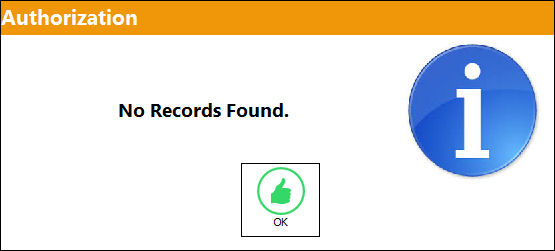
If no Task Card Discrepancies are currently awaiting authorization, or there are no T/C Discrepancies pending authorization that fit the user's criteria based upon the set up of the Reason Category (Production) System Transaction Code, the following message will appear:
When entering the Task Card Discrepancy Authorization Explorer, TRAX will display the following screen:
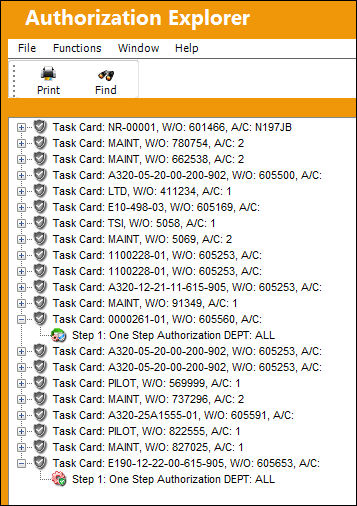
Task Card  icon
icon
This is a Task Card that is pending authorization. This information includes Task Card Number, Task Card Revision, Task Card Description and Task Card Category. This line will also show the status of the revision. By selecting into the Task Card, the Task Card detail can be viewed in Query Mode if required.
Current/Pending Step  icon
icon
The current open Task Card Authorization Step(s) that is pending acceptance. These steps can be viewed in Query Mode after being accepted if required.
Accepted Status  icon
icon
A Task Card Authorization Step that has been accepted. These steps can be viewed in Query Mode if required.
Upcoming Status  icon
icon
A Task Card Authorization Step that is pending prior steps to be accepted. These steps cannot be accepted until the prior step(s) have been accepted. These steps can be viewed in Query Mode if required.
Reserved  icon
icon
The reserved icon appears when a step has been reserved and the Reserved checkbox has been selected.
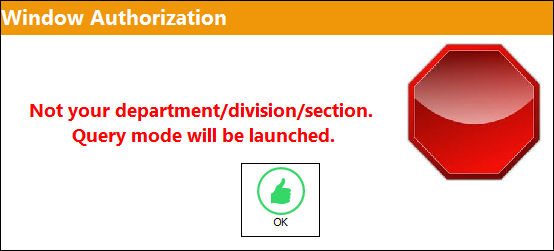
When in the Task Card Discrepancy Authorization Explorer window and attempting to access a step that is not configured for the department or group that the user belongs to, the user cannot Accept nor Reject the step. The user may only view the Authorization Step in Query Mode due to the Reason Category configuration stipulating that another department is set up to authorize this specific step. TRAX will display this query only warning message and allow the user to enter the Authorization Step only to view the information:
By selecting into the authorization step through the Authorization  option, TRAX displays the related T/C DIscrepancy Authorization window. This allows the user to review the W/O Task Card information.
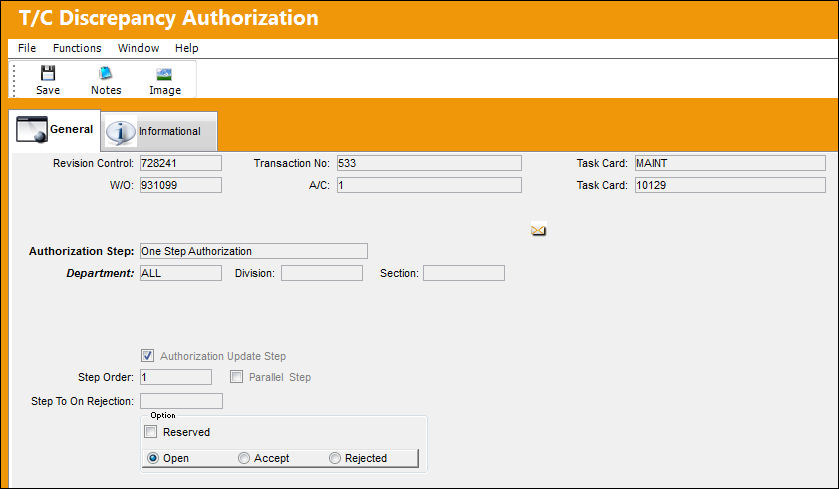
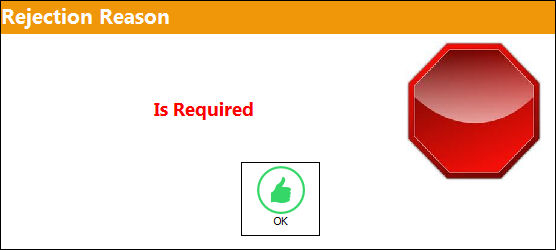
To reject the Task Card Discrepancy Authorization Step, select the Rejected radio button and select the Save  button. When rejecting an Authorization Step, the Rejection Reason field shows in the window. It is mandatory to populate the reason when rejecting an Authorization Step. The user also has the option to Reserve a Rejected Authorization Step.
If a user rejects an Authorization Step and does not enter a Rejection Reason, the following prompt will appear and a reason must be entered:
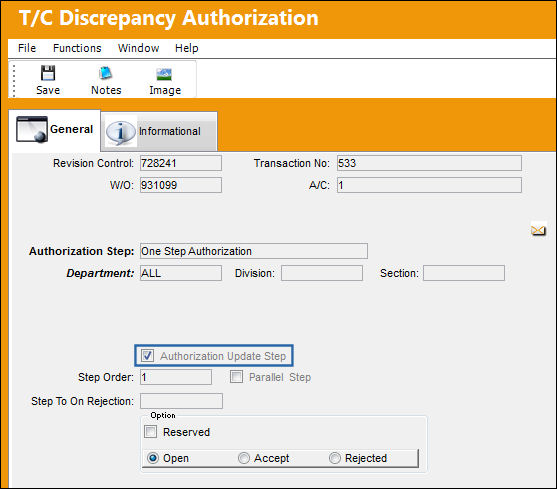
After accepting the T/C Discrepancy Authorization Step, the next step is available to be accepted, rejected, or reserved. When authorizing the last step, which is also the final Authorization Update Step, the user will notice that this checkbox is automatically selected. This is based on the configuration of the Reason Category System Transaction Code configuration.
TRAX refreshes the Task Card Discrepancy Authorization Explorer window and displays the T/C Discrepancy, but no authorization steps are listed because all authorization steps have been accepted.

 Share
Print
Share
Print
|
©1997-2026 Trax USA Corp. All rights reserved. This manual may not be copied, photocopied, reproduced, translated, or converted to any electronic or machine-readable form, in whole or in part, without prior written approval from Trax USA Corp. |
 |