
 Share
Share
 Print
Print
|
|
|
|
|


The Copy A/C Template  button is used to copy the template of one aircraft to another. This includes P/N A/C Configuration, and effectivity across the system such as Task Card, MEL and Engineering effectivity.
 This button is security controlled via the Security Explorer/ Settings/ Update/ Aircraft/ Copy Template Button. For additional information, refer to the Security Explorer section of the System Administration Training Manual.
Setup:
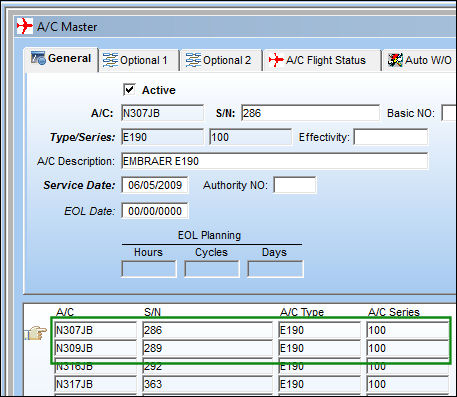
In the following example, we will be using aircraft N307JB and aircraft N309JB.
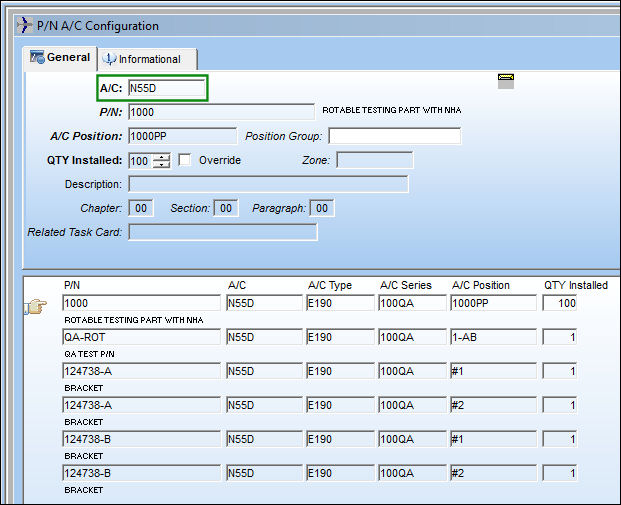
Note the P/N A/C Configuration of aircraft N55D:
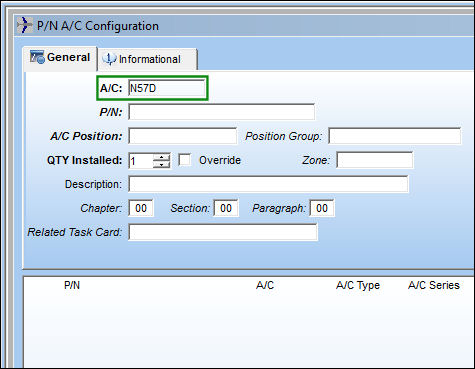
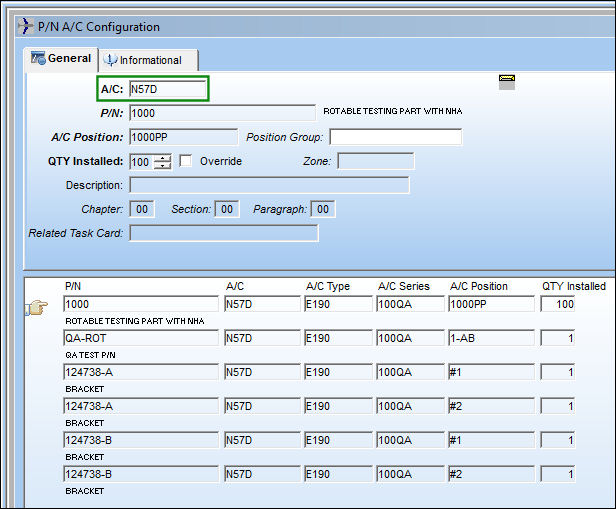
Note the P/N A/C Configuration of aircraft N57D:
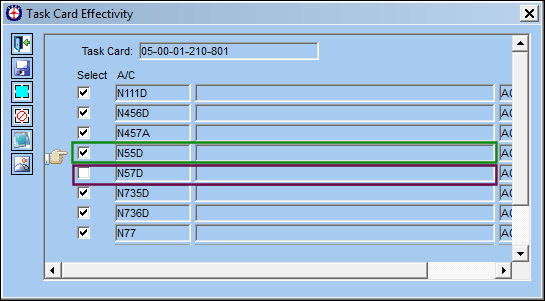
Navigate to the effectivity of the following Task Card:
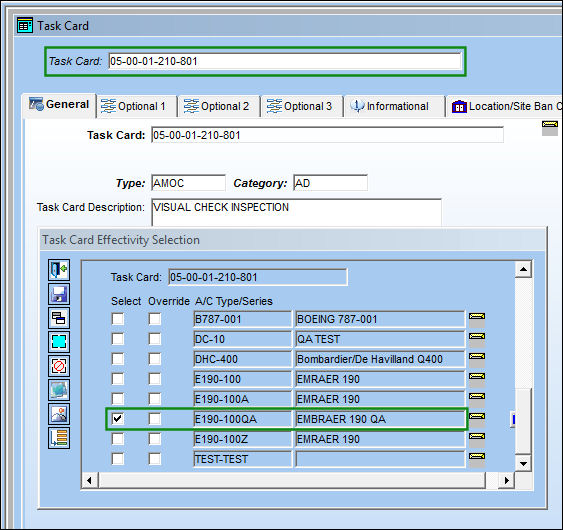
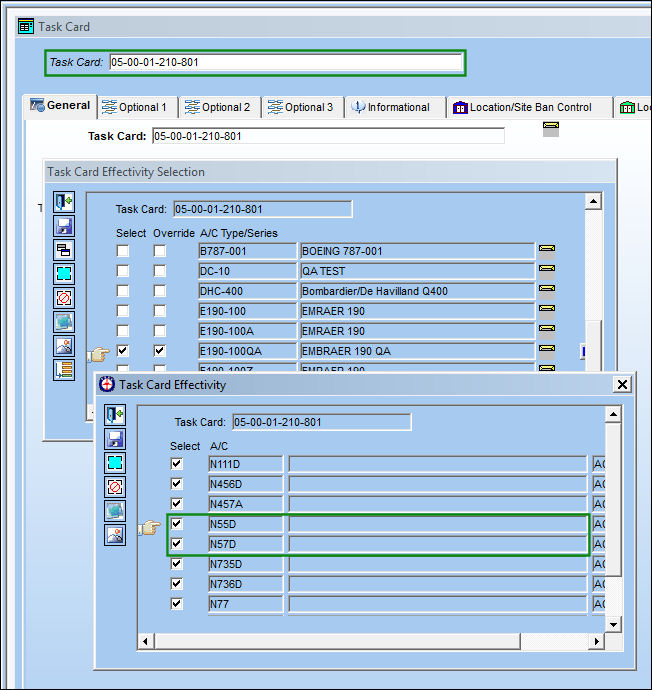
The following Task Card is effective to aircraft N55D, but not effective to aircraft N57D:
Functionality:
From the A/C Master, select the Copy A/C Template button. Be sure to place the Hand  pointer on the aircraft the template is to be copied from.
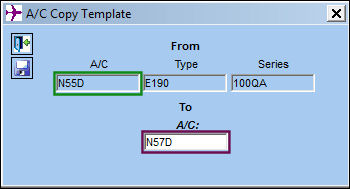
The A/C Copy Template window appears. Enter the To A/C information and select the Save  button.
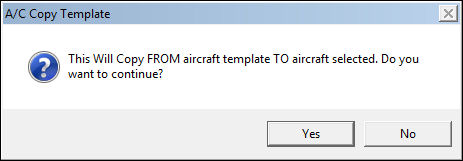
The following pop up window will appear, informing the user that the template will be copied 'From' one template to the 'To' template. Select 'Yes'.
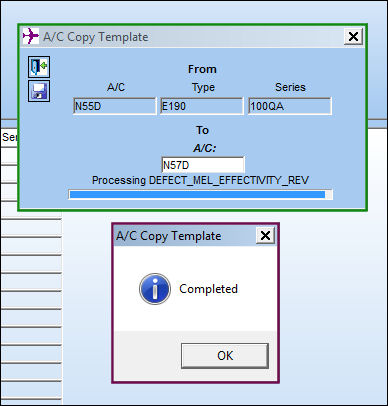
The following progress bar will appear. Once complete, the A/c Copy Template Completed information box will appear. Select 'OK'.
Results:
The P/N A/C Configuration has been copied from aircraft N55D to aircraft N57D:
The Task Card effectivity is also copied over:
Share
Print
|
©1997-2026 Trax USA Corp. All rights reserved. This manual may not be copied, photocopied, reproduced, translated, or converted to any electronic or machine-readable form, in whole or in part, without prior written approval from Trax USA Corp. |
 |