
 Share
Share
 Print
Print
|
|
|
|
|


The INV TPW  button allows users to send items for invoicing without having to close the Work Order first.
 This button is security controlled via Production/ Update/ W/O/ W/O Actual Invoice TPW Open Items. For additional information, refer to the Security Explorer, via the System Administration Training Manual.
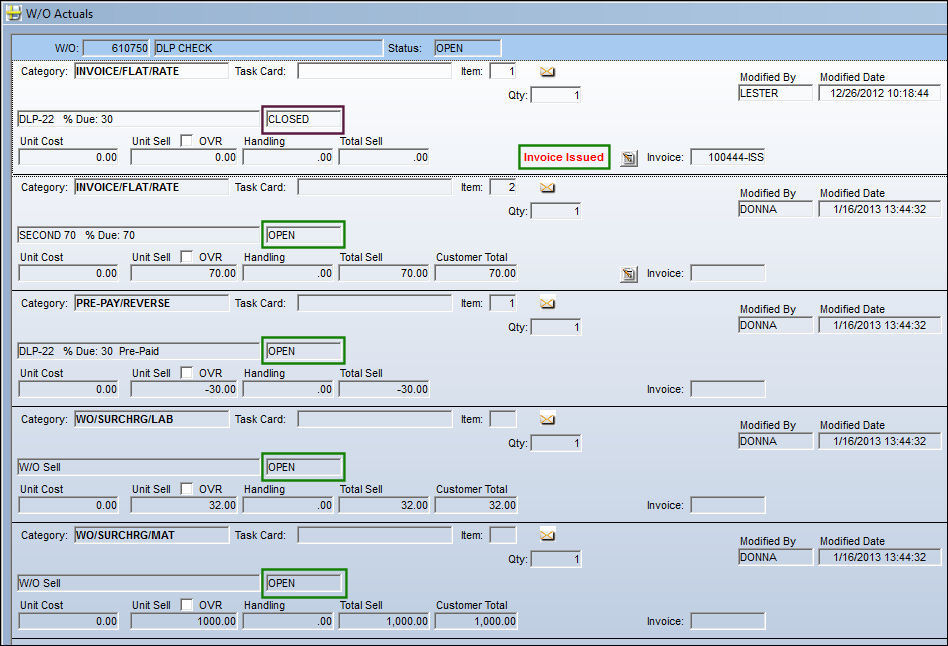
From the W/O Actuals window, the user can see that one item has been issued for invoice. The highlighted text indicates this. All other line items have not been issued and are still open.
Select the INV TPW button.
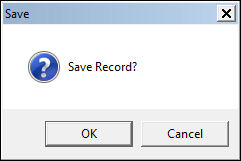
The Save prompt appears. Select 'OK.' Refresh the window.
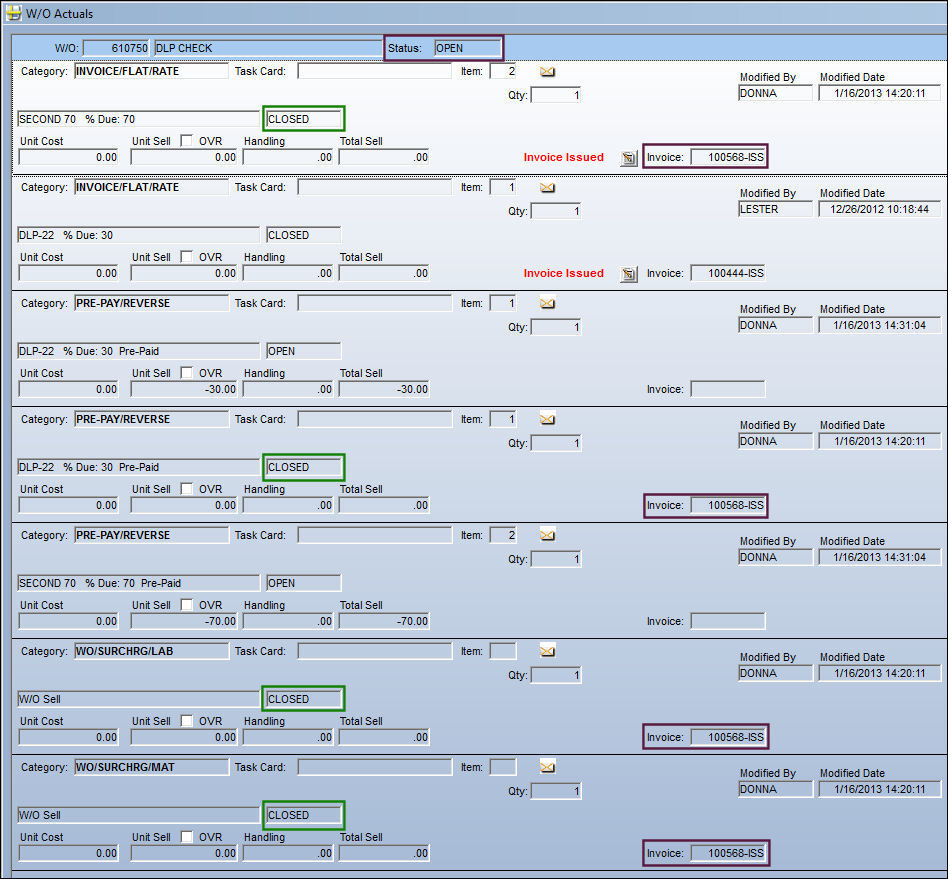
All remaining items have been closed and assigned a sequential invoice reference.
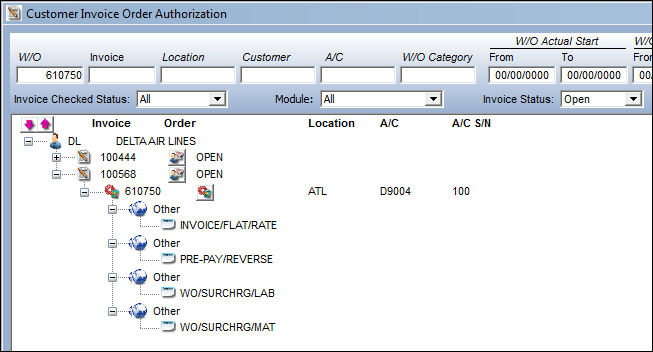
At this point, the user may still add another Actual to the Work Order. The item can be issued for invoice, and then closed. the item will have a different sequential invoice reference than the other items, however, all items can be posted and invoiced at the same time.
The item can be invoiced:
Share
Print
|
©1997-2026 Trax USA Corp. All rights reserved. This manual may not be copied, photocopied, reproduced, translated, or converted to any electronic or machine-readable form, in whole or in part, without prior written approval from Trax USA Corp. |
 |