
 Share
Share
 Print
Print
|
|
|
|
|


The IPC Load Report was created to show users which records are impacted by the IPC Load. This report also displays which parts were installed during the load, but are no longer effective. This report allows the user more more control over changes to range records.
Changes in the P/N Effectivity Range window will not take effect unless the Source is set to IPC. Changes will not be reflected on the IPC Load Report.
Example 1:
In the following example, the user will import a BOM file with an existing range.
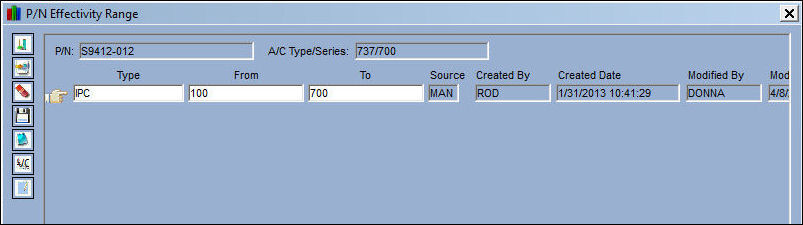
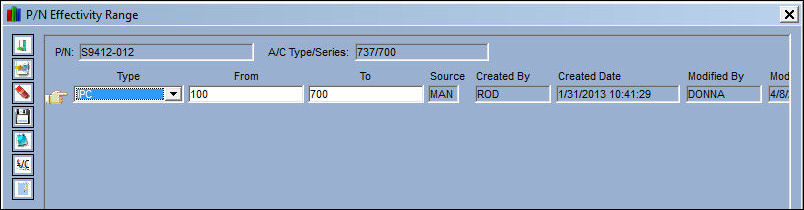
The following part contains an existing range.
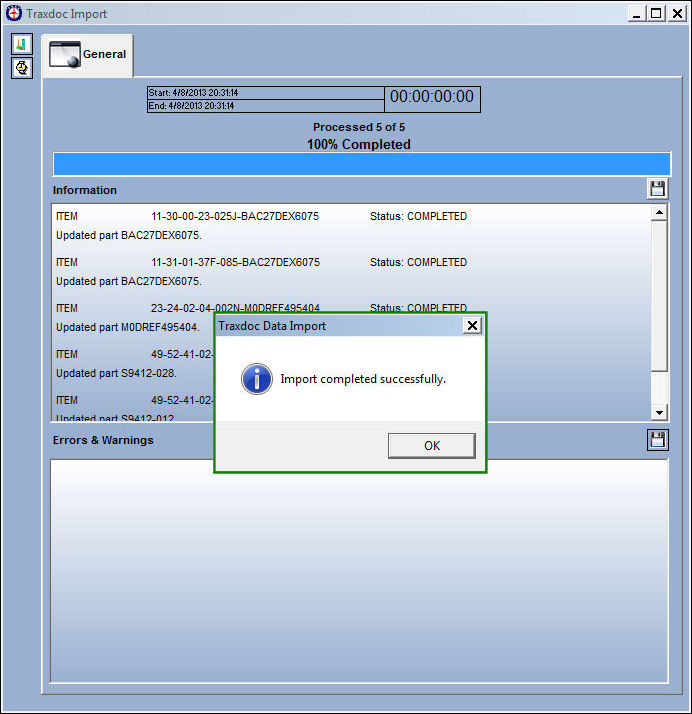
The IPC is loaded via the Load XML option. The Traxdoc Data import is successful:
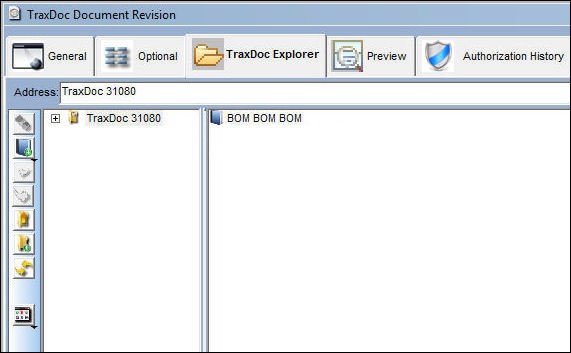
The BOM file is loaded as shown below:
The IPC Load Report appears with the Broken checkbox selected. No new ranges were included in the load, therefore under New Ranges, (131-700) appears. This range falls within the old range of (100-700).
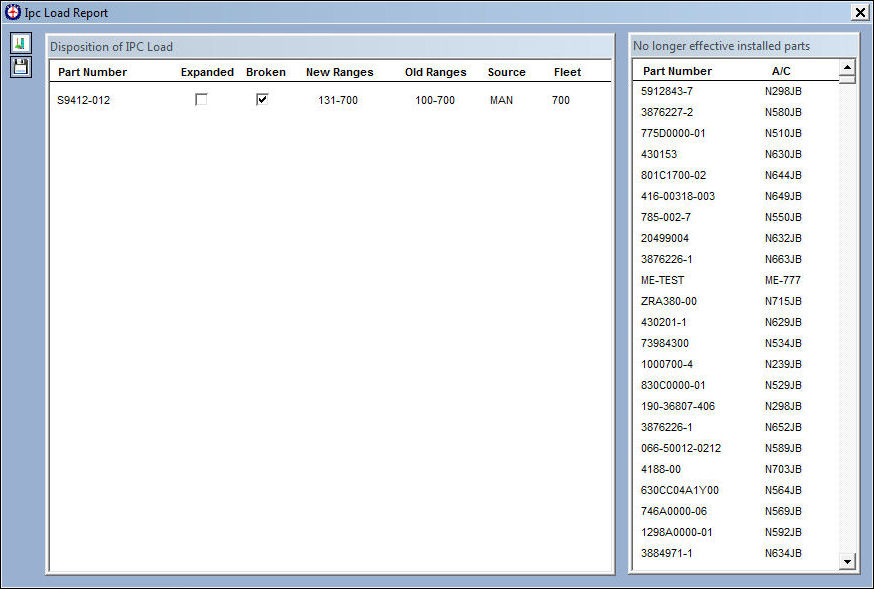
There is no change to the range, which is correct functionality.
Example 2:
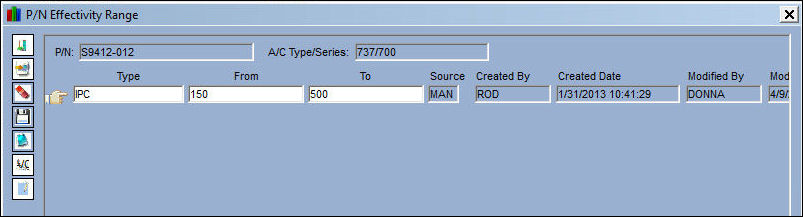
In the following example, the user will import a BOM file with a greater range.
The following range is 150-500:
The IPC is loaded via the Load XML option. The Traxdoc Data import is successful:
The BOM file is loaded as shown below:
The IPC Load Report appears with the Expanded checkbox selected. This checkbox is selected in the report to inform the user that ranges that the IPC Load introduced more values that do not exist in the system. This information appears on the IPC Load Report, however the records were not loaded into the system. A mechanic may review this report and elect to import these record manually at a later time.
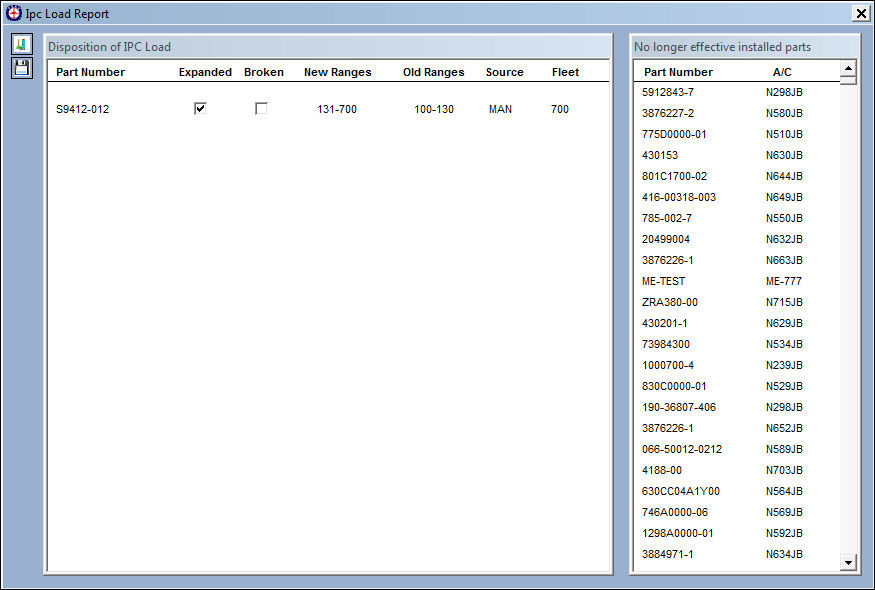
There is no change to the range, which is correct functionality.
Example 3:
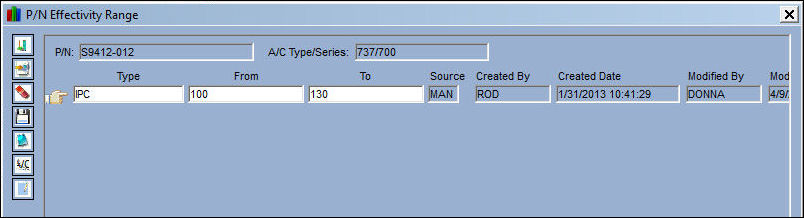
In the following example, the user will import a BOM file with ranges that are missing and also a greater range
The IPC is loaded via the Load XML option. The Traxdoc Data import is successful:
The BOM file is loaded as shown below:
The IPC Load Report appears with the Expanded and Broken checkboxes selected. This Expanded checkbox is selected in the report to inform the user that ranges that IPC Load range introduced more values that did not exist in the system prior to the load. The Broken checkbox is selected to inform the user that the values of the IPC Load record are included in the existing record, however the ranges do not match. This means that there are existing records which are missing from the IPC Load record. This information appears on the IPC Load Report, however the records were not loaded into the system. A mechanic may review this report and elect to import these record manually at a later time.
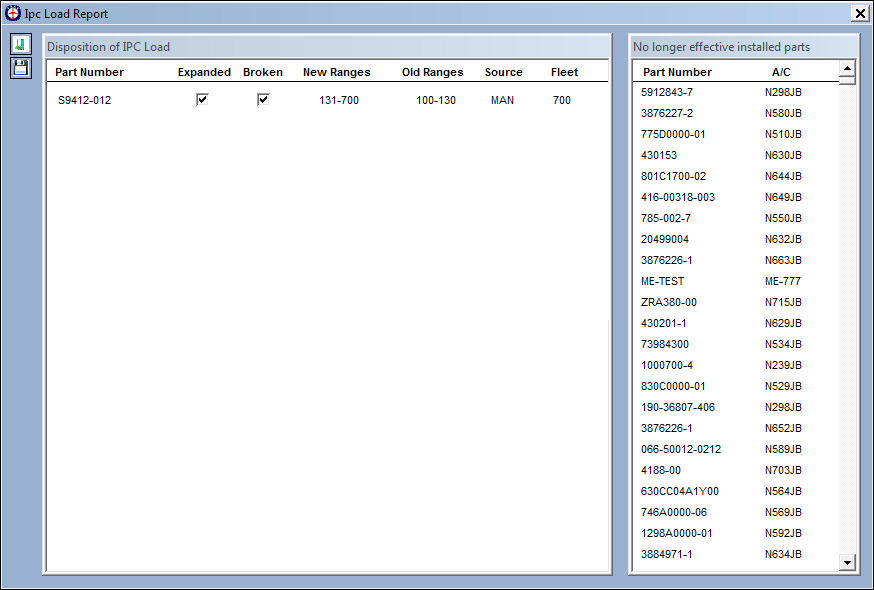
There is no change to the range:
Share
Print
|
©1997-2026 Trax USA Corp. All rights reserved. This manual may not be copied, photocopied, reproduced, translated, or converted to any electronic or machine-readable form, in whole or in part, without prior written approval from Trax USA Corp. |
 |