
 Share
Share
 Print
Print
|
|
|
|
|


Order Selection Area, via Orders Navigator

The Order Selection Area allows the user to create new Order Headers, as well as search for a specific Order by utilizing the Search Orders field. This field allows the user to perform a global search using key words, order numbers, vendors, and any other global search criteria.
Select the New  button to create a new Order Header and Order Detail(s):
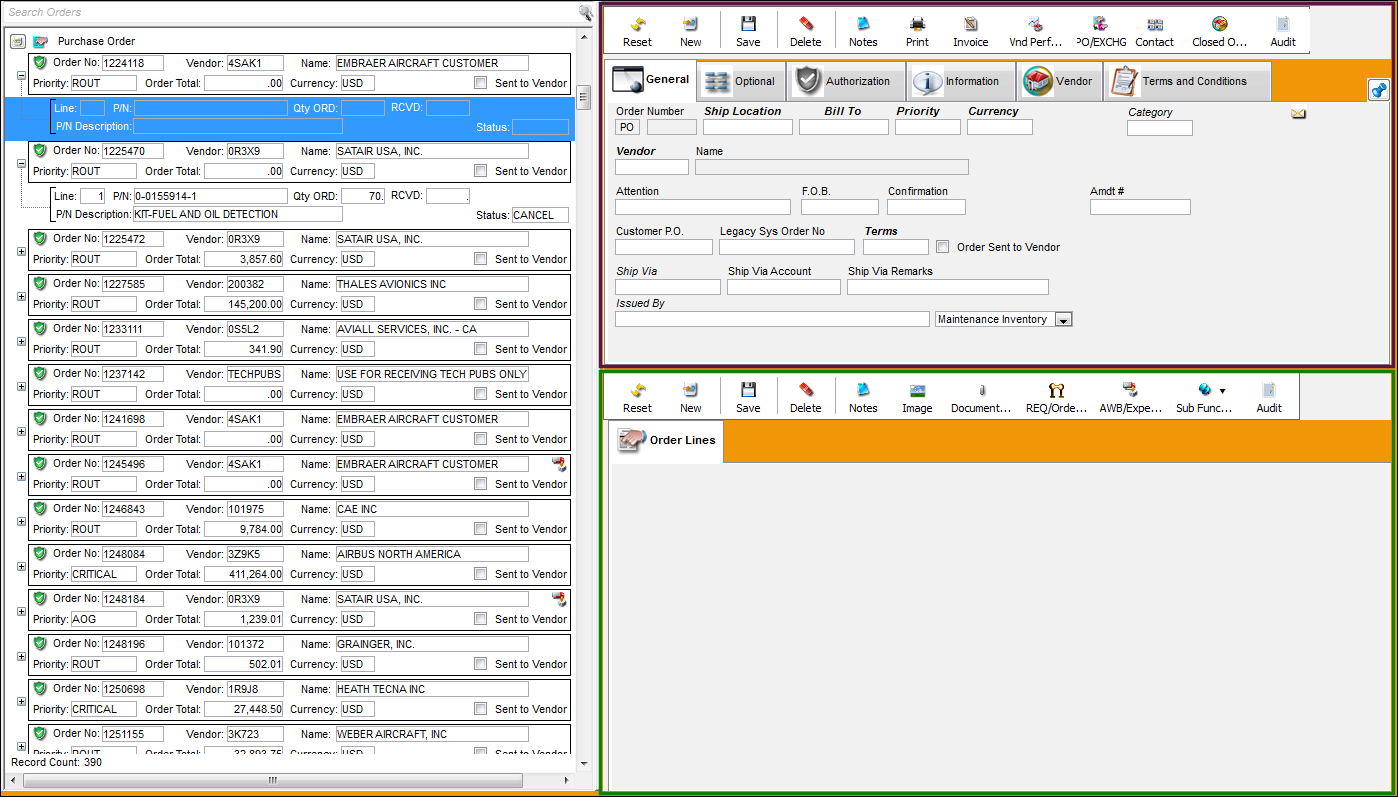
In the highlighted search area, type in the vendor 9U239 and select the 'Enter' key on your keyboard.
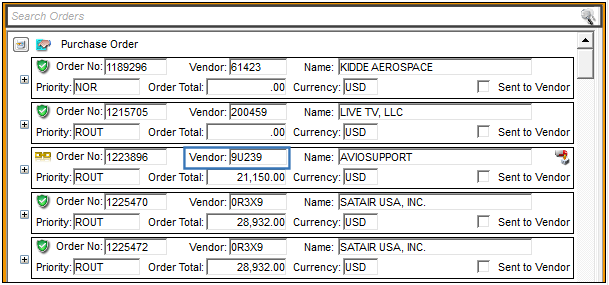
All orders associated that the Vendor populated in the Search Orders field appear as shown below:
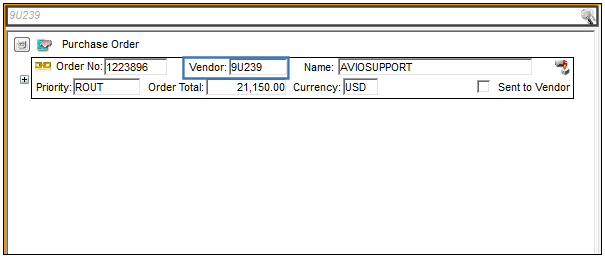
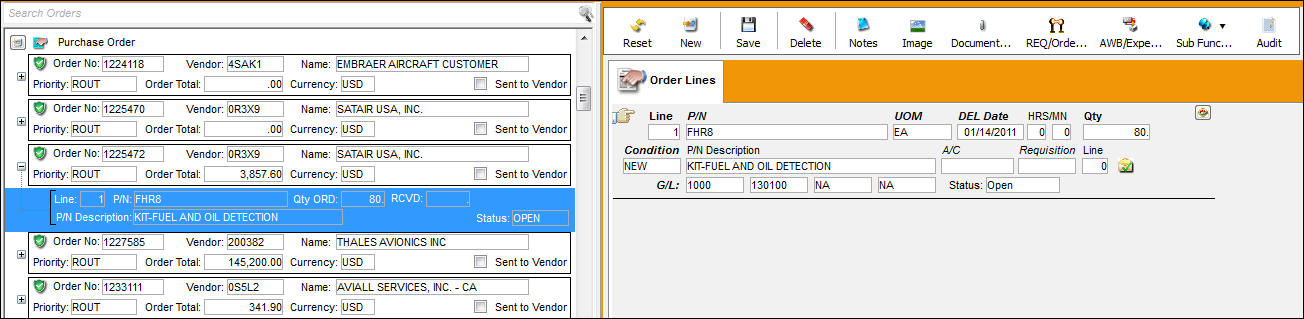
The user may also simply select an order from the list provided. Once a specific order is selected, all line items for that order become visible in the Order Selection Area:
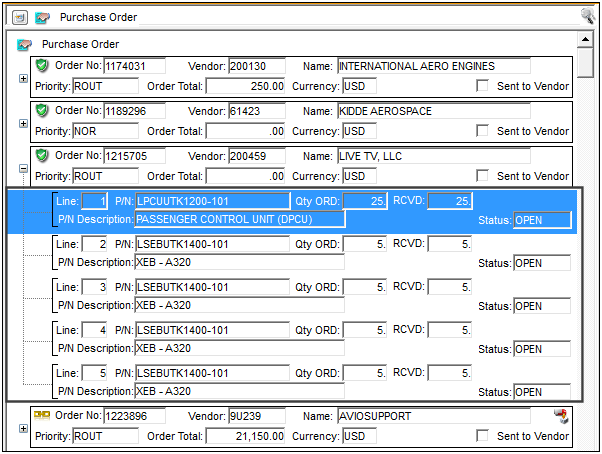
The line item(s) for the selected Order also become visible in the Order Header Area:
Additionally, the Expand and Collapse buttons are available to view more or less records, as needed.
Share
Print
|
©1997-2026 Trax USA Corp. All rights reserved. This manual may not be copied, photocopied, reproduced, translated, or converted to any electronic or machine-readable form, in whole or in part, without prior written approval from Trax USA Corp. |
 |