
 Share
Share
 Print
Print
|
|
|
|
|


Supervisor Button, via Orders Navigator

The Supervisor option allows the user to view and access all open orders in the system. Without the supervisor view, users can only see order types they have security access to.
From the Orders Navigator window, select the Supervisor  button.
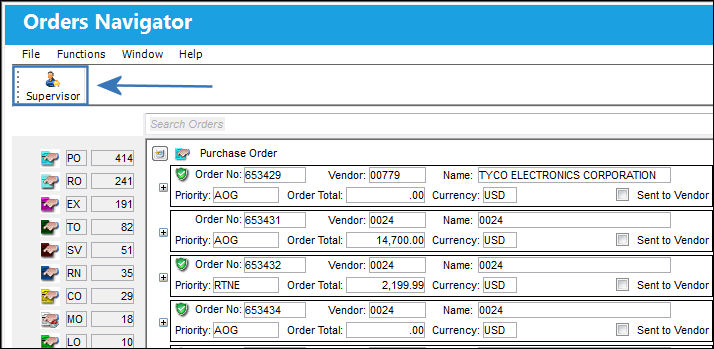
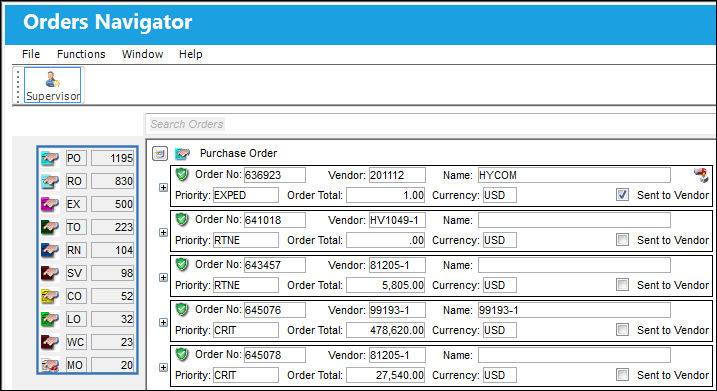
Notice the Supervisor button has a blue box around it to indicate that the supervisor option is in effect:
The user now has access to all order types in the system.
Share
Print
|
©1997-2026 Trax USA Corp. All rights reserved. This manual may not be copied, photocopied, reproduced, translated, or converted to any electronic or machine-readable form, in whole or in part, without prior written approval from Trax USA Corp. |
 |