
 Share
Share
 Print
Print
|
|
|
|
|


Orders Management
The Order Management allows the user to manage all orders and order types of any status created by all users in the system. Only orders with detail information saved will appear in this window. Selecting into an order header takes the user directly to the order detail where they can manage the details of the parts for that order.
This window is no longer available in Trax Version 12.5 and all later releases. The Orders Update and Orders Navigator windows have replaced the functionality of the Orders Management window.
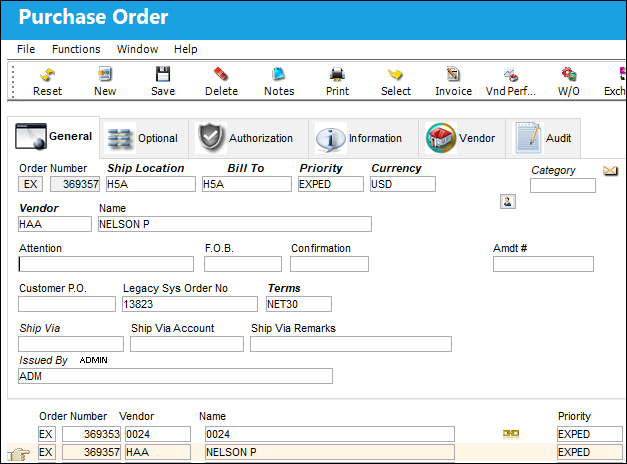
The Orders Management header and detail contain all the same functionality as each individual Order window. The user can access each individual Order Type and their respective Supervisor window from the Orders Update Menu:
Share
Print
|
©1997-2026 Trax USA Corp. All rights reserved. This manual may not be copied, photocopied, reproduced, translated, or converted to any electronic or machine-readable form, in whole or in part, without prior written approval from Trax USA Corp. |
 |