
 Share
Share
 Print
Print
|
|
|
|
|


Prints Save As Disable

The Prints Save As Disable feature provides security access to the Save As function for reports wherever available throughout the system. The Save As  button allows users to extract data from the system and save it outside of TRAX.
 This functionality is security-controlled via Security Explorer/ System Administration/ Explorer/ System Transaction Configuration/ Prints Save as Disable. This security function is available system-wide for reports.
Go to Security Explorer/ System Administration/ Explorer/ System Transaction Configuration.
Security access to the Prints Save As Disable is disabled:
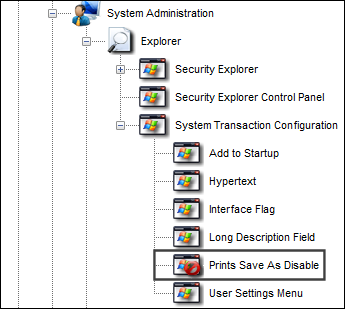
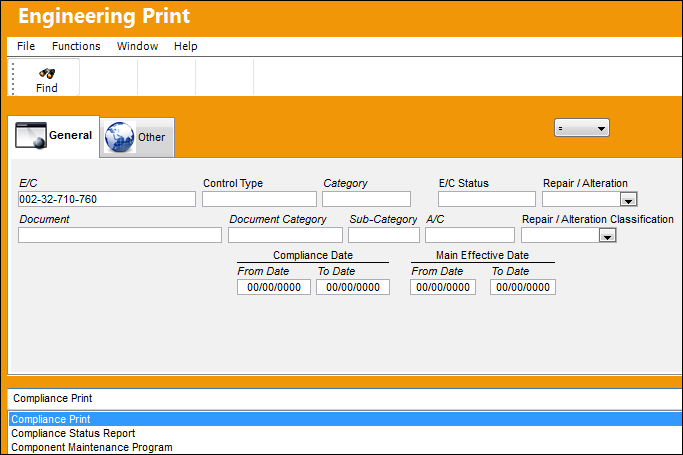
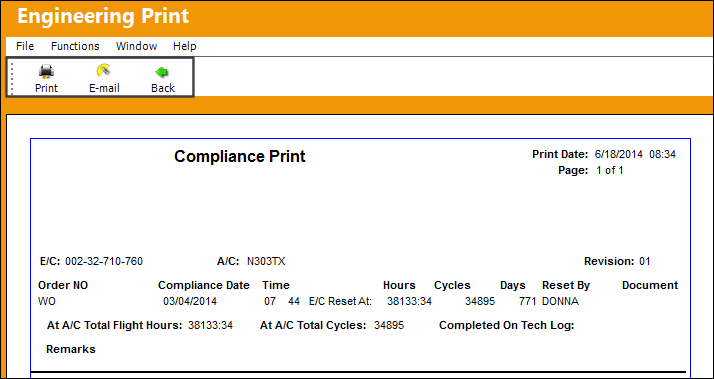
Run any print/report in the system. In the following example, the user has selected to run the Compliance Print via Engineering Control Print.
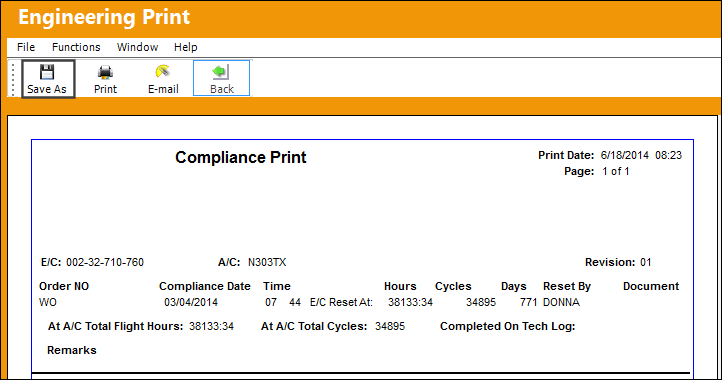
The Save As button allows the user to save the results of the report to another location outside of TRAX.
Return the to Security Explorer. Security access to the Print Save As Disable functionality has been enabled:
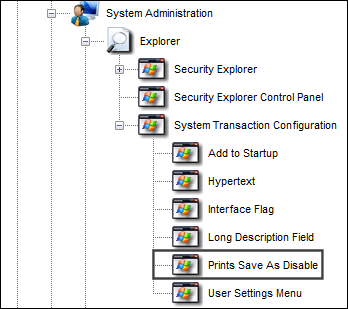
When the same report is generated again, the Save As button is no longer available.
Share
Print
|
©1997-2026 Trax USA Corp. All rights reserved. This manual may not be copied, photocopied, reproduced, translated, or converted to any electronic or machine-readable form, in whole or in part, without prior written approval from Trax USA Corp. |
 |