
 Share
Share
 Print
Print
|
|
|
|
|


Select the Prefer Vendor P/N  button to view the preferred vendors associated with this part.
Preferred vendors are added to P/Ns through the Cost Button of the P/N Master. Each part and condition could have multiple preferred vendors.
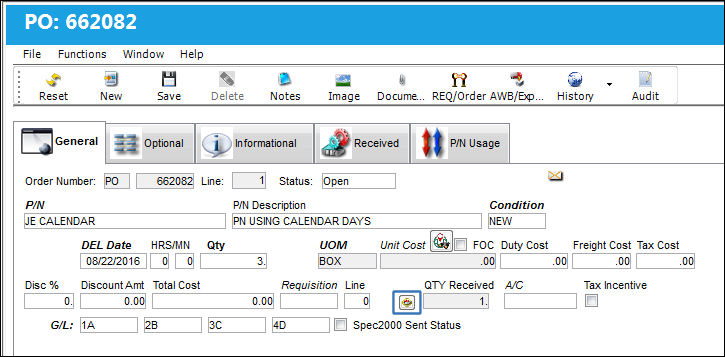
From any order detail's General tab, select the Prefer Vendor P/N button:
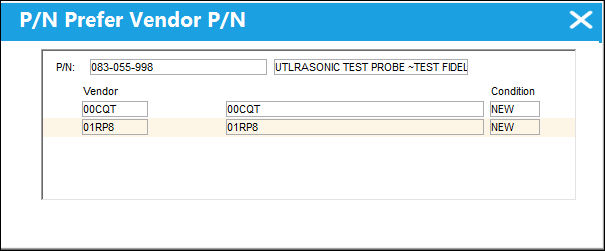
The P/N Prefer Vendor P/N window will appear with the preferred vendor(s) for this part as specified in P/N Master.
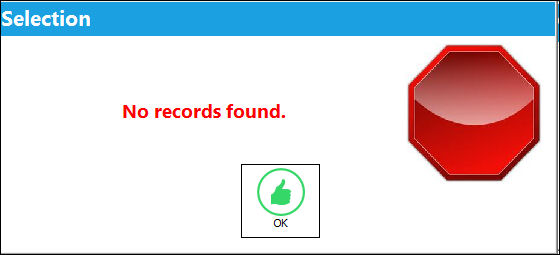
If there are no preferred vendors for the part, the following error message will appear:
Share
Print
|
©1997-2026 Trax USA Corp. All rights reserved. This manual may not be copied, photocopied, reproduced, translated, or converted to any electronic or machine-readable form, in whole or in part, without prior written approval from Trax USA Corp. |
 |