
 Share
Share
 Print
Print
|
|
|
|
|


Multi Invoice Posting

The Multi Invoice Posting feature allows users to post multiple invoices at the same time, all from one dynamic window. For companies that manage a number of invoices, this functionality will help to make the invoicing process more cost and time efficient.
From the Multi Invoice Post window, select the invoices you would like to post. The user may select the Find  button to locate a specific invoice.
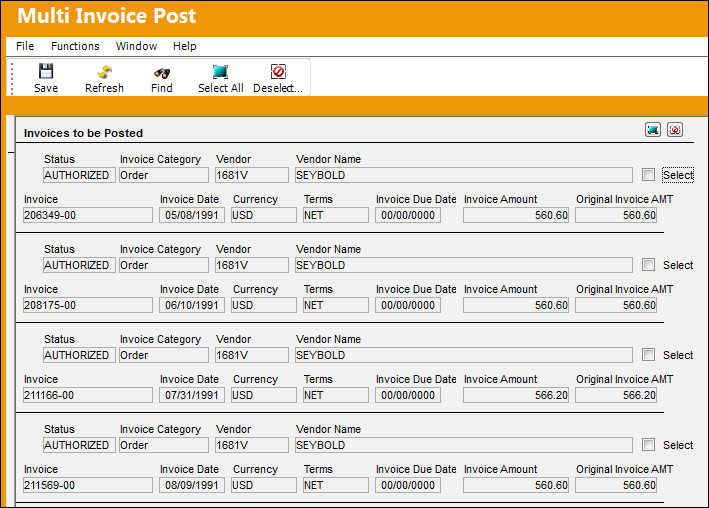
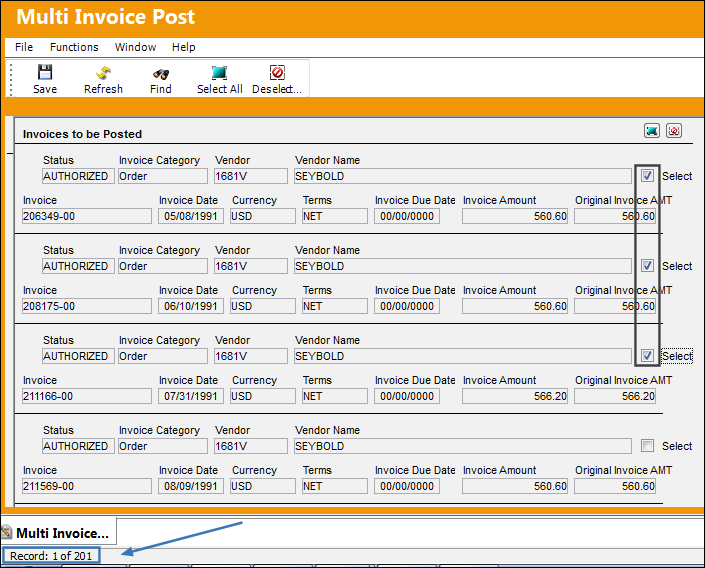
As an example, the following three invoices have been selected:
- 206349-00
- 208175-00
- 211166-00
Note that there are 201 invoices in all.
Select the Save  button to post the selected invoices.
Select either of the Select All  buttons to select all invoices in the Multi Invoice Posting window.
Select either of the Deselect  button to deselect all invoices in the Multi Invoice Posting window.
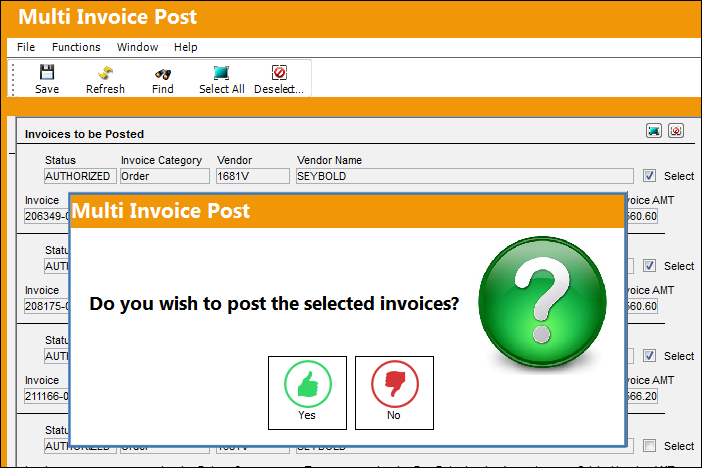
The following pop up will appear. Select 'Yes' to post the selected invoices.
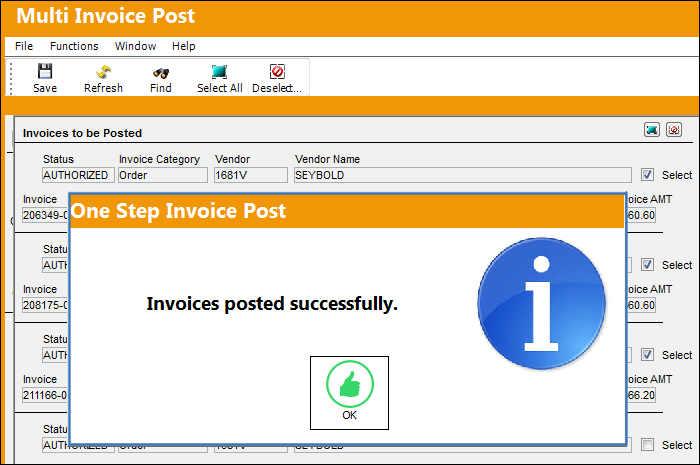
The following information box will appear, informing the user that the invoices were posted successfully.
Select 'OK.'
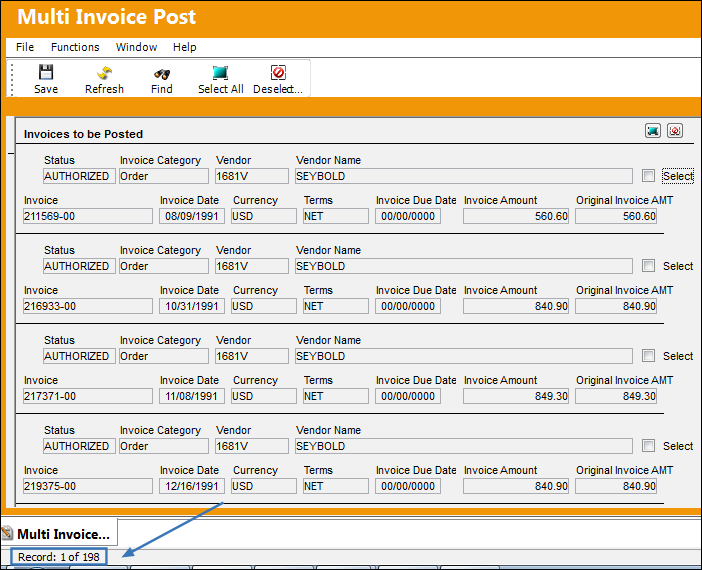
Once the user exits and enters the window again, the number of invoices left is 198.
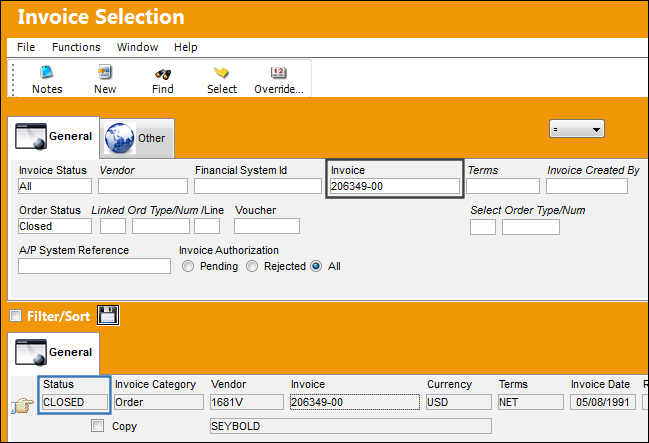
Go to Link/ Update/ Invoice Entry and locate one the invoices that was closed. Once the user selects the Find button the invoice appears as closed as shown below.
Share
Print
|
©1997-2026 Trax USA Corp. All rights reserved. This manual may not be copied, photocopied, reproduced, translated, or converted to any electronic or machine-readable form, in whole or in part, without prior written approval from Trax USA Corp. |
 |