
 Share
Share
 Print
Print
|
|
|
|
|


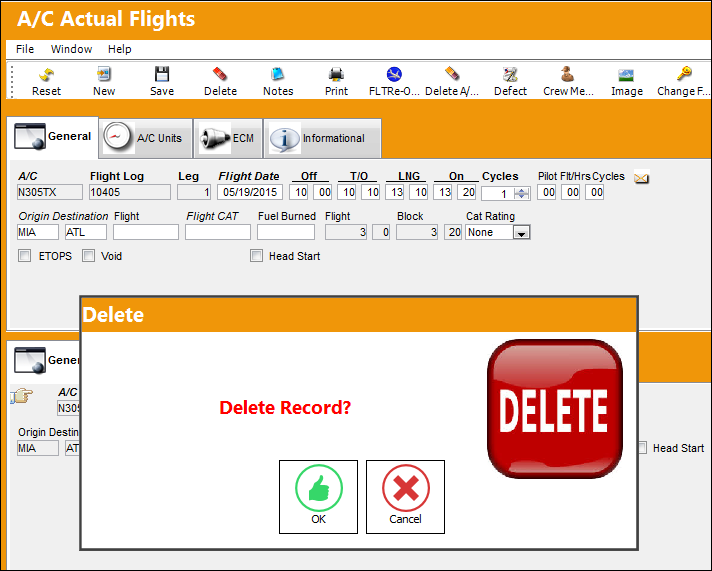
The Delete  button us used to delete an Actual Flight from the system.
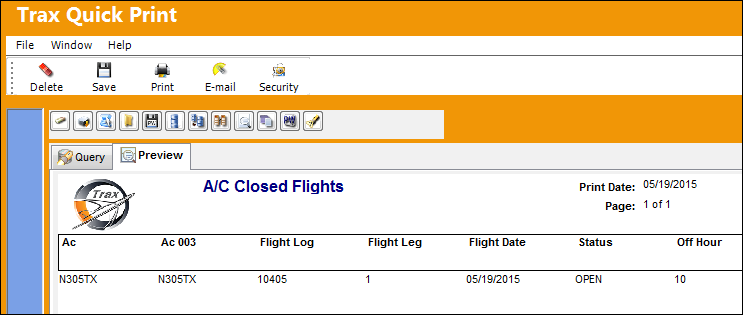
 When a flight is deleted from the system, the flight will appear in the ac_actual_flight_audit table via TRAX Quick print. The status of the flight will appear as 'Deleted'.
From the A/C Actual Flight window, select the Delete button to delete an Actual Flight from the system.
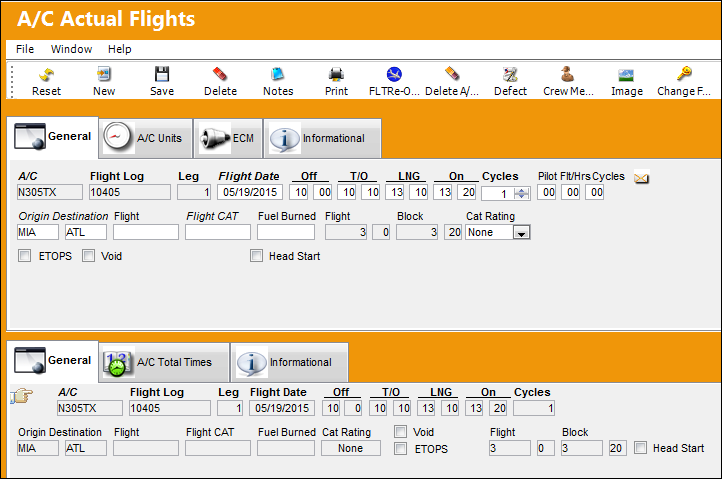
The flight is closed.
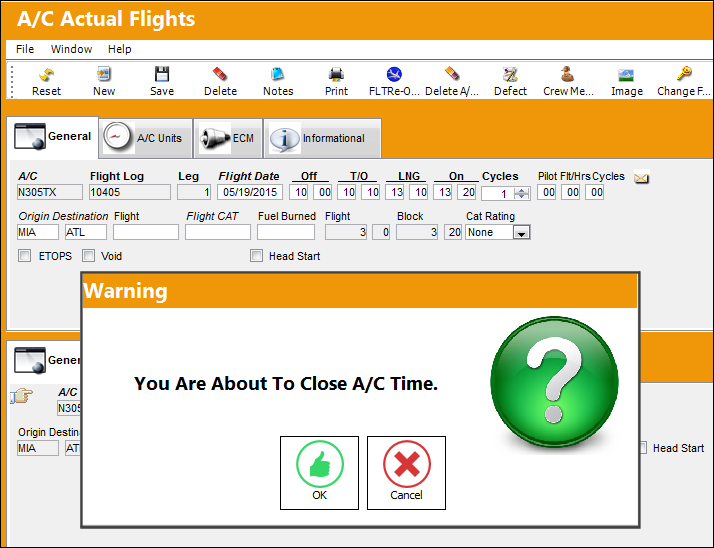
Delete the flight.
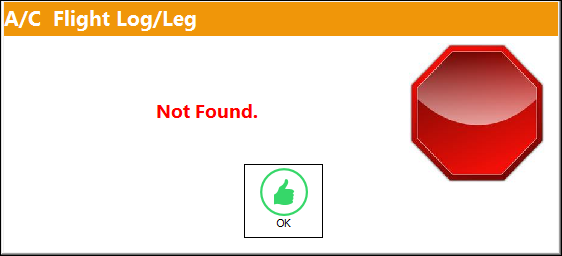
Attempt to locate the flight via the Flight-Re-Open  button.
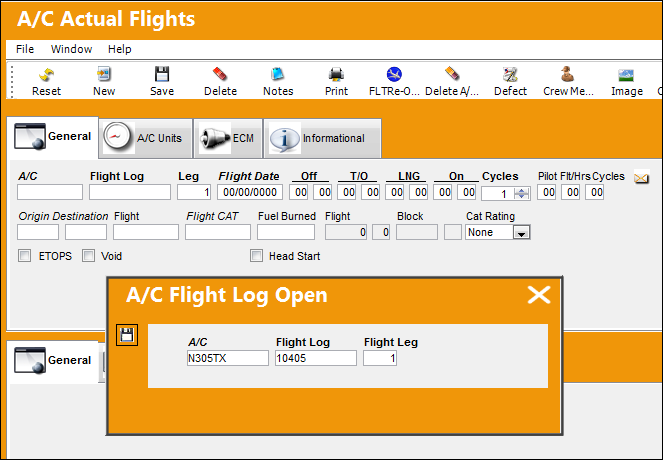
The flight is no longer in the system.
The flight appears in the ac_actual_flight_audit table via TRAX Quick print.
Share
Print
|
©1997-2026 Trax USA Corp. All rights reserved. This manual may not be copied, photocopied, reproduced, translated, or converted to any electronic or machine-readable form, in whole or in part, without prior written approval from Trax USA Corp. |
 |