|
MANUALS > Shop > Shop Module > Shop, Update Menu > Shop W/O > Shop Work Order Detail > W/O Shop Detail, P/N Information Tab > eMRO ARC Remarks button, via W/O Shop Detail, P/N Information Tab
eMRO ARC Remarks button, via W/O Shop Detail, P/N Information Tab
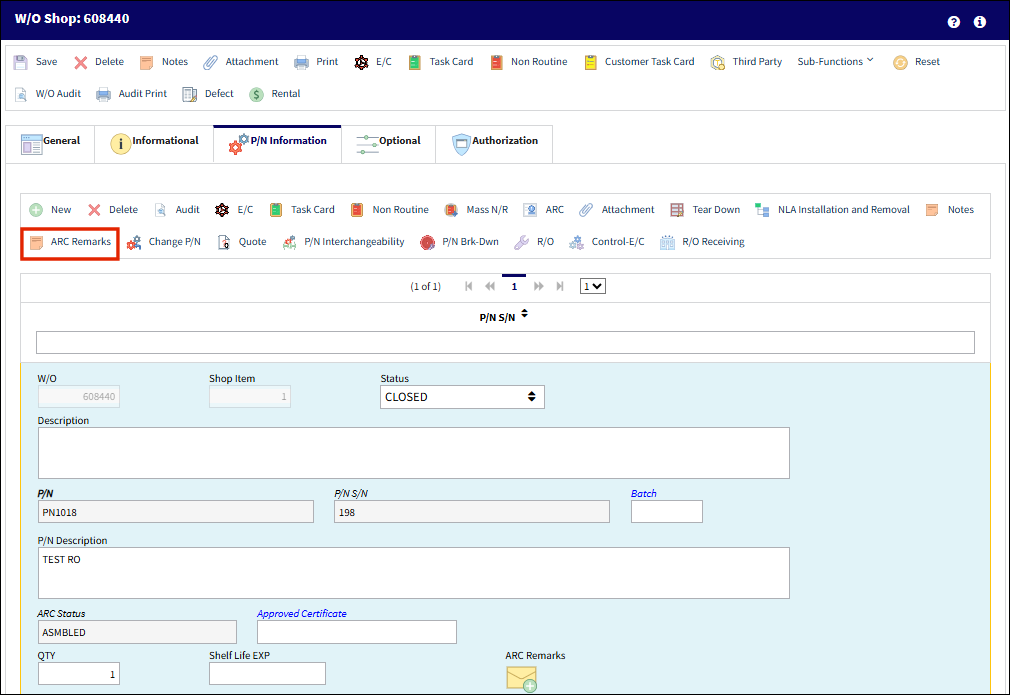
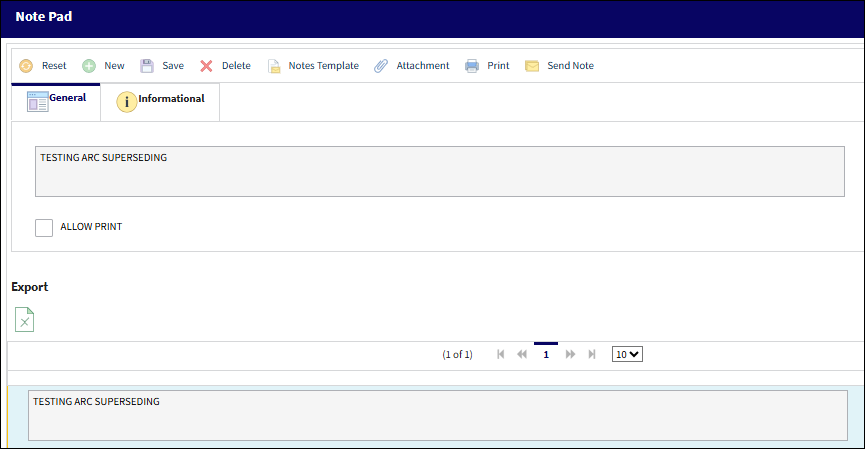
The ARC Remarks  button functions in a similar fashion to the Notes button. When selected, the Note Pad window pops up. Users have options such as adding, deleting, or printing remarks associated with the W/O's ARCs.
Select the ARC Remarks button.
The Note Pad window appears. For more information, refer to the Notes button, via Standard buttons.
|
See Also W/O Shop Detail, P/N Information Tab Audit Button, via W/O Shop Detail, P/N Information Tab Notes Button, via W/O Shop Detail, P/N Information Tab Tear Down Button, via W/O Shop Detail, P/N Information Tab Attachment Button, via W/O Shop Detail, P/N Information Tab E/C Button, via W/O Shop Detail, P/N Information Tab P/N Interchangeability Button, via W/O Shop Detail, P/N Information Tab Task Card Button, via W/O Shop Detail, P/N Information Tab Mass N/R Button, via W/O Shop Detail, P/N Information Tab Return To Owner Button, via W/O Shop Detail, P/N Information Tab eMRO ARC Button, via W/O Shop Detail, P/N Information Tab N/R Button, via W/O Shop Detail, P/N Information Tab Change P/N Button, via W/O Shop Detail, P/N Information Tab NLA Installation/Removal Button, via W/O Shop Detail, P/N Information Tab P/N Brk-Dwn Button, via W/O Shop Detail, P/N Information Quote Button, via W/O Shop Detail, P/N Information Tab Maintenance Manual, via W/O Shop Detail, P/N Information Tab |
|

 Share
 Print


