
 Share
 Print
|
|
|
|
|


DIVERSITYCODE - Diversity Code Tab

Tab to Track Diversity
Affected windows: oux_vendor_master_eu, oux_customer_master_eu
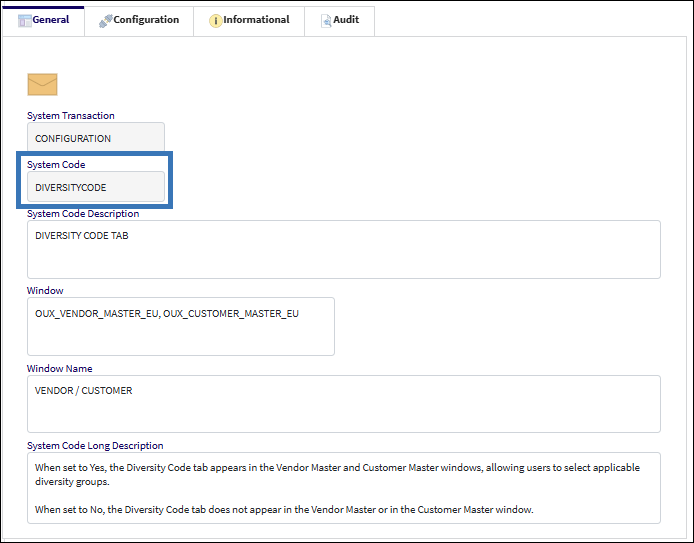
Switch Set to Yes
When set to Yes, the Diversity Code tab appears in the Vendor Master and Customer Master windows, allowing users to select applicable diversity groups.
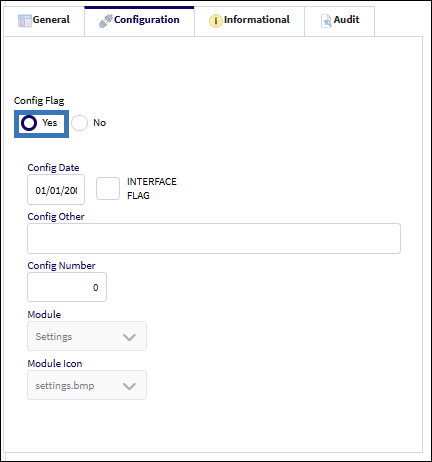
The Diversity Code tab appears in the Vendor Master window.
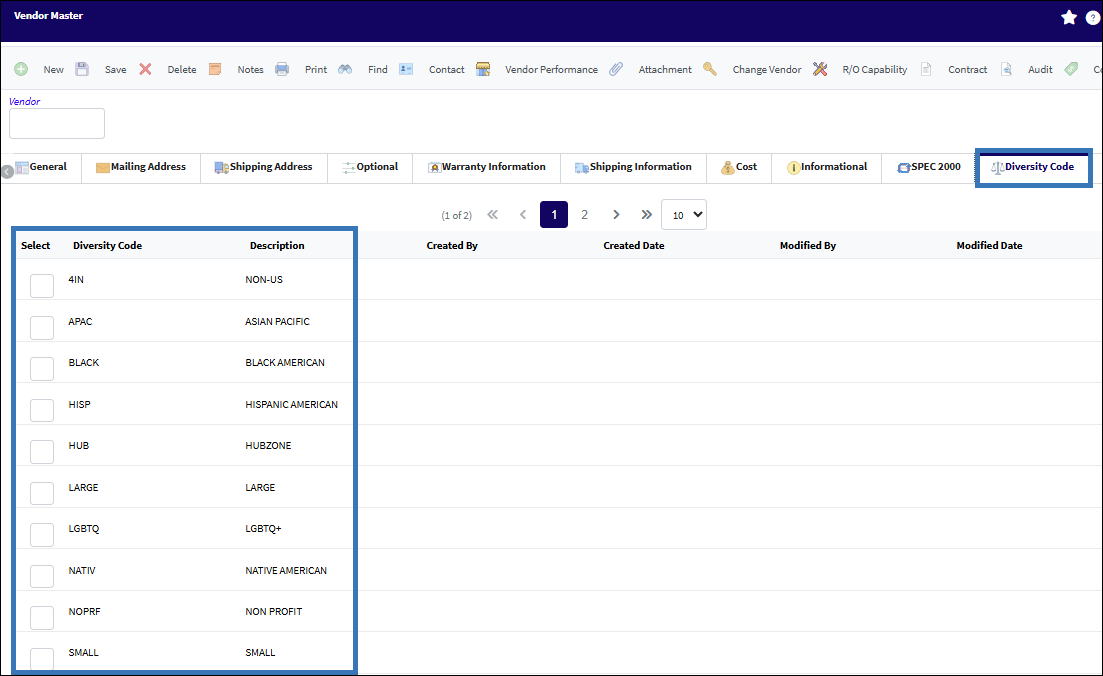
The Diversity Code tab appears in the Customer Master window.
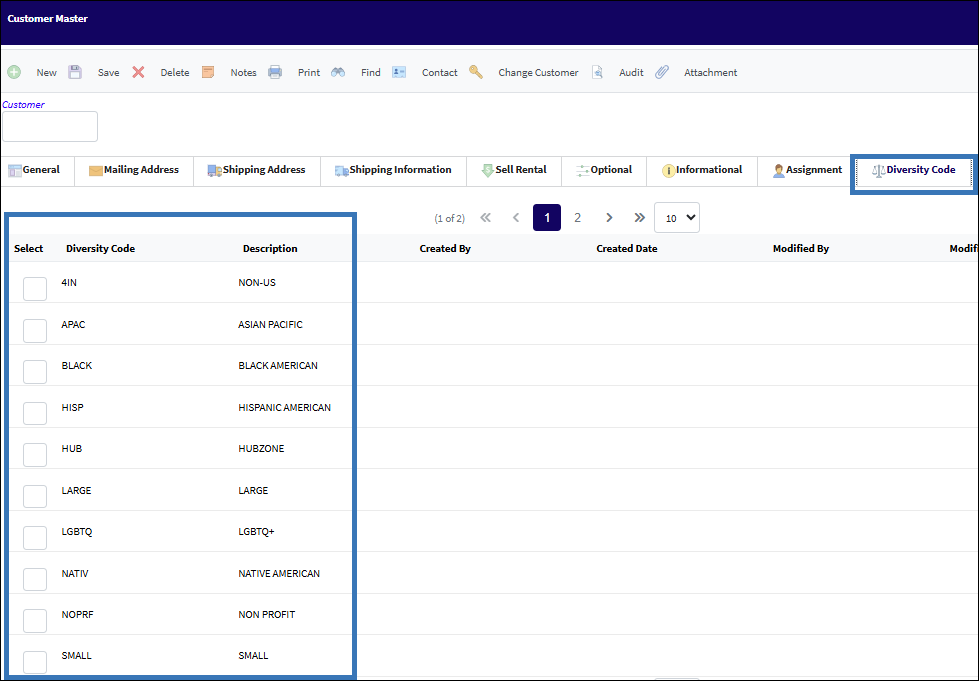
Switch Set to No
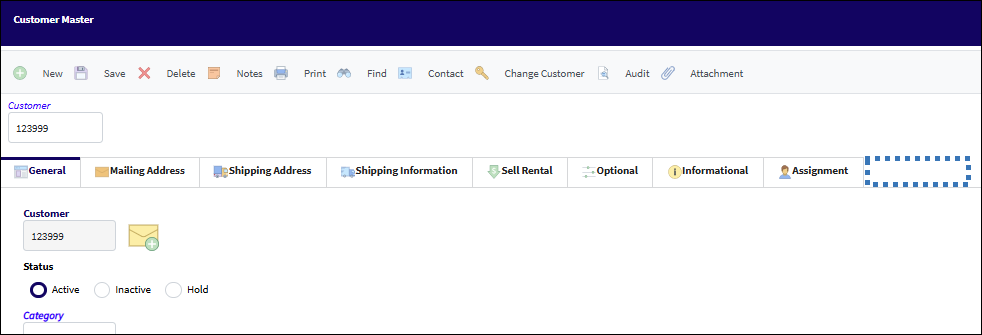
When set to No, the Diversity Code tab does not appear in the Vendor Master or in the Customer Master window.
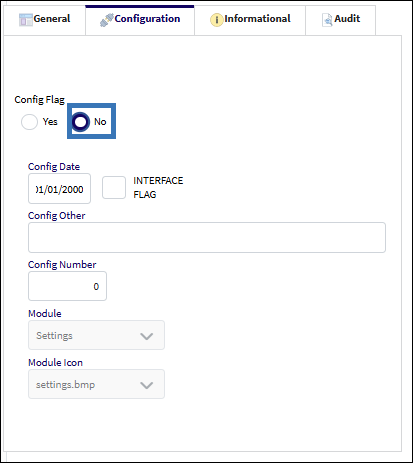
The following example shows that the Diversity Code tab is not enabled.
Share
Print
|
©1997-2026 Trax USA Corp. All rights reserved. This manual may not be copied, photocopied, reproduced, translated, or converted to any electronic or machine-readable form, in whole or in part, without prior written approval from Trax USA Corp. |
 |