
 Share
 Print
|
|
|
|
|


LOCDFTWHR - Location Default Warehouse

Location Default Warehouse
Affected Window: w_location_master_eu
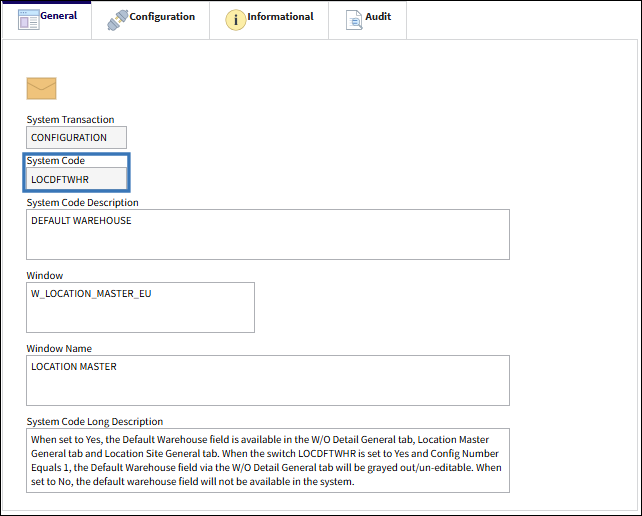
Switch Set to Yes:
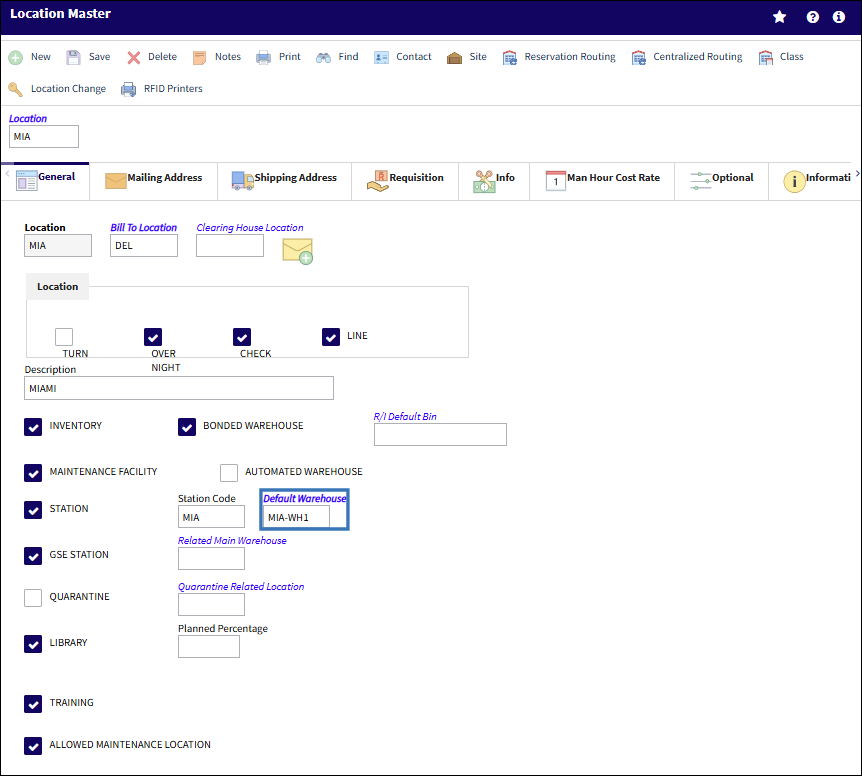
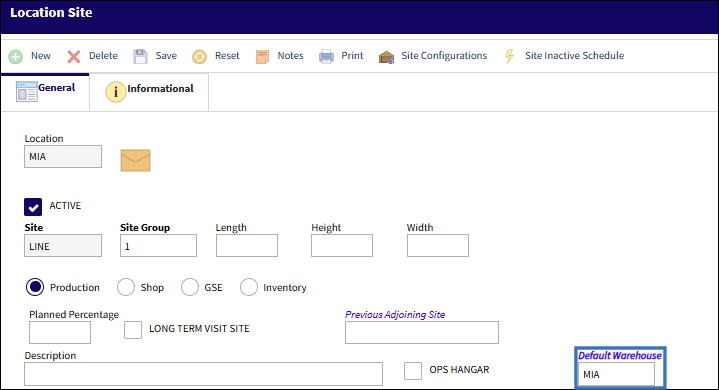
When set to Yes, the Default Warehouse field is available in the W/O Detail General tab, Location Master General tab and Location Site General tab.
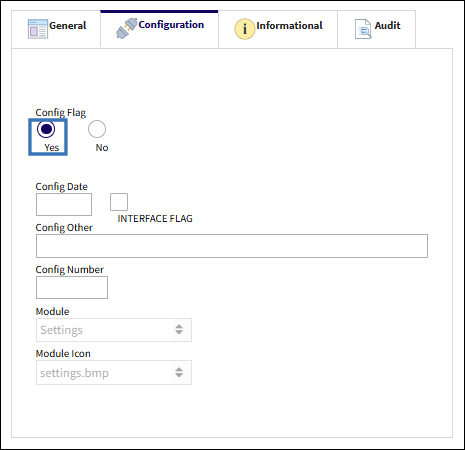
Note: Operators can utilize the Default Warehouse field to designate a default location for Inventory/P/N related transactions in the system. For more information, refer to Default Warehouse Functionality Scenarios, via Switch LOCDFTWHR.
The Default Warehouse field is available in the Location Master, General tab.
The Default Warehouse field is available in the Location Site, General tab.
the Default Warehouse field is available in the W/O Detail General tab
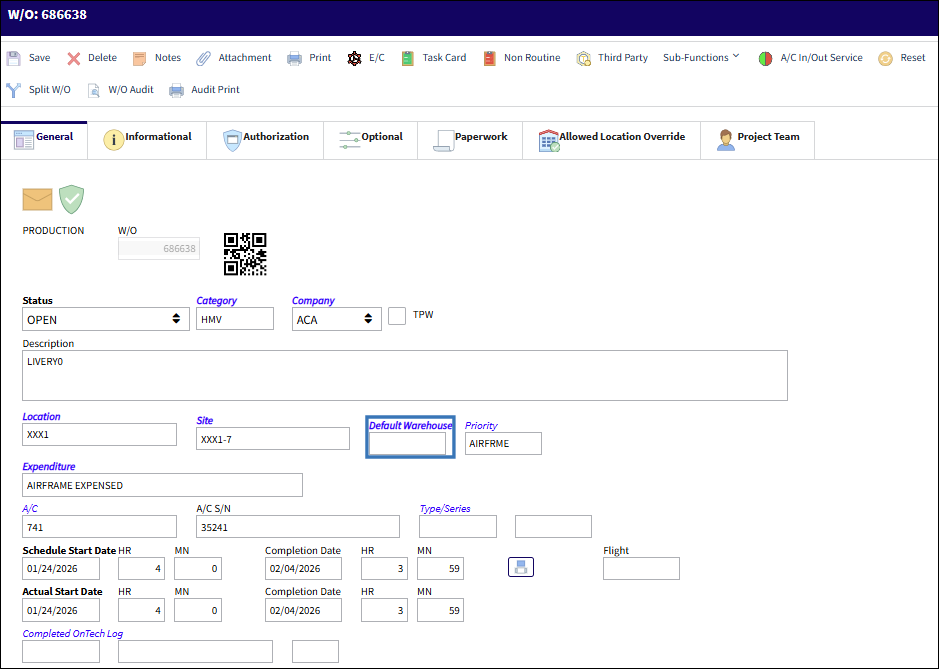
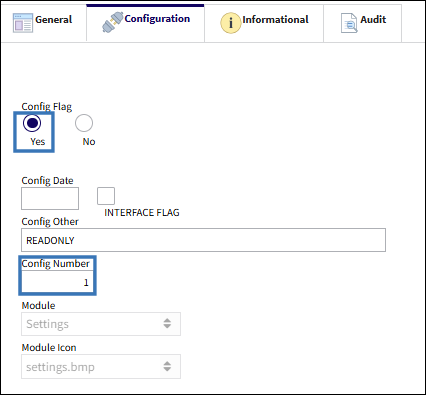
Switch Set to Yes and Config Number Equals 1:
When the switch LOCDFTWHR is set to Yes and Config Number Equals 1, the Default Warehouse field via the W/O Detail General tab will be grayed out/un-editable.
The Default Warehouse field is grayed out/un-editable in the W/O Detail, General tab.
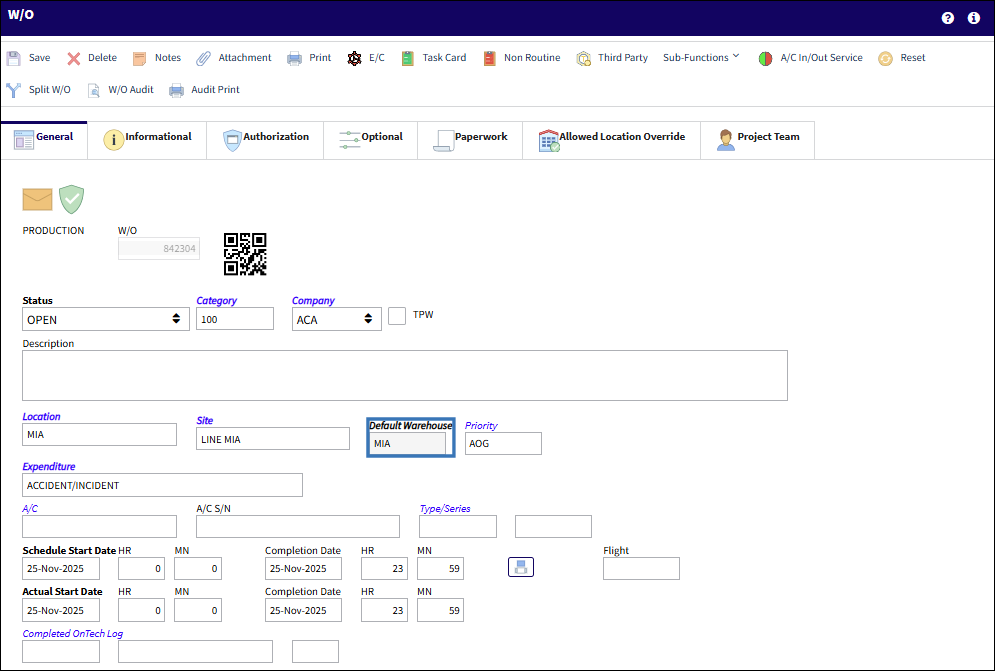
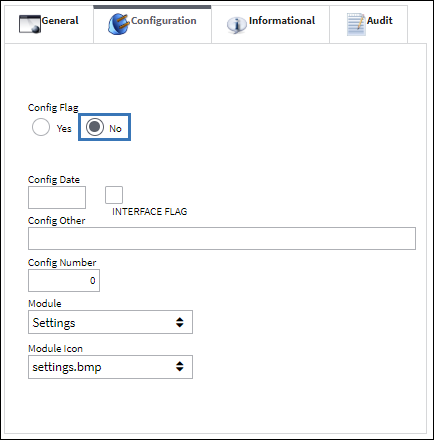
Switch Set to No:
When set to No, the default warehouse field will not be available in the system.
The Default Warehouse field is no longer available in the Location Master, General tab.
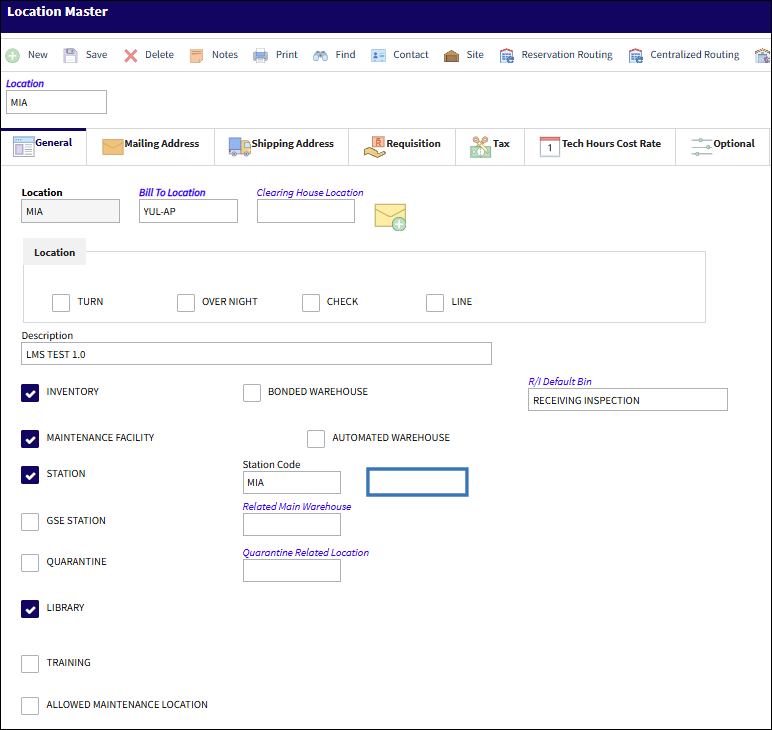
The Default Warehouse field is no longer available in the Location Site, General tab.
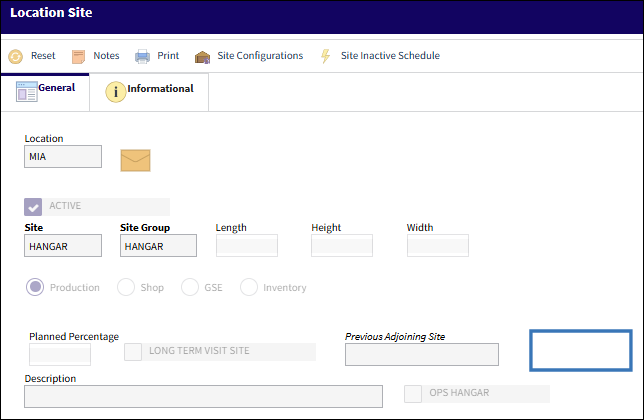
The Default Warehouse field is no longer available in the W/O Detail, General tab.
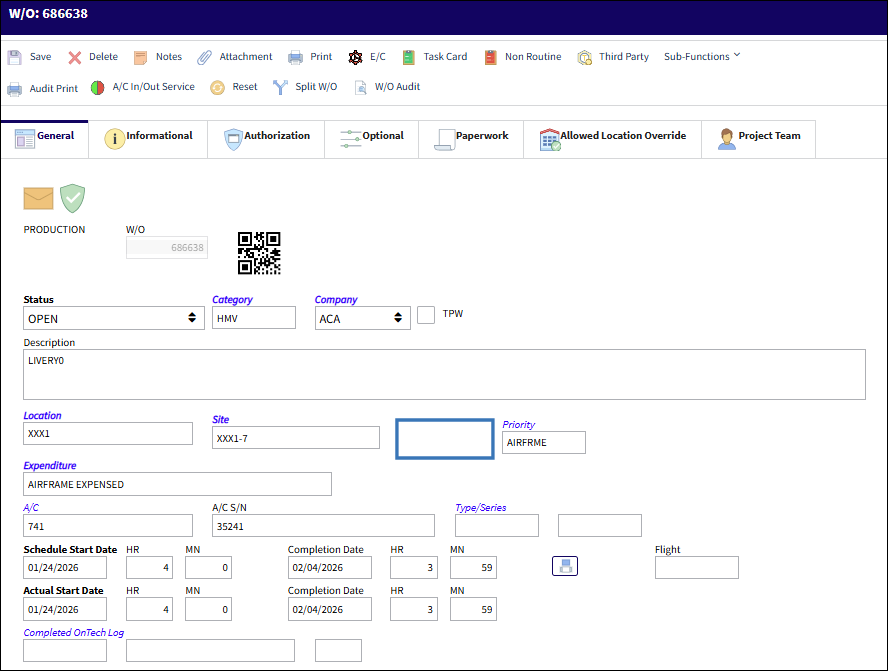
Share
Print
|
©1997-2026 Trax USA Corp. All rights reserved. This manual may not be copied, photocopied, reproduced, translated, or converted to any electronic or machine-readable form, in whole or in part, without prior written approval from Trax USA Corp. |
 |