
 Share
 Print
|
|
|
|
|


MAINTMANUAL - Maintenance Manuals References per P/N

Maintenance Manuals References per P/N
Affected Window: w_pn_master_eu
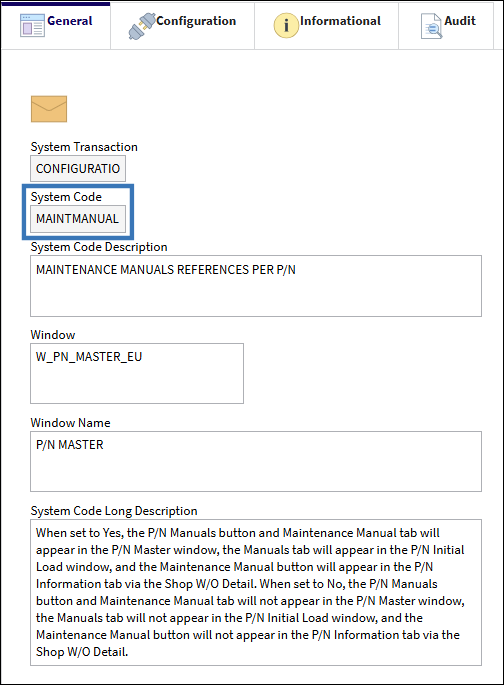
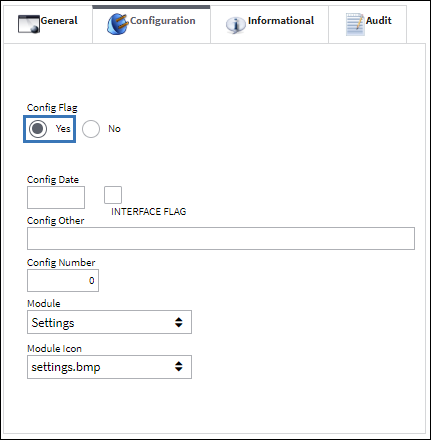
Switch Set to Yes:
When set to Yes, the P/N Manuals button and Maintenance Manual tab will appear in the P/N Master window, the Manuals tab will appear in the P/N Initial Load window, and the Maintenance Manual button will appear in the P/N Information tab via the Shop W/O Detail.
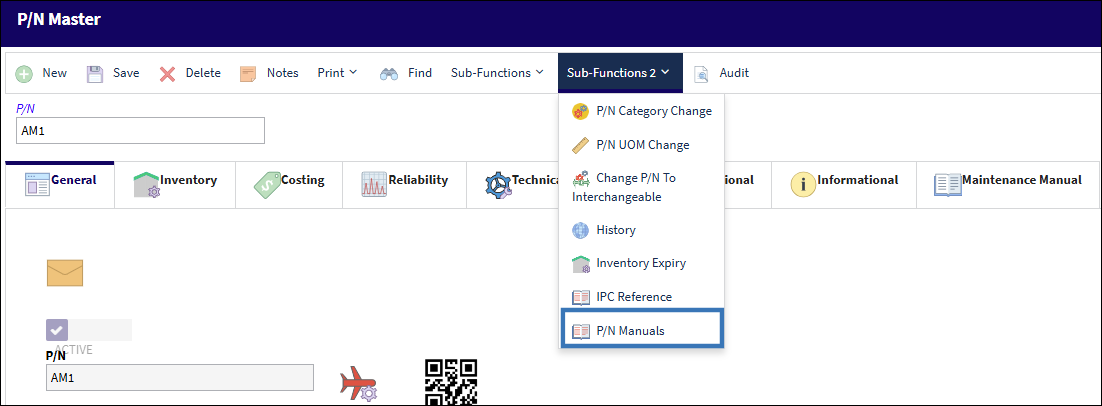
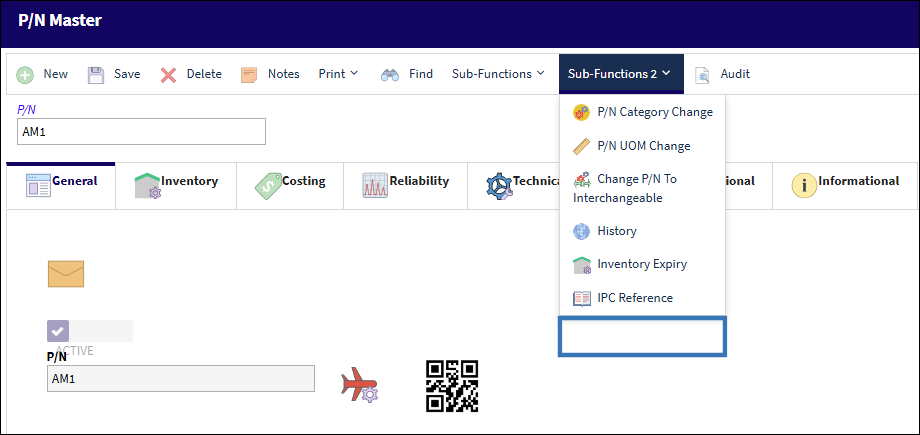
From the P/N Master, select the Sub-Functions 2 drop-down menu, and the P/N Manuals button will be available.
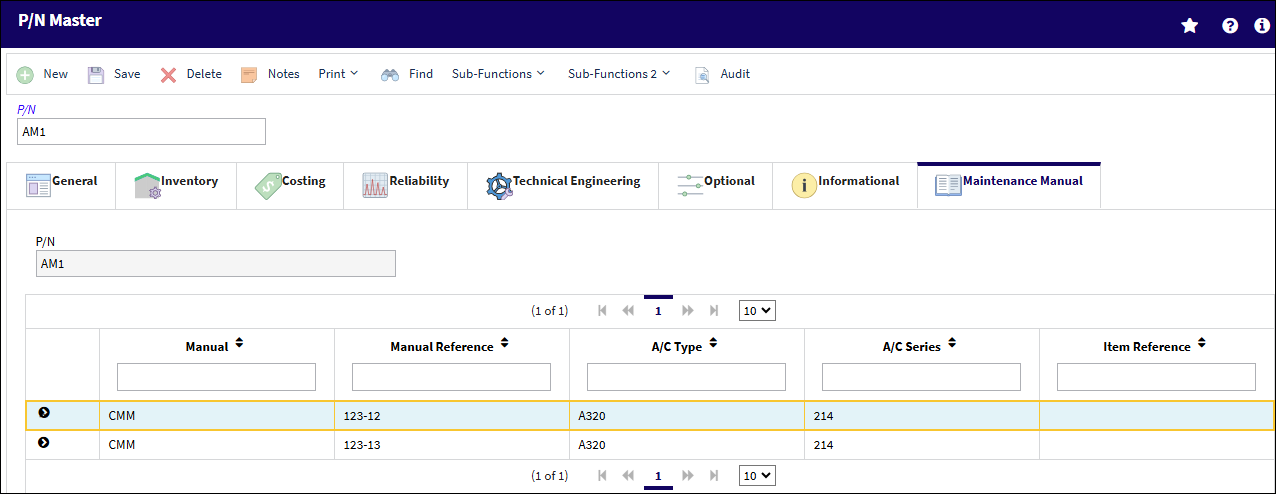
From the P/N Master window, the Maintenance Manual tab is displayed.
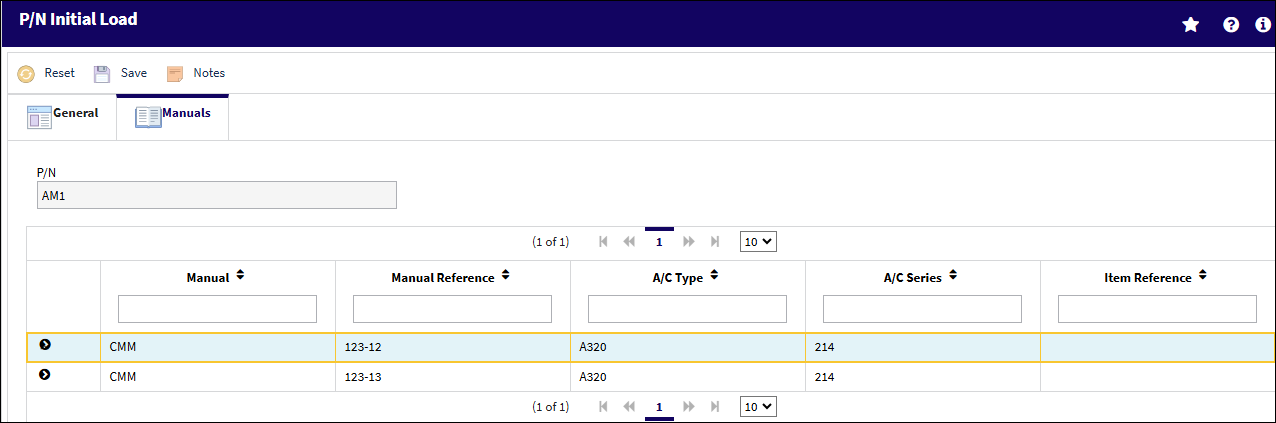
Navigate to the P/N Initial Load window, then enter the applicable P/N. The Manuals tab will appear in the P/N Initial Load window.
Note: The Manuals tab will only appear if the selected P/N is serialized.
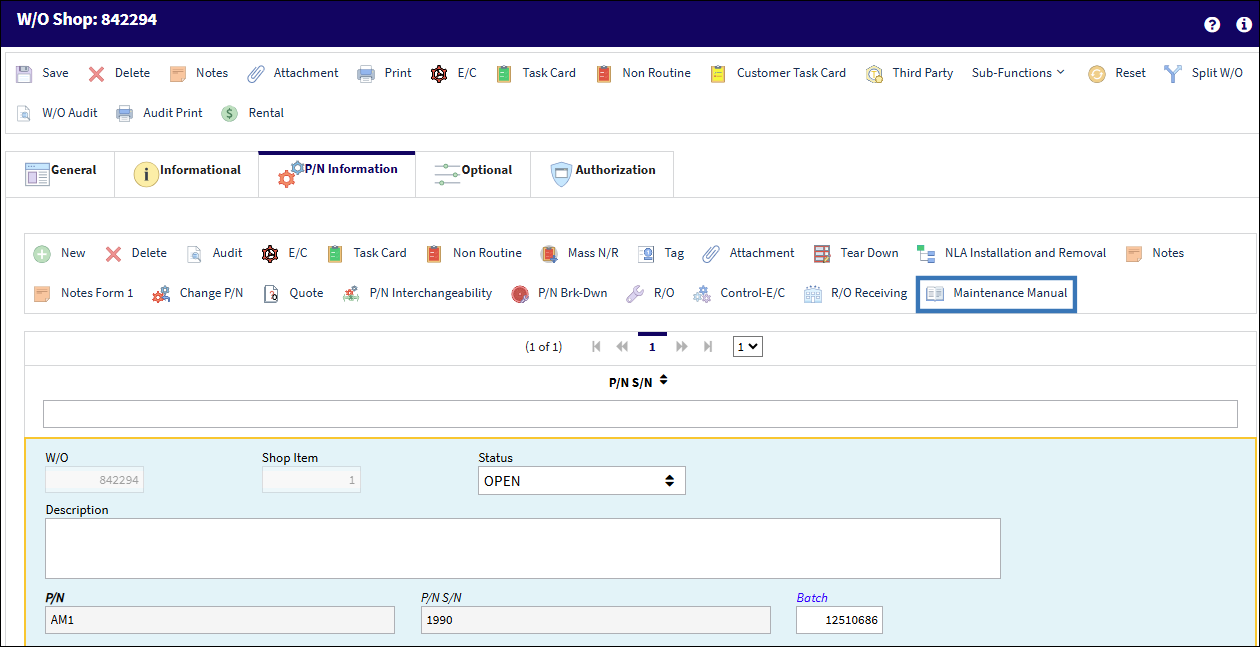
Navigate to the Shop W/O Detail, P/N Information tab. The Maintenance Manual button will appear.
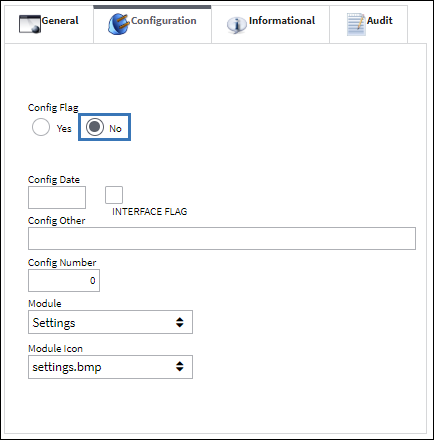
Switch Set to No:
When set to No, the P/N Manuals button and Maintenance Manual tab will not appear in the P/N Master window, the Manuals tab will not appear in the P/N Initial Load window, and the Maintenance Manual button will not appear in the P/N Information tab via the Shop W/O Detail.
From the P/N Master, select the Sub-Functions 2 drop-down menu, and the P/N Manuals button will not be available.
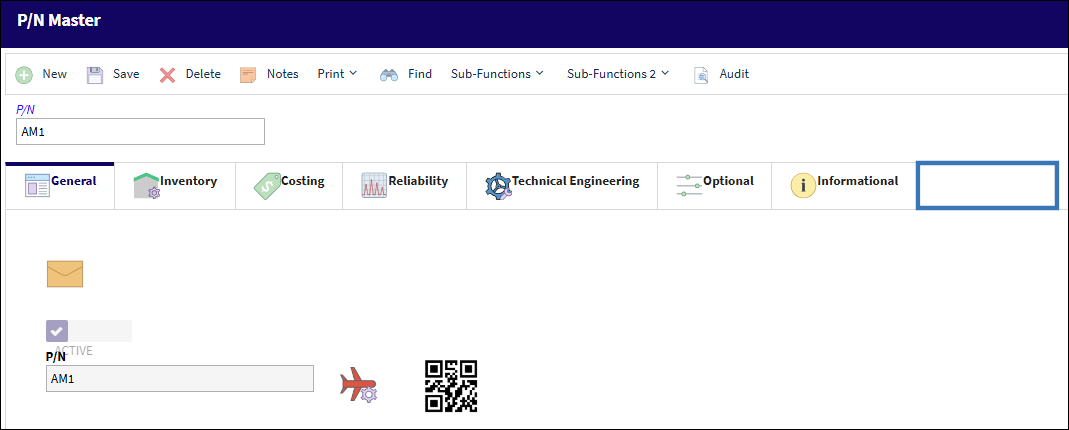
From the P/N Master window, the Maintenance Manual tab is not displayed.
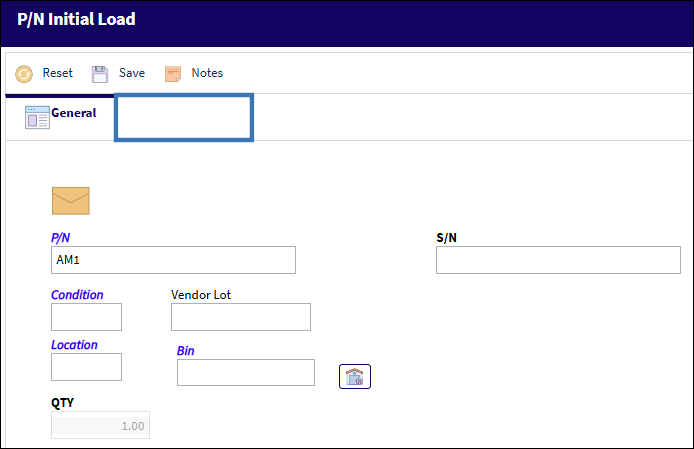
Navigate to the P/N Initial Load window, then enter the applicable P/N. The Manuals tab will not appear in the P/N Initial Load window.
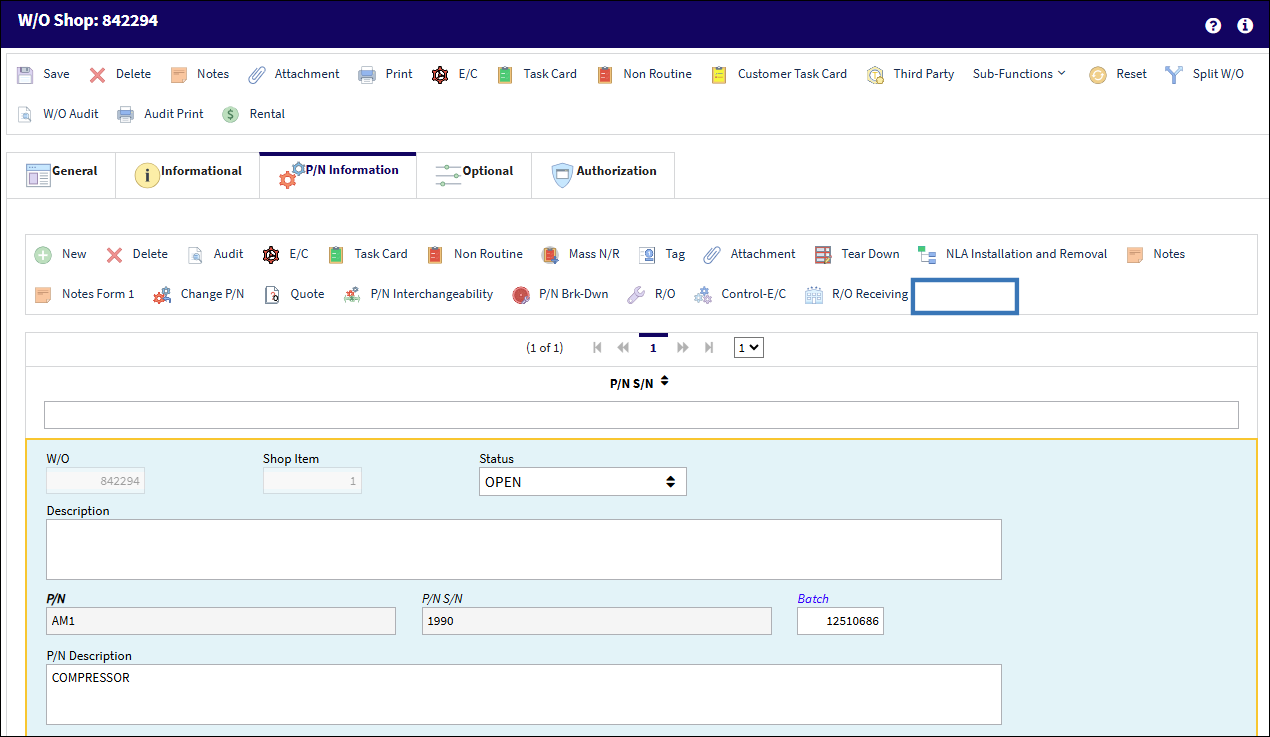
Navigate to the Shop W/O Detail, P/N Information tab. The Maintenance Manual button will not appear.
Share
Print
|
©1997-2026 Trax USA Corp. All rights reserved. This manual may not be copied, photocopied, reproduced, translated, or converted to any electronic or machine-readable form, in whole or in part, without prior written approval from Trax USA Corp. |
 |