
 Share
Share
 Print
Print
|
|
|
|
|


The Picklist  button allows users to generate a picklist for a Work Order's required parts, as long as those parts are available in the Inventory selected.
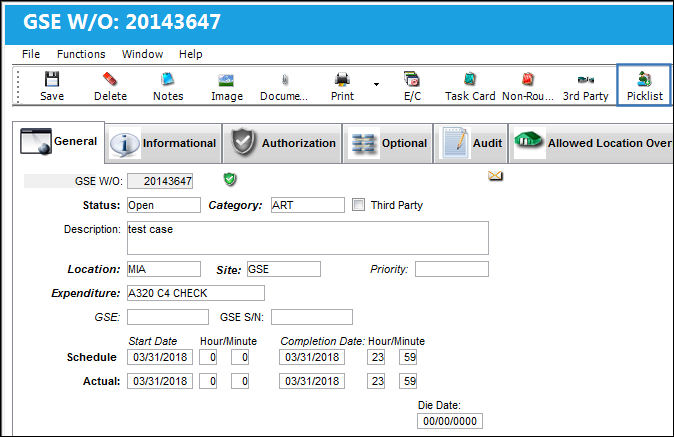
From the W/O Header, select the Picklist button:
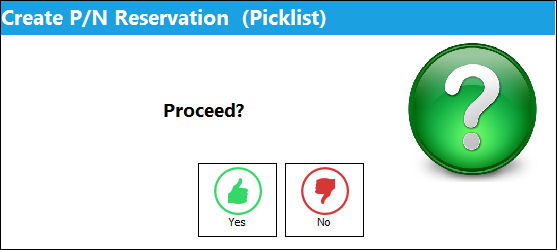
TRAX displays the Create P/N Reservation (Picklist) pop-up window. Select 'Yes' to proceed with the Picklist creation.
If the W/O does not have any part requirements against a Task Card or Non-Routine Task Card, then a Picklist cannot be created for the W/O through this button.
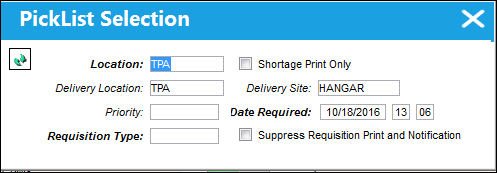
Populate all mandatory and desired information and select the Find  button. If the required parts are available in Inventory, then a Picklist will be created for that part.
Share
Print
|
©1997-2026 Trax USA Corp. All rights reserved. This manual may not be copied, photocopied, reproduced, translated, or converted to any electronic or machine-readable form, in whole or in part, without prior written approval from Trax USA Corp. |
 |