
 Share
Share
 Print
Print
|
|
|
|
|


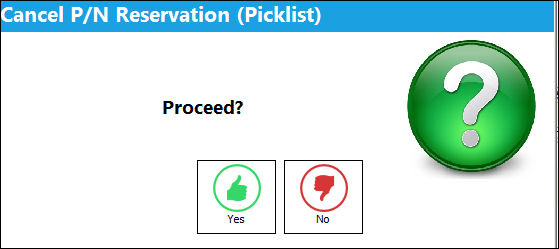
Select the Cancel Reservation  button to cancel the completed Picklist reservation. This is useful if parts are urgently required elsewhere, or the Work Order has been Canceled or put on Hold. All Picklists will be canceled. The user will be asked to confirm this request.
The progress gauge will appear. All items reserved on Picklists will be removed and returned to available status. Any Requisitions that have been created (and not added to outstanding orders) will be canceled, and a Picklist Cancel Print will be generated.
Share
Print
|
©1997-2026 Trax USA Corp. All rights reserved. This manual may not be copied, photocopied, reproduced, translated, or converted to any electronic or machine-readable form, in whole or in part, without prior written approval from Trax USA Corp. |
 |