
 Share
Share
 Print
Print
|
|
|
|
|


Select the Clear  button to delete the currently selected record from this list.
The record that contains the flashing cursor in any of its fields is currently selected. Select the Clear button. The Delete prompt will appear, verifying that the user would like to delete the selected record. Select OK.
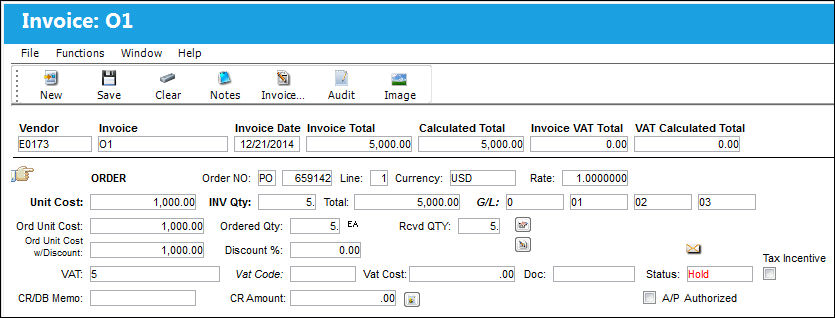
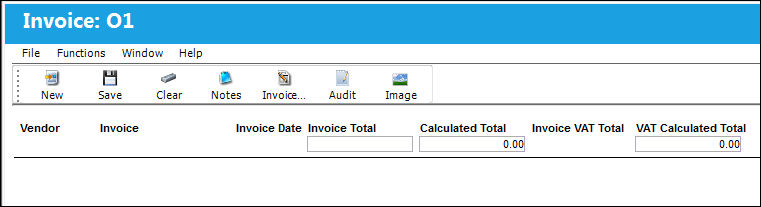
The selected record has now been deleted as shown below:
Share
Print
|
©1997-2026 Trax USA Corp. All rights reserved. This manual may not be copied, photocopied, reproduced, translated, or converted to any electronic or machine-readable form, in whole or in part, without prior written approval from Trax USA Corp. |
 |