
 Share
Share
 Print
Print
|
|
|
|
|


If a requisition is no longer required, it can be canceled using the Cancel  button. Wall security can be set up for requisition cancellation. Please refer to the TRAX System Administration Training Manual for additional information regarding setting up Wall Security throughout the system.
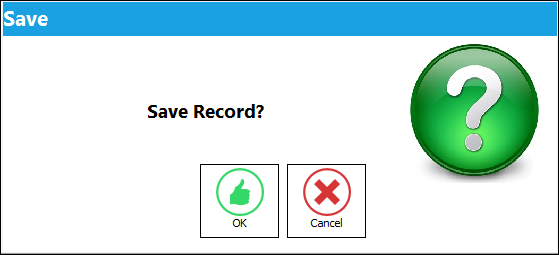
The system will ask if the requisition needs to be canceled. When the answer is YES then the requisition status will go to CANCEL. The requisition number will be cleared from the relevant order. When the Cancel button is selected, the Save prompt will appear. Select Yes to continue with the transaction.
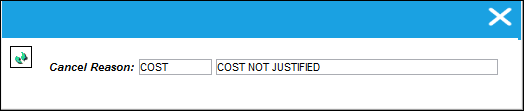
A drop-down window appears for selection of an appropriate Transaction Code cancellation reason. The cancel reason will be mandatory to save the transaction. If the cancel reason is not entered the user will receive the following pop-up message box:
If the cancel reason is not entered the user will receive the following pop-up message box:
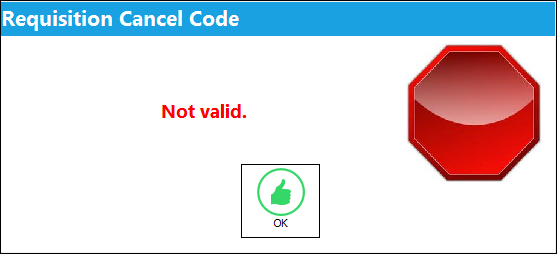
Enter the Cancel Reason and continue with the cancel transaction. The requisition will be removed from the requisition section of the Requisition Analyzer by Location window.
Share
Print
|
©1997-2026 Trax USA Corp. All rights reserved. This manual may not be copied, photocopied, reproduced, translated, or converted to any electronic or machine-readable form, in whole or in part, without prior written approval from Trax USA Corp. |
 |