 Download Online Help
 Print
|
|
|
|
|


Geo Location Tab
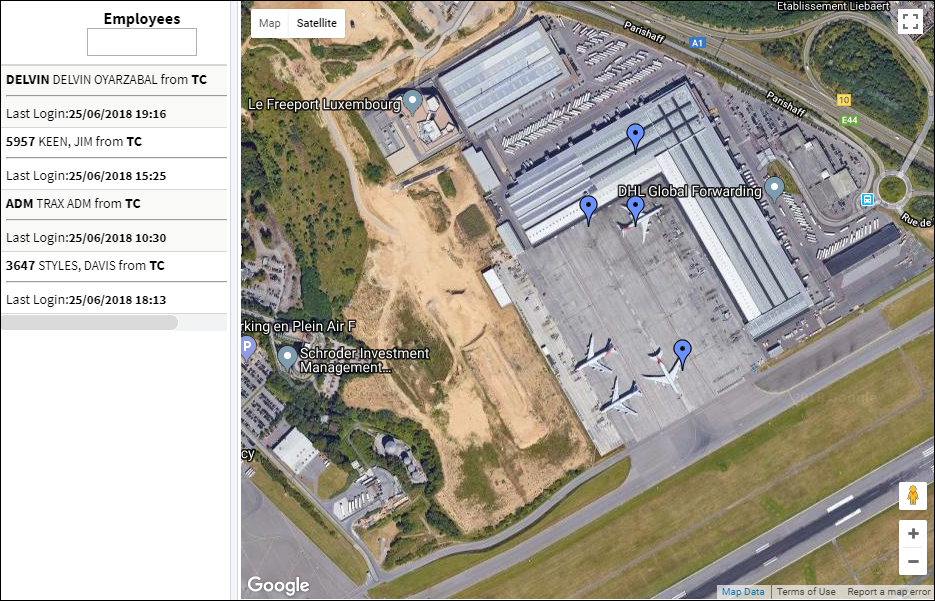
The Geo Location window provides a graphical view of the physical geographic location of an employee on shift that logged in through an iPad. This window also provides the last time the employee logged in and from which application.
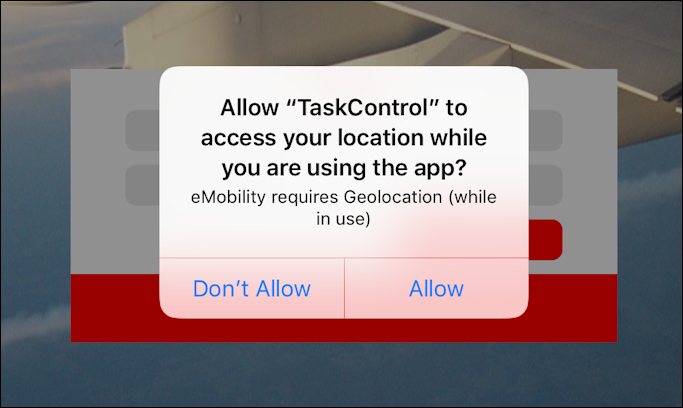
Users need to allow TaskControl and QuickTurn to access their current location in order to send this geo data to other eMobility apps (like Line Control).
Line Control has Location options that shows supervisors the current locations of their workforce.
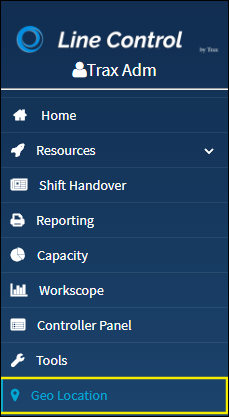
From the Navigation Panel, select Geo Location.
A map of the selected location will appear along with all employees scheduled to work at that site location. The names of each employee logged in to the application (TaskControl or QuickTurn) appear on the left side of the screen.
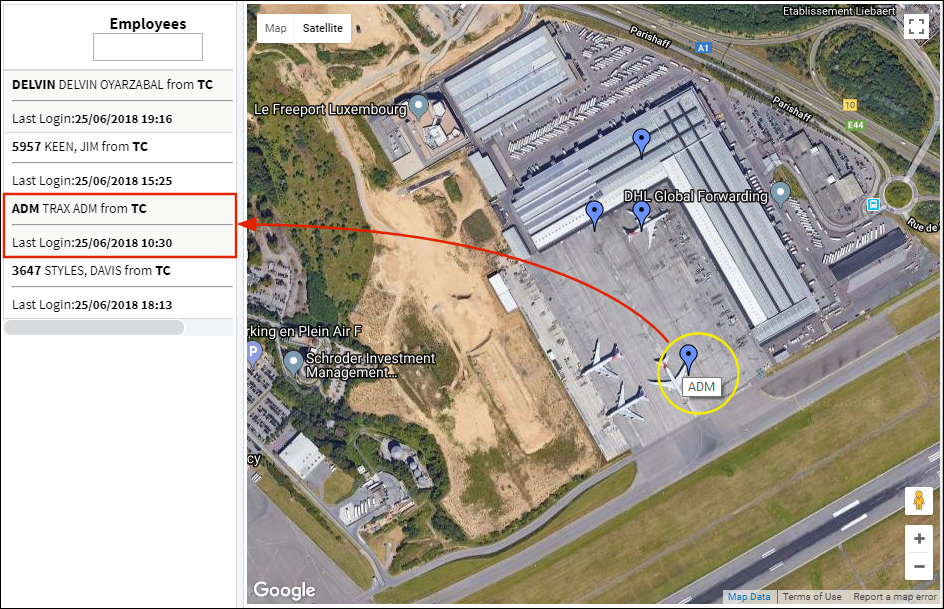
Hover over any of the pins to see the exact location of an employee.
Download Online Help
Print
|
©1997-2018 Trax USA Corp. All rights reserved. This manual may not be copied, photocopied, reproduced, translated, or converted to any electronic or machine-readable form, in whole or in part, without prior written approval from Trax USA Corp. |
 |