
 Share
Share
 Print
Print
|
|
|
|
|


Receiving Inspection
Receiving Inspection allows for a final review of all information before receiving the component into Inventory, therefore this process is typically performed by a receiving inspector. Any updates made during Order Receiving can be overridden during the Receiving Inspection process. Once the parts have been ordered and have been received (using the Order Receiving option), they may also require a Receiving Inspection. The Receiving Inspection option is used to inspect various parts after receiving them. Once the Receiving Inspection process has been completed, the component will be available for use in Inventory.
Parts requiring receiving inspection will be marked with the alert signature (in red text via the Order Receiving, General Tab) when performing the Order Receiving process.
The following images show a Receiving Inspection for a Rental Order; however, this applies to all Order Receiving processes.
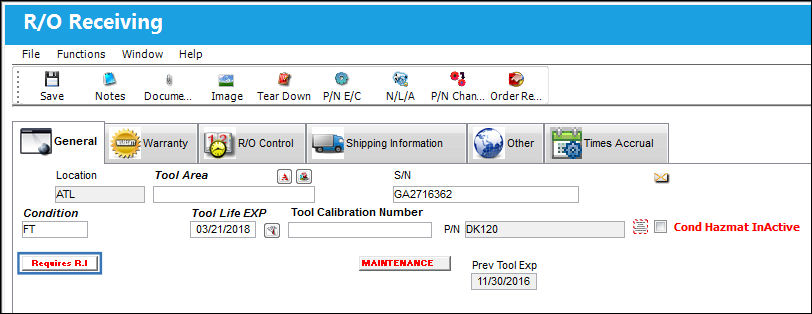
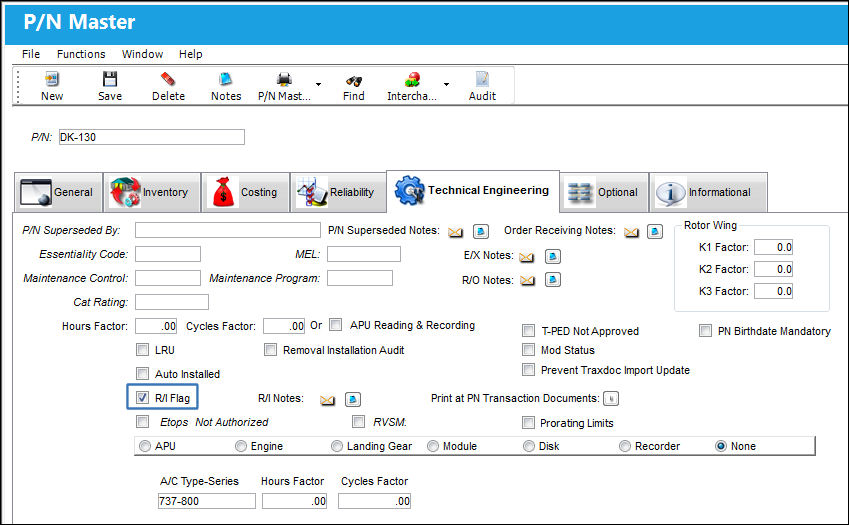
The R/I alert signature appears according to the way in which the part was initially set up in the system (Settings/ Update/ P/N/ Technical Engineering Tab/ R/I checkbox). Receiving inspection is performed according to company practice.
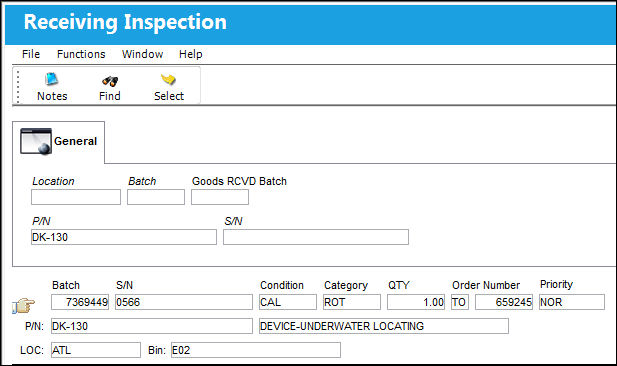
Once the order is received, the order can be found in the Receiving Inspection window.
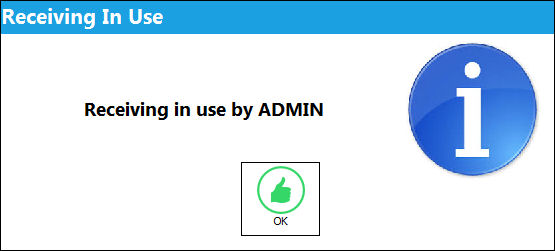
If one user attempts to accept/reject a Receiving Inspection record that is currently being reviewed by another user, the following warning prevents the second user from editing the same record.
The following tabs and buttons are available at the initial level.
Receiving Inspection Tabs |
Receiving Inspection Buttons |
|---|---|
|
|

 Find button
 Select button
For information on the options in the detail level, refer to Receiving Inspection Detail.
Share
Print
|
©1997-2026 Trax USA Corp. All rights reserved. This manual may not be copied, photocopied, reproduced, translated, or converted to any electronic or machine-readable form, in whole or in part, without prior written approval from Trax USA Corp. |
 |