
 Share
Share
 Print
Print
|
|
|
|
|


MEL Master, Constraints Tab

The Constraints Tab allows the user to assign Constraint Codes to the applicable MEL.
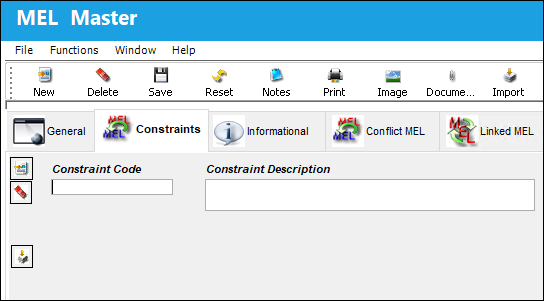
The following information/options are available in this window:
_____________________________________________________________________________________
Constraint Code
The Constraint Code specifies the code that is predefined in your System Transaction Code. Each code refers to a type of constraint that can be applied for maintenance purposes. For more information, refer to the Technical Records Transaction Codes manual.
Constraint Description
The description of the applicable Constraint.
_____________________________________________________________________________________
Adding Constraint Codes
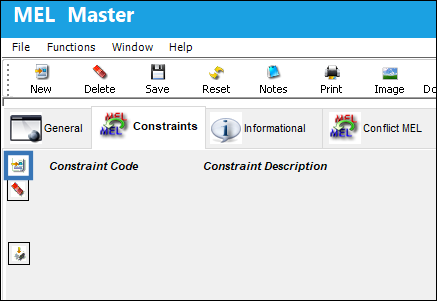
In the Constraints tab, select the New  button.
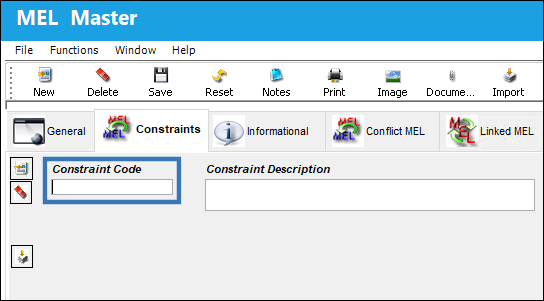
Right-click in the Constraint Code field to prompt the Constraint Code list.
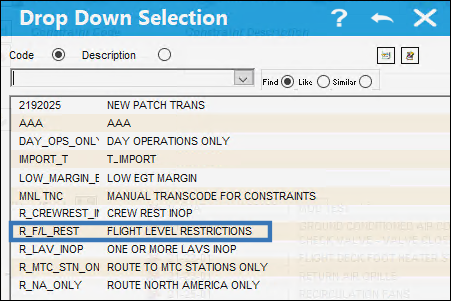
Select the desired Constraint Code.
The Constraint Code and its accompanying description is populated in the Code and Description fields. Select the Save  button to complete the assigning process.
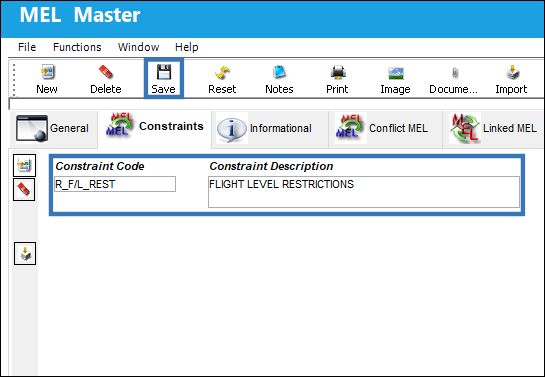
Note: Users can use the Delete  button to remove a linked Constraint from the MEL.
Importing Constraint Codes
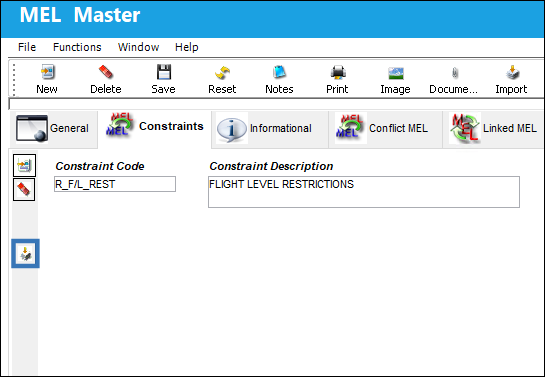
To import Constraint Codes, select the Import  button in the Constraints tab.
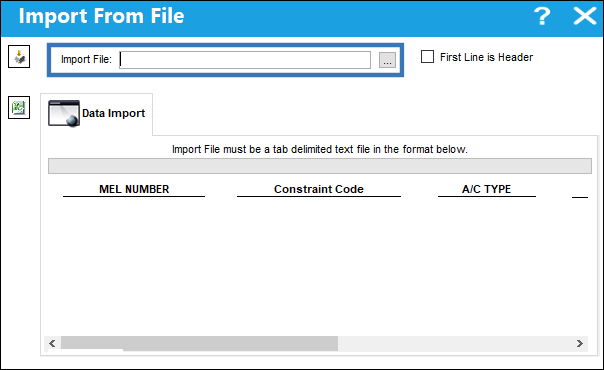
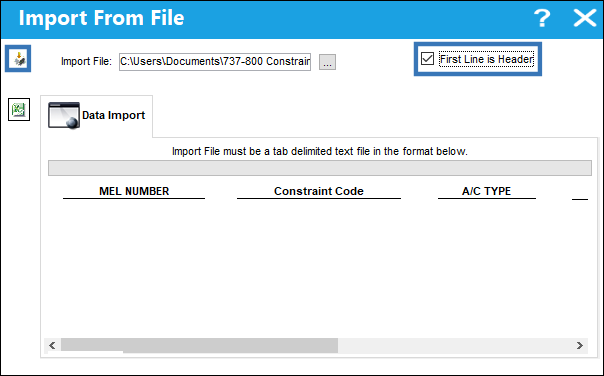
In the Import From File window, select the three dots next to the Import File field to begin browsing for the desired Import File.
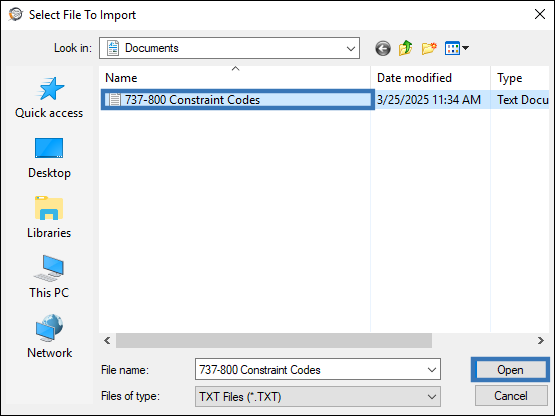
In the File Directory, select the appropriate file and select Open.
Once the Import File field is populated, ensure that the First Line is Header checkbox is selected. Then, select the Import  button.
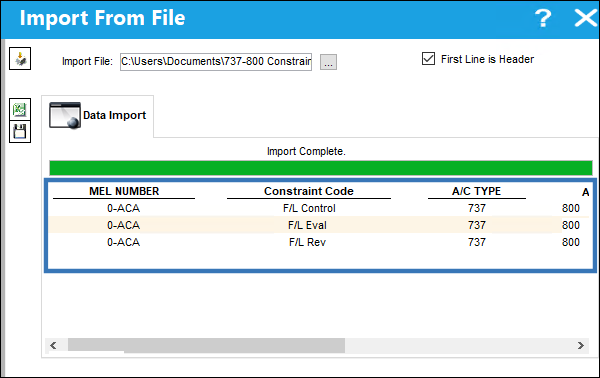
The Import has been successfully completed.
Share
Print
|
©1997-2026 Trax USA Corp. All rights reserved. This manual may not be copied, photocopied, reproduced, translated, or converted to any electronic or machine-readable form, in whole or in part, without prior written approval from Trax USA Corp. |
 |