
 Share
Share
 Print
Print
|
|
|
|
|


MEL Master, Called On MEL Tab
The MEL Master, Called On MEL tab allows the user to create Called-On relationships between parent and child MELs. When a parent MEL is associated to a Defect Report, the system will allow users to create new Defects using the Called On (Child) MELs. When creating a defect using the Called On MEL functionality, a unique MDDR number will be assigned to it.
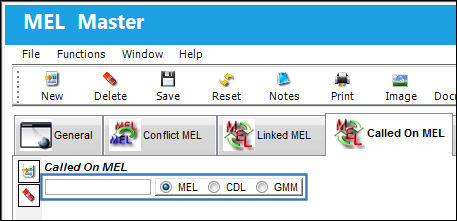
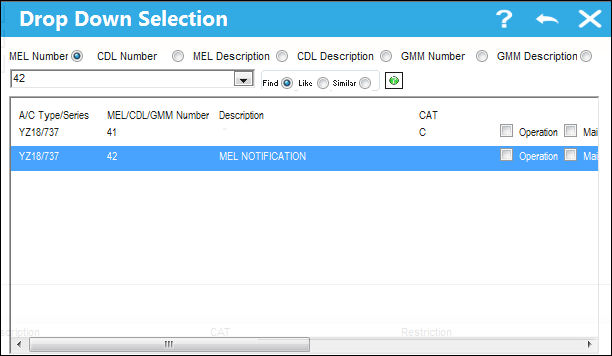
The following drop down selection appears. Select an MEL for the A/C Type and Series. Once selection is highlighted, (in blue) double click on it.
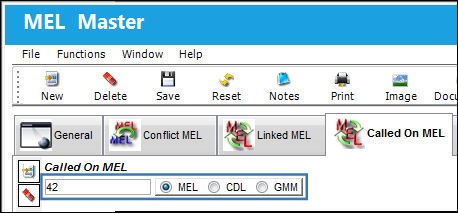
Once the Called On MEL is populated in the below field, select the Save  button.
The Called On MEL is now connected to the parent MEL.
Share
Print
|
©1997-2026 Trax USA Corp. All rights reserved. This manual may not be copied, photocopied, reproduced, translated, or converted to any electronic or machine-readable form, in whole or in part, without prior written approval from Trax USA Corp. |
 |