
 Share
Share
 Print
Print
|
|
|
|
|


Explorer Icon
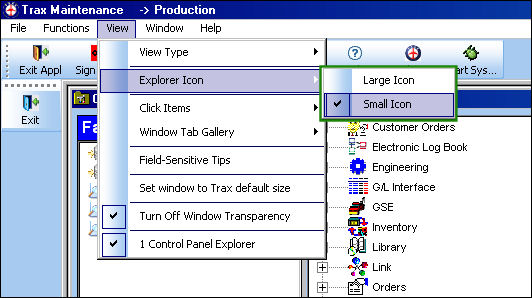
From the Control Panel, View menu, users can choose the size of the icons by selecting Large icon or Small icon from the Explorer icon drop down..
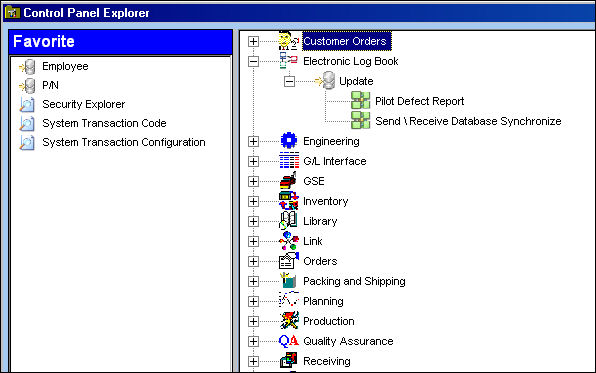
The small icons are displayed below:
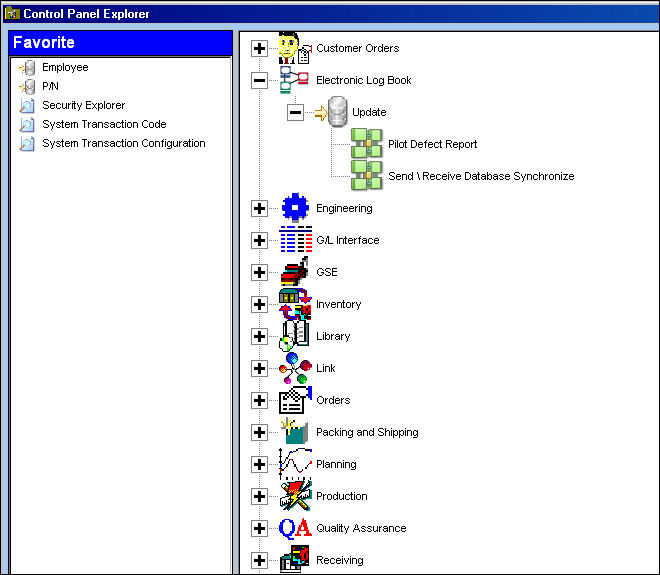
The large icons are displayed below:
Share
Print
|
©1997-2026 Trax USA Corp. All rights reserved. This manual may not be copied, photocopied, reproduced, translated, or converted to any electronic or machine-readable form, in whole or in part, without prior written approval from Trax USA Corp. |
 |