
 Share
Share
 Print
Print
|
|
|
|
|


Windows Tab Gallery
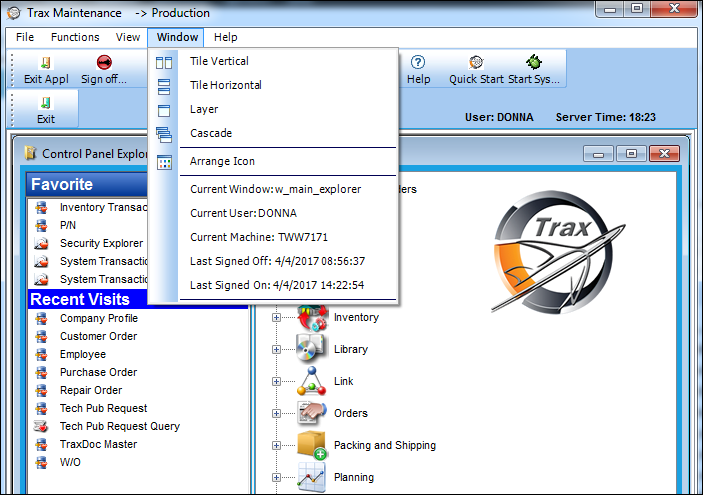
Dynamic Tabs in the system control panel are displayed for each window that is opened in TRAX.
The user has the ability to set up the desired display by selecting View/Window Tab Gallery/Tab Looks or View Window Tab Gallery/Tab Position options.
 The Window tab has been removed in TRAX 11 and all later releases of TRAX. The options listed in this topic have been moved to the View Settings section of the Navigation Panel.
Share
Print
|
©1997-2026 Trax USA Corp. All rights reserved. This manual may not be copied, photocopied, reproduced, translated, or converted to any electronic or machine-readable form, in whole or in part, without prior written approval from Trax USA Corp. |
 |