
 Share
Share
 Print
Print
|
|
|
|
|


MEL Import, via Manufacturer Data Import
The MEL Import will load the inimum quipment ist information provided by the manufacturer into TRAX.
Three different files are required: a SGML File, a DTD File, and a DCL File.
Decide what Aircraft Type and Series you do this upload for, and enter the revision number of the MEL you are uploading.
Enter the file location in the respective fields and press Save  .
.
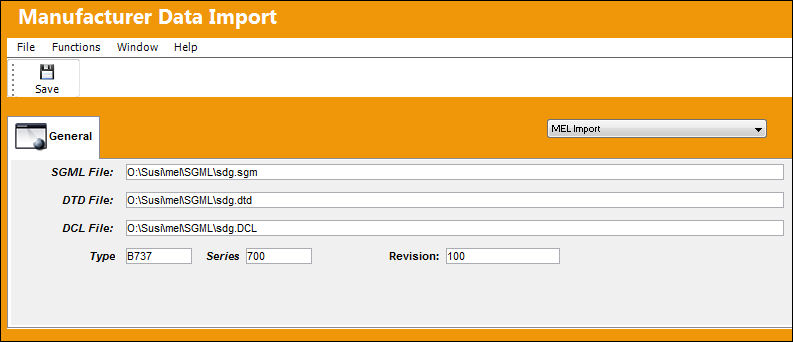
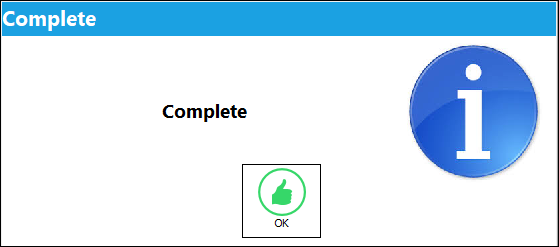
The system will upload the MEL Data. When finished, a message will be displayed:
The result of the upload can be viewed in Settings / Update / MEL Master.
Share
Print
|
©1997-2026 Trax USA Corp. All rights reserved. This manual may not be copied, photocopied, reproduced, translated, or converted to any electronic or machine-readable form, in whole or in part, without prior written approval from Trax USA Corp. |
 |