
 Share
Share
 Print
Print
|
|
|
|
|


Graph Type
The Graph Print Type allows users to graph field information for a visual interpretation.
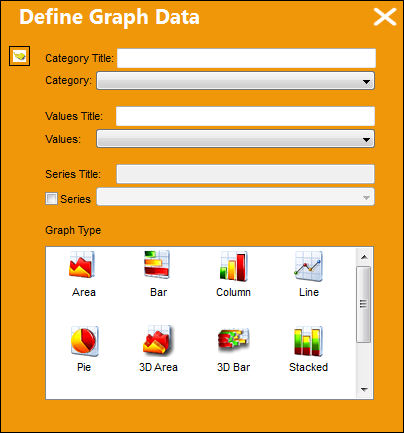
Open a table and select the Graph Print Type. The following pop up window appears:
Populate the field with the relevant information as shown below and select a graph type by clicking one. Select the Select  button.
The Graph Print Type is generated as shown below:
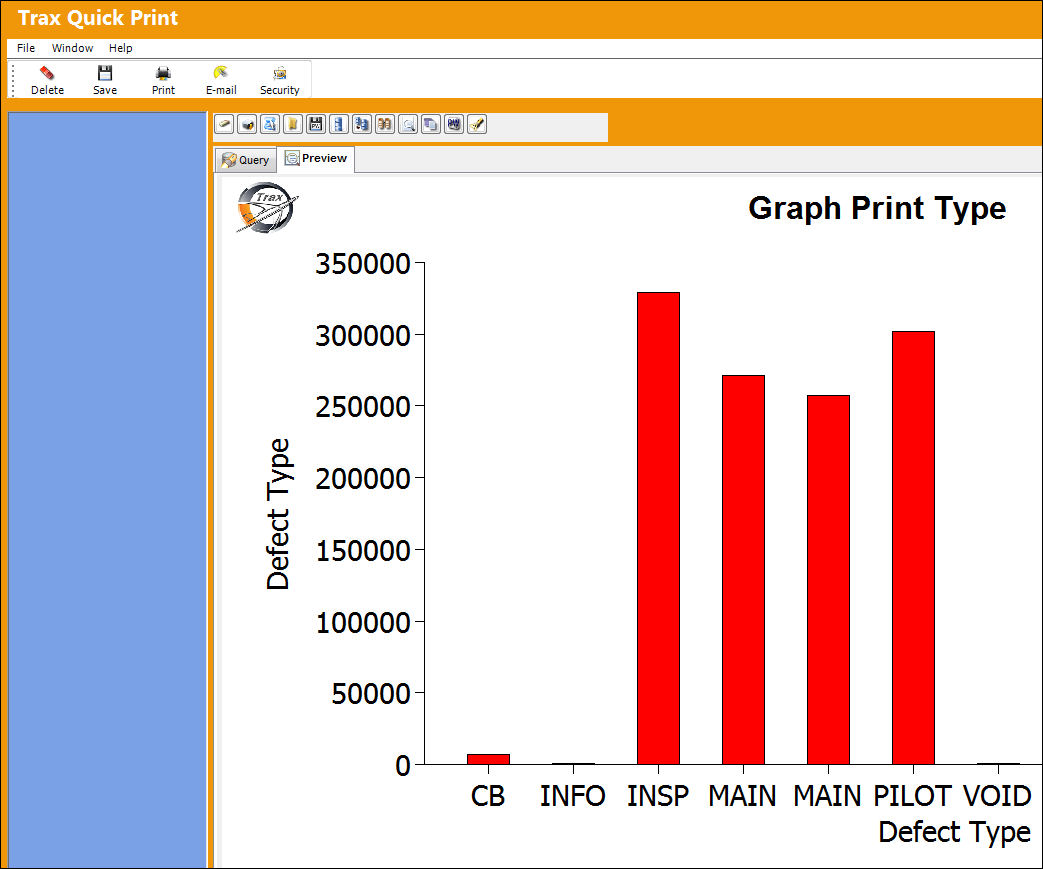
The Defect Types are illustrated vertically, while the Number of Defects is illustrated horizontally.
Share
Print
|
©1997-2026 Trax USA Corp. All rights reserved. This manual may not be copied, photocopied, reproduced, translated, or converted to any electronic or machine-readable form, in whole or in part, without prior written approval from Trax USA Corp. |
 |