
 Share
Share
 Print
Print
|
|
|
|
|


Open Table Button
The Open Table option allows the user to create a table from already existing information.
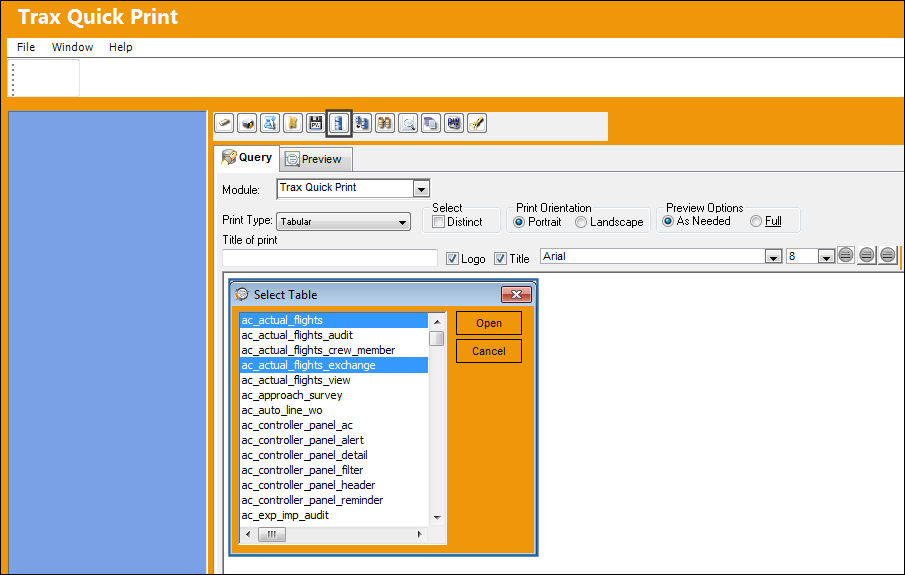
Select the Open Table  button. The Select Table window appears. Select one or more fields. The fields become highlighted in blue, letting the user know that they have been selected. Once desired fields have been selected, select the 'Open' button.
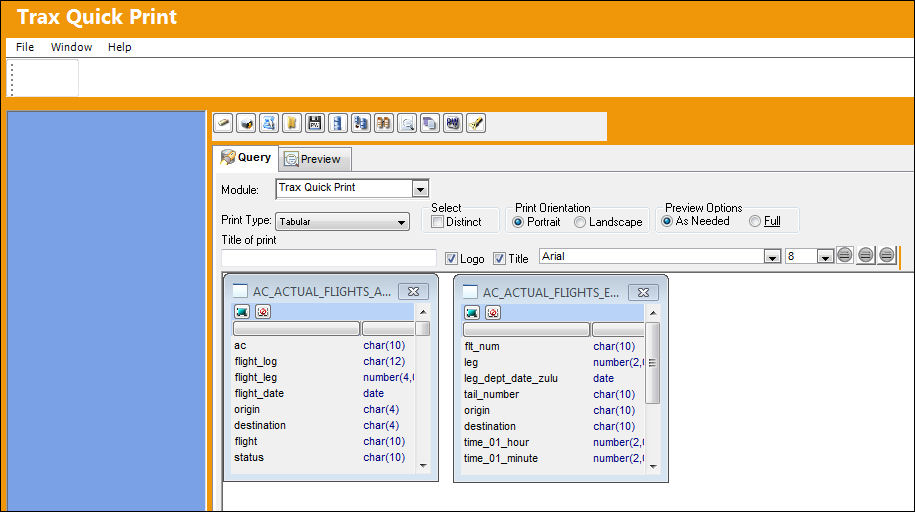
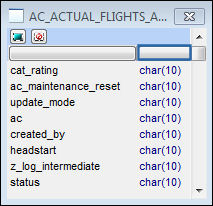
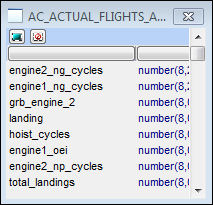
The following tables will appear. The user can select desired fields by clicking on them.
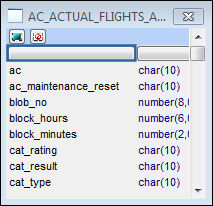
Select the Preview  button to Preview the report. Select the Columns field to sort fields alphabetically. Select again to sort fields alphabetically in descending order.
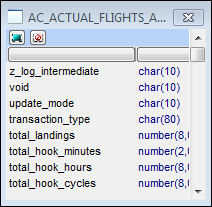
Select the Type field to sort fields alphabetically. Select again to sort fields alphabetically in descending order.
Share
Print
|
©1997-2026 Trax USA Corp. All rights reserved. This manual may not be copied, photocopied, reproduced, translated, or converted to any electronic or machine-readable form, in whole or in part, without prior written approval from Trax USA Corp. |
 |