
 Share
Share
 Print
Print
|
|
|
|
|


Arguments Button
The Argument  button is used to retrieve information selected in a filter for fields in a selected table.
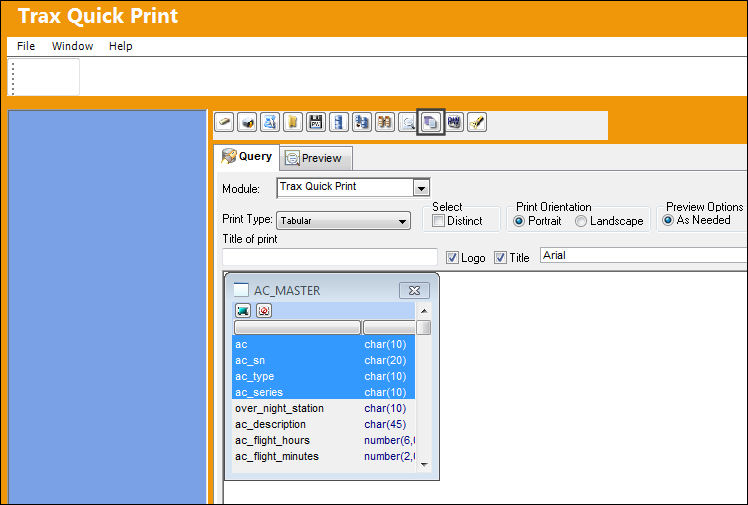
From the Update menu open a table and select desired fields. In the lower half of the window, select a Column and an Operator.
For additional information regarding the Column and the Operator function, refer to the Group Type section of this manual.
Select the Argument button.
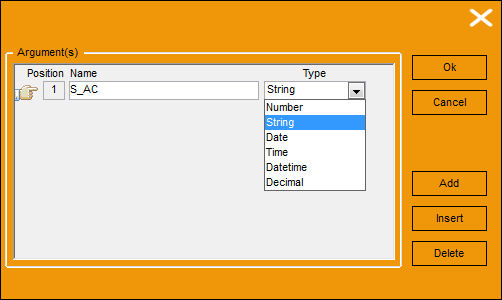
TRAX displays the following window. Enter a name for the retrieval argument and select a Type. In this example, the above selected fields are char/string expressions, therefore the Type selected is string.
Select 'Ok.'
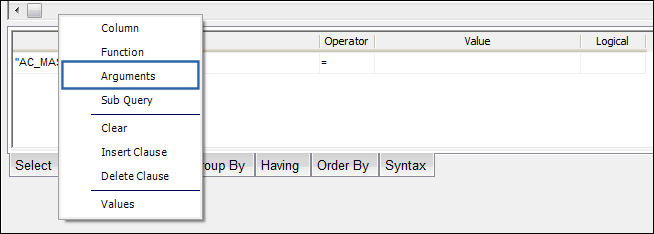
Right click in the Value section of the below window.

The following drop down appears. Select 'Arguments' from the drop down.
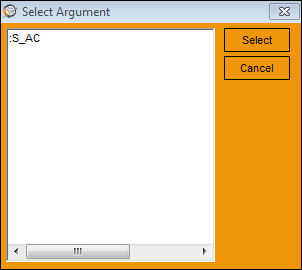
The Select Argument window appears. Select the argument to be retrieved and select 'Select.'
The argument is populated in the Value row. Select the Preview  button.
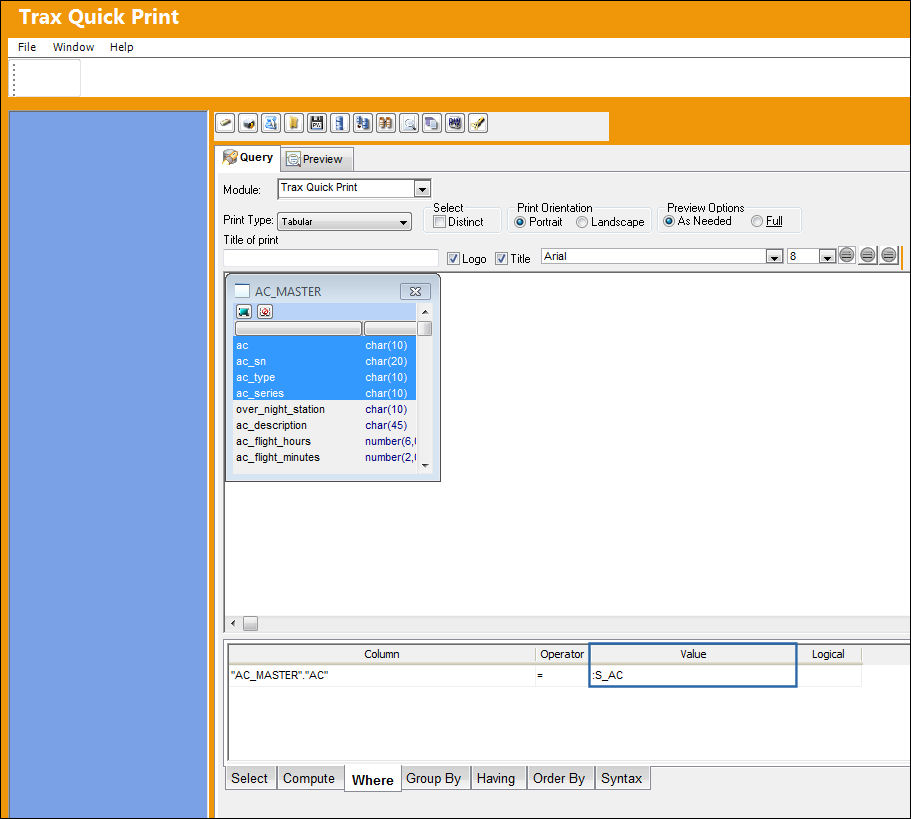
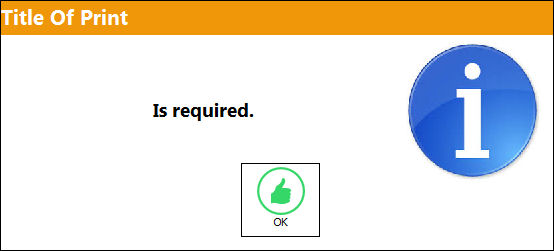
If the Preview button is selected before a title is entered in the Title of print field, the following information box will appear:
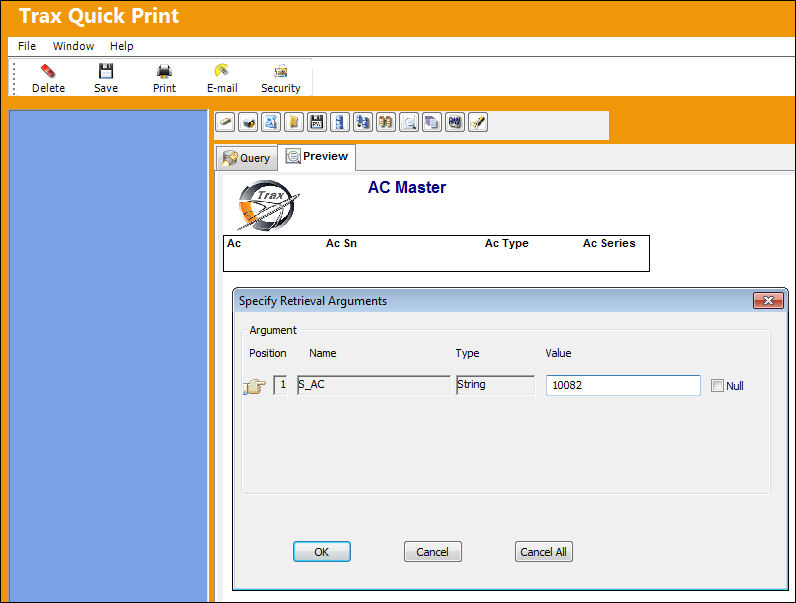
The Specify Retrieval Arguments window appears. Enter a value in the Value field and select 'OK.'
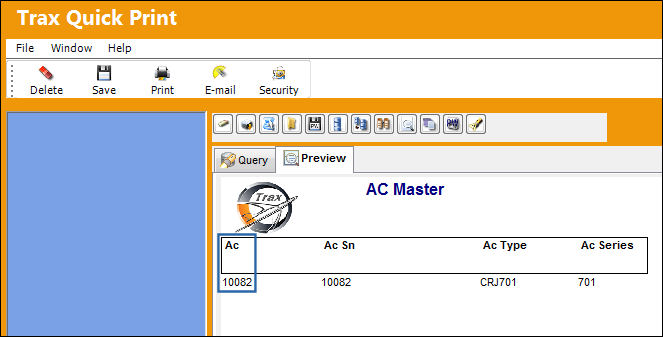
The print displays once the value is entered:
Share
Print
|
©1997-2026 Trax USA Corp. All rights reserved. This manual may not be copied, photocopied, reproduced, translated, or converted to any electronic or machine-readable form, in whole or in part, without prior written approval from Trax USA Corp. |
 |